
Overview
Issue: Items in Orders are coming in as "General Item"
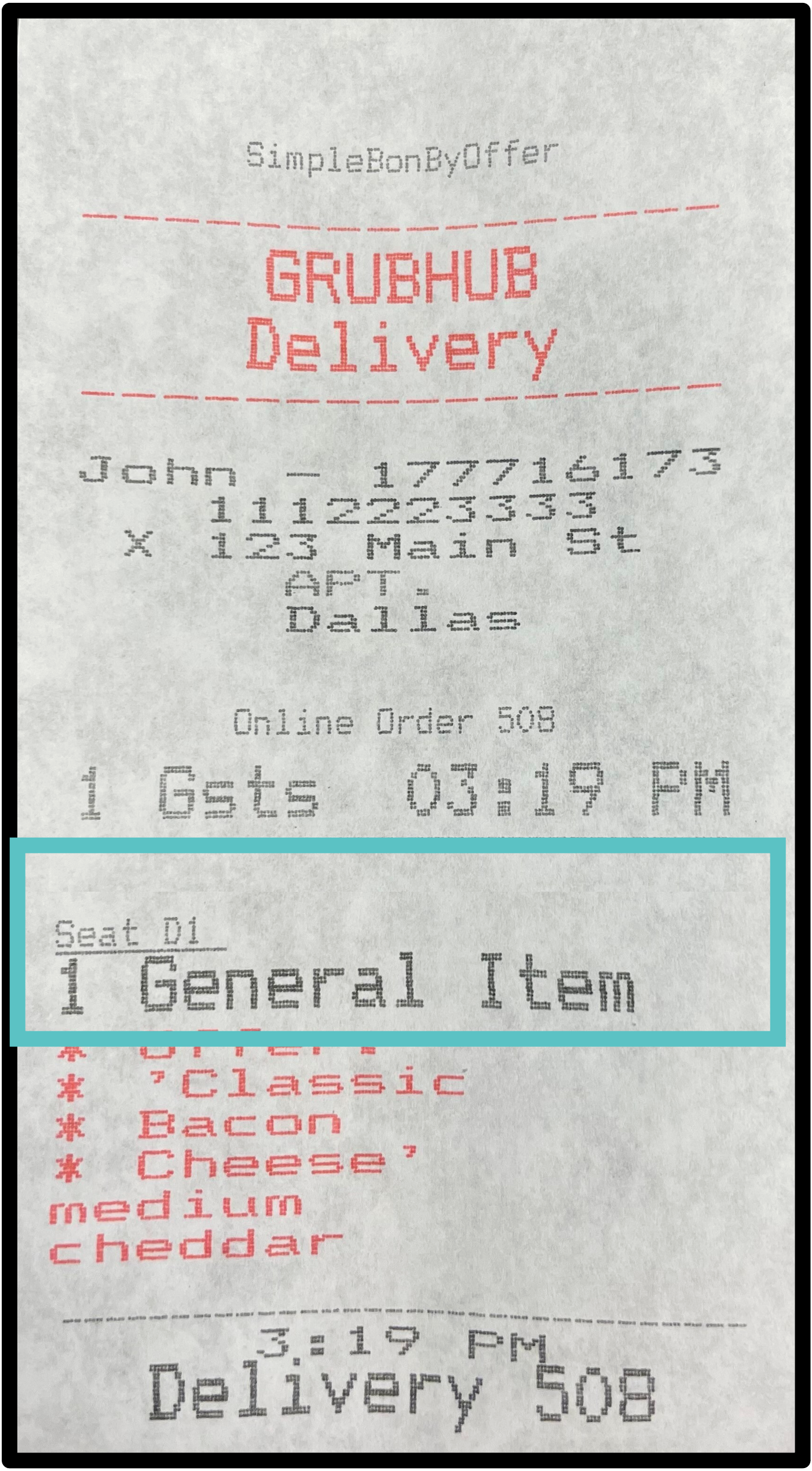
Cause: This means that there are menu Items in the 3rd party menu that is not linked (mapped) to Tabit menu Items or a modifier/modifier group is missing.
What to Check to Get the Error Resolved:
Check for Missing Menu Item
-
Verify the menu Item exists in Tabit Office > Third Party > Third Party View.
-
If it does not exist in Third Party View, add the Item to a category tagged for OrderOut, then Save & Publish.
-
Make sure the menu item name matches the 3rd party menu item name.
-
Then send an email to [email protected].
-
Provide the name of the item that was added and ask OrderOut to map the new Item
-
Missing Modifier/Modifier group
If a modifier/modifier group is configured in a third-party menu but not in Tabit’s menu item configuration, then this will cause the entire Item to come in as a “general Item”
-
Verify the Item matches the same name and modifier configuration.
-
Open the item in Tabit Order’s menu (or Tabit Office) and the third-party’s menu online.
-
Compare side by side.
-
If there are any modifier differences, there are 2 options to fix:
-
Delete the modifiers/modifier group from the third -party menu if it is not relevant to the Item
-
Add the modifier/modifier group to the menu Item in Tabit.
-
-
Email [email protected] and provide OrderOut exact details of the changes that were made and request them to pull the menus and remap the item.