
Overview
Use Device Status to review the Kiosk payment device’s configuration and connections.
Follow the steps below to check the device status:
-
Select the lock at the upper-right.
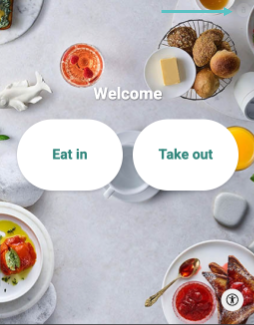
-
Enter the admin code using today’s day followed by month.
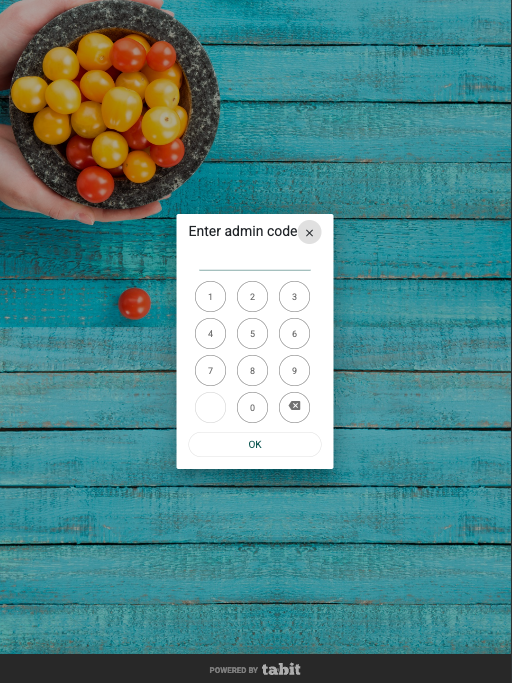
-
On Kiosk Settings Panel, open Device Status.
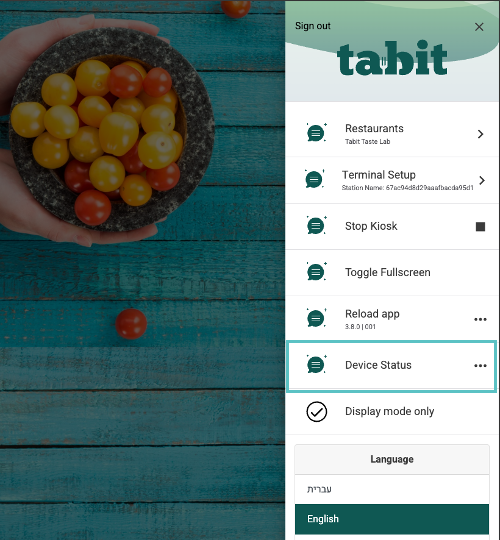
Understanding the Device Status Fields
The device-status screen opens:
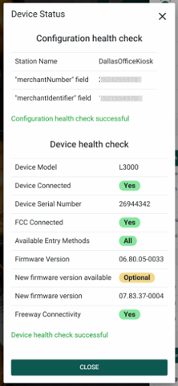
Review these fields:
-
Station Name: The Kiosk station’s name.
-
Merchant number: Store ID from Tabit Office Payment Device Settings.
-
Merchant identifier: Terminal ID from Tabit Office Payment Device Settings.
-
Configuration health check: Runs when Device Status opens and when a customer starts an order.
-
Device connected: If disconnected, the fields below become inactive.
-
FCC connected: Shows whether Freedom Pay is connected.
-
Available entry methods:
-
All: Swipe/Tap/Insert.
-
Swipe only.
-
-
New firmware version available: Shows whether an update is available.
-
Freeway connectivity: The device’s connection to FreedomPay Gateway.
If the status review does not resolve the issue, use the troubleshooting guide.