
If you're experiencing payment issues at the kiosk, follow these troubleshooting steps:
Issue: “Credit Card Services Unavailable” Error
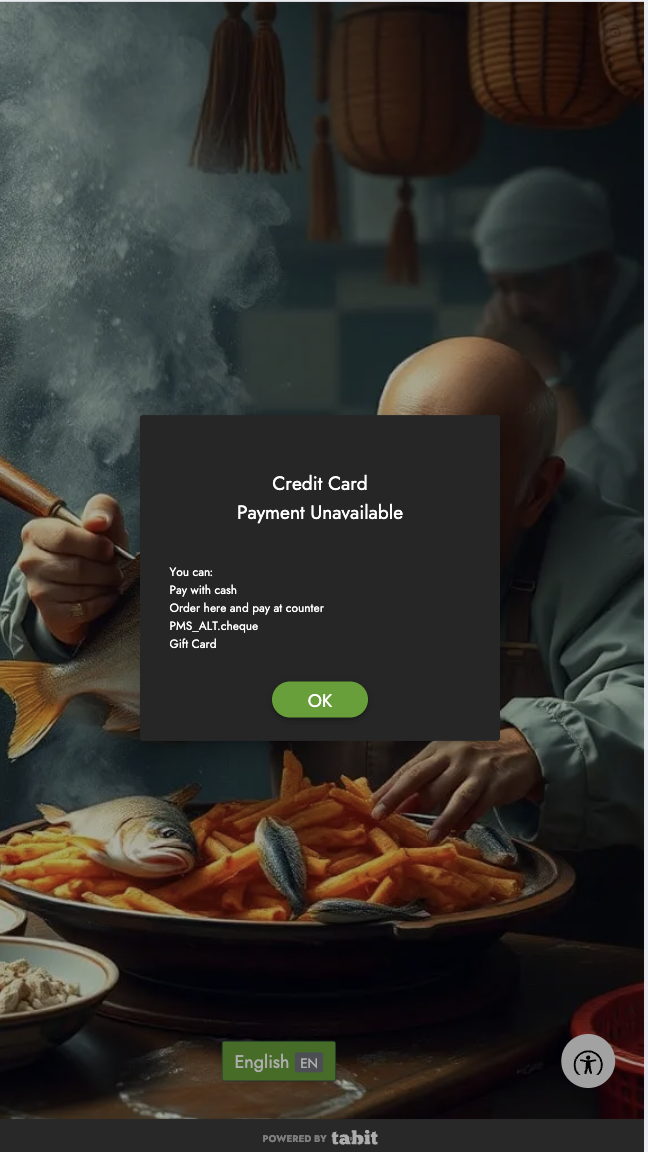
Solution:
-
Tap Device Status to check the payment device’s connection
-
Ensure the payment device is connected and turned on
-
If the issue persists, contact Flyght Support
Issue: Credit Card Payment is Not Showing as an Option
Solution:
-
Ensure the payment device is turned on and properly connected
-
If credit card services are unavailable, temporarily enable the "Pay at Counter" option in Tabit Office:
-
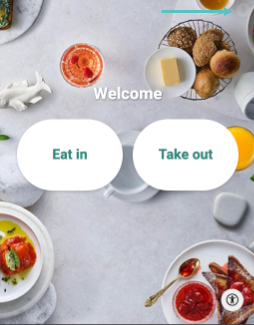
Tap the lock icon on the top right
-
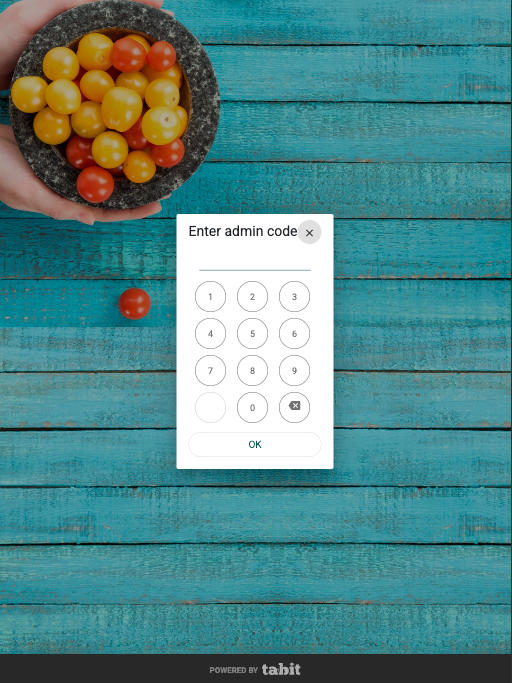
Enter the admin code: today’s date (day and then month)
-
Enable Pay at Counter
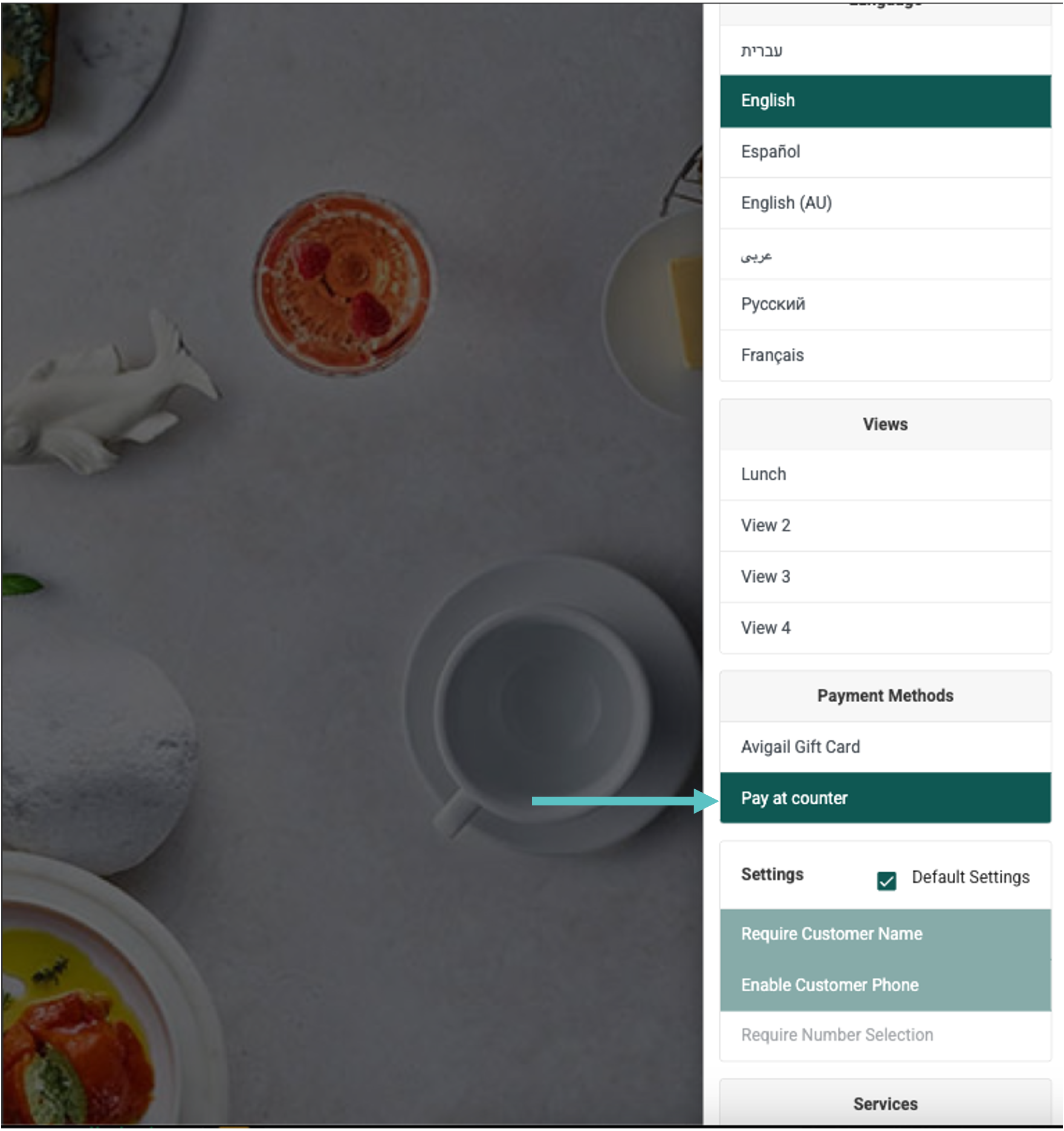
This allows customers to complete orders and pay at the register.
-
Issue: Credit Card Payments Fail
-
If a single payment fails, check the FreedomPay portal for error details
-
If multiple payments fail, contact Tabit Support immediately
For additional troubleshooting, see the general Kiosk troubleshooting article or contact Flyght Support.