Overview
Reload the Kiosk app when it needs to pick up changes or as an initial troubleshooting step. Common reasons include:
-
Takeaway or Eat-In was disabled in Tabit Office, and the kiosk needs to synchronize.
-
You want the latest version before the next automatic nightly reload and update.
-
You are starting to investigate a kiosk issue.
Follow the steps below to refresh the Kiosk app:
-
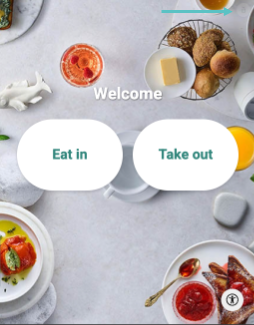
Select the lock icon at the top right.
-
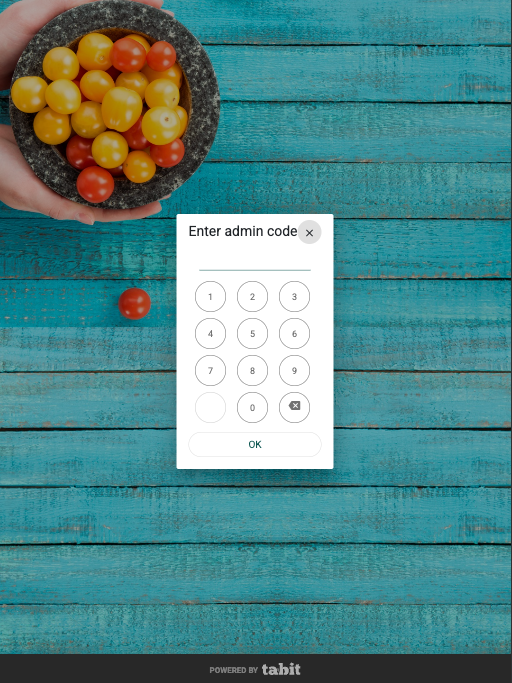
Enter today's date as the admin code, with the day followed by the month.
-
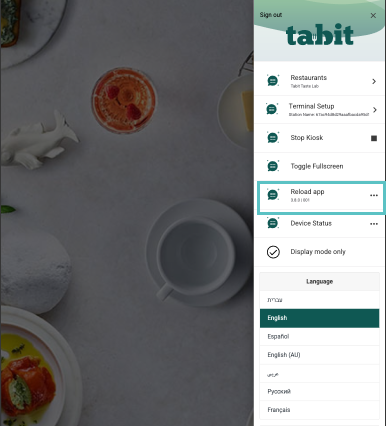
In the Kiosk Settings Panel, select Reload app.