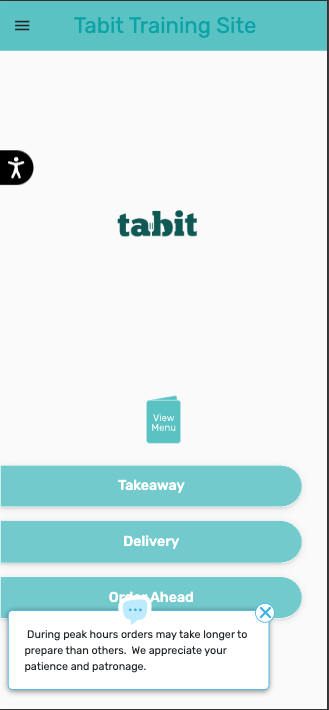
Overview
Use the TD profile to choose which configured messages customers see when placing takeaway or delivery orders online.
Follow the steps below to toggle messages on or off for takeaway and delivery orders.
-
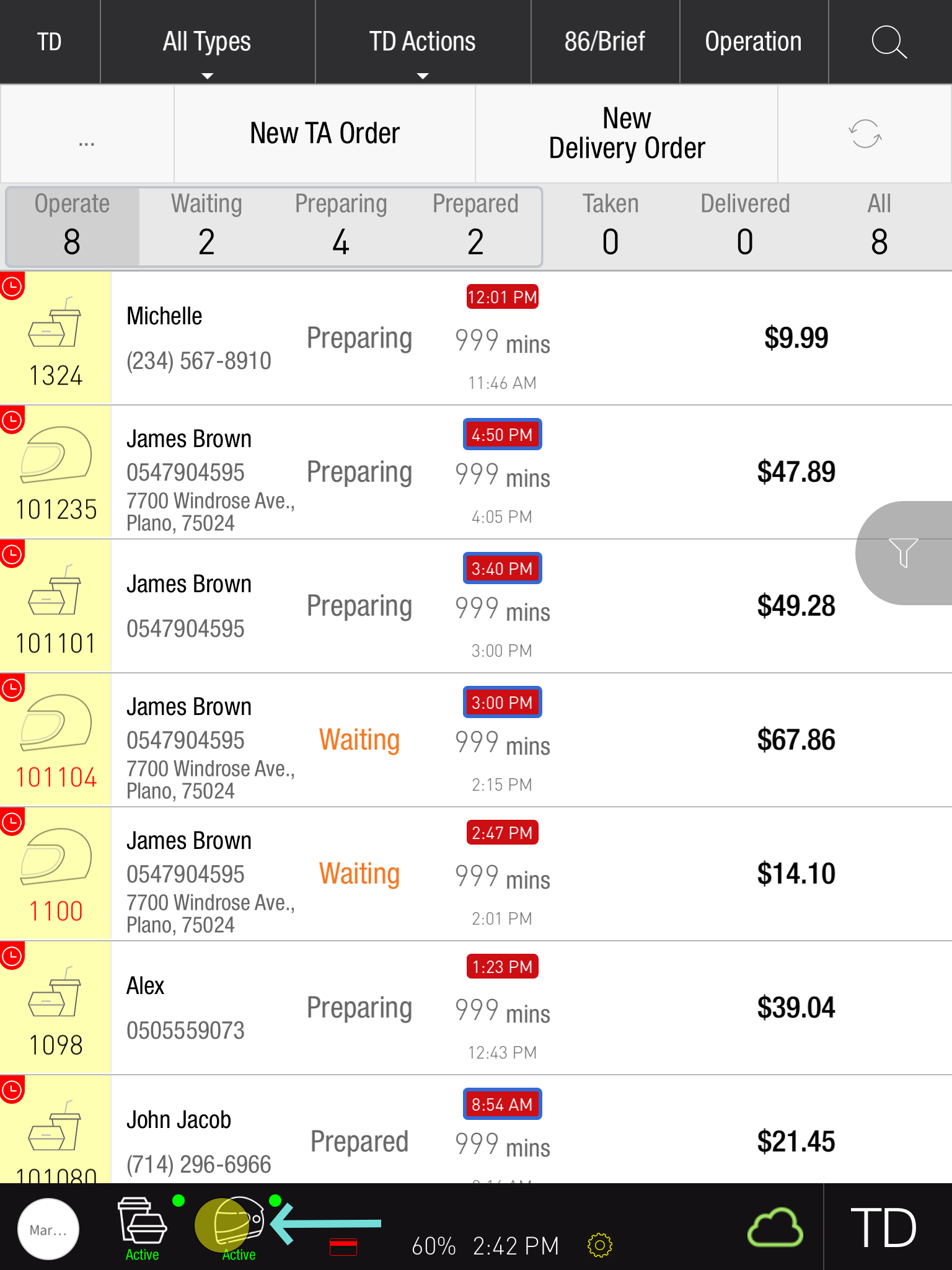
On the PAD’s TD Profile, tap the Driver Helmet icon at the lower-left.
-
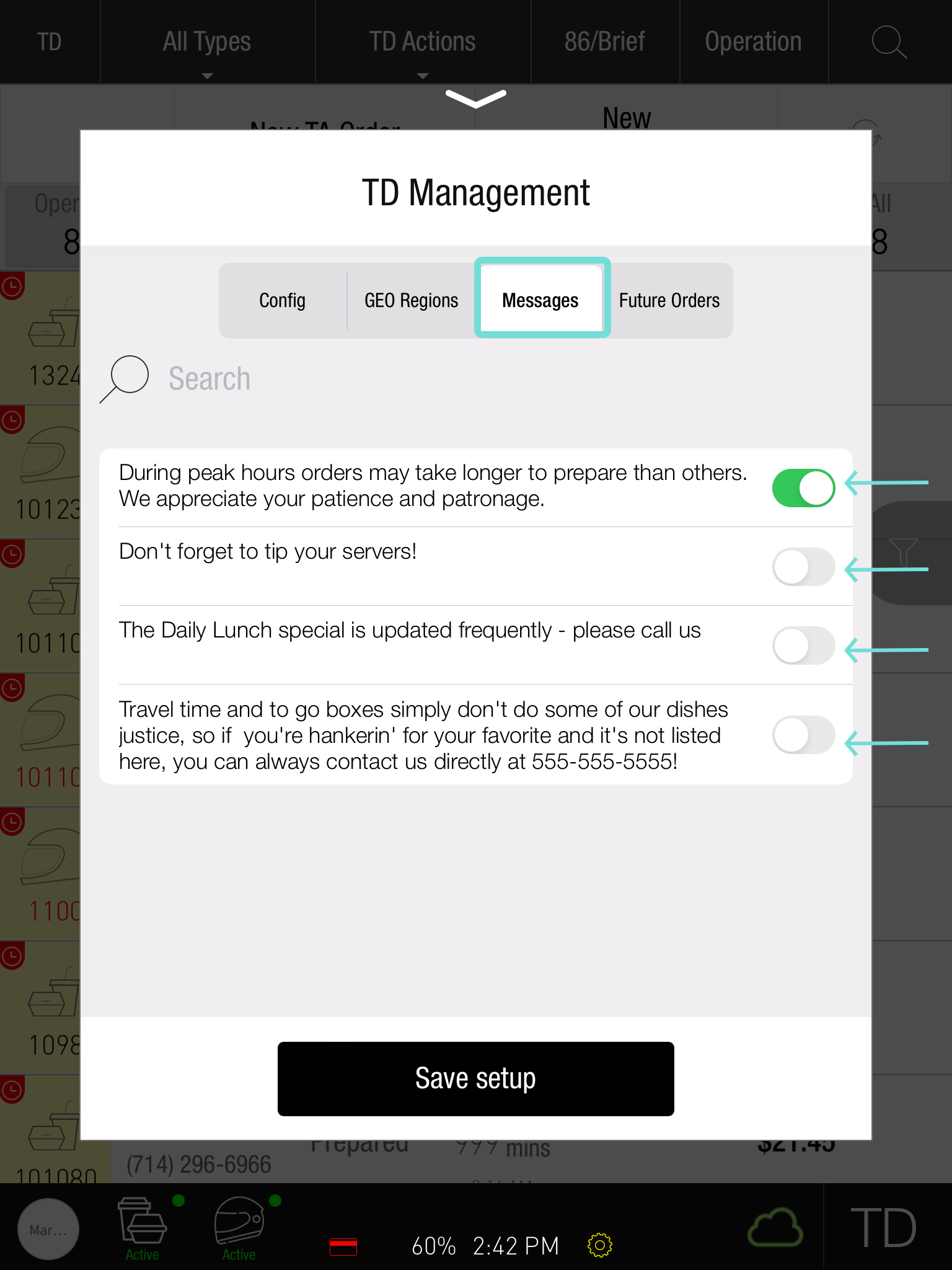
Open Messages at the top of the pop-up.
-
Messages configured in Tabit Office appear with individual switches. Turn each message on or off as needed.
-
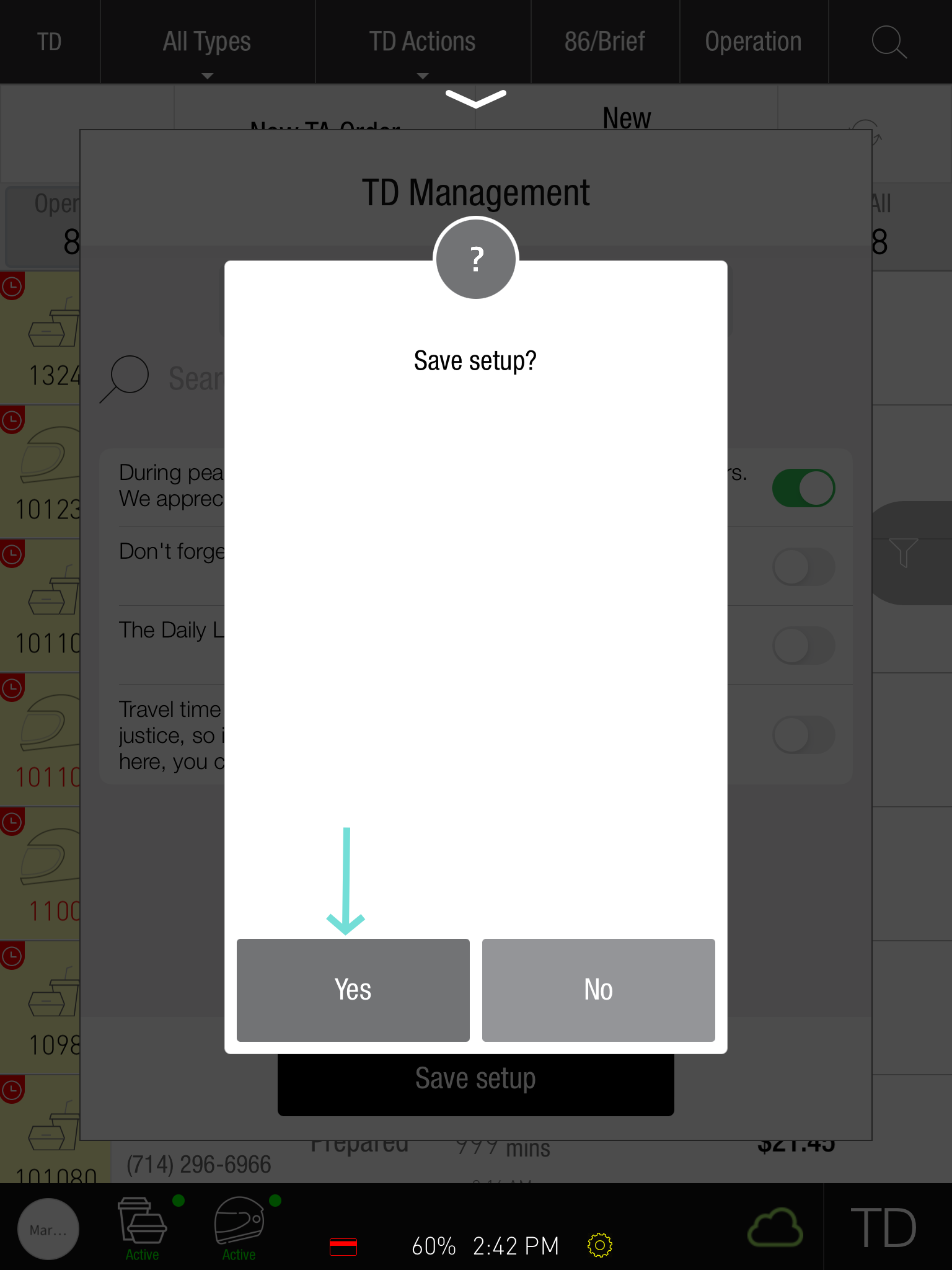
Select Save Setup at the bottom, then confirm with Save in the pop-up.
-
The customer-facing result is shown below: