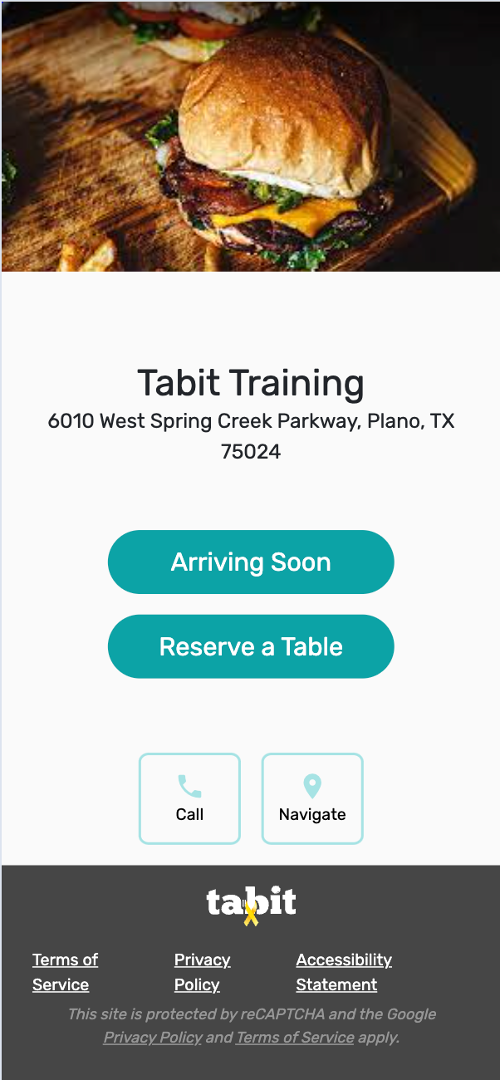
Overview
Change the image guests see during online booking from Tabit Office.
Save the replacement image on your computer before starting.
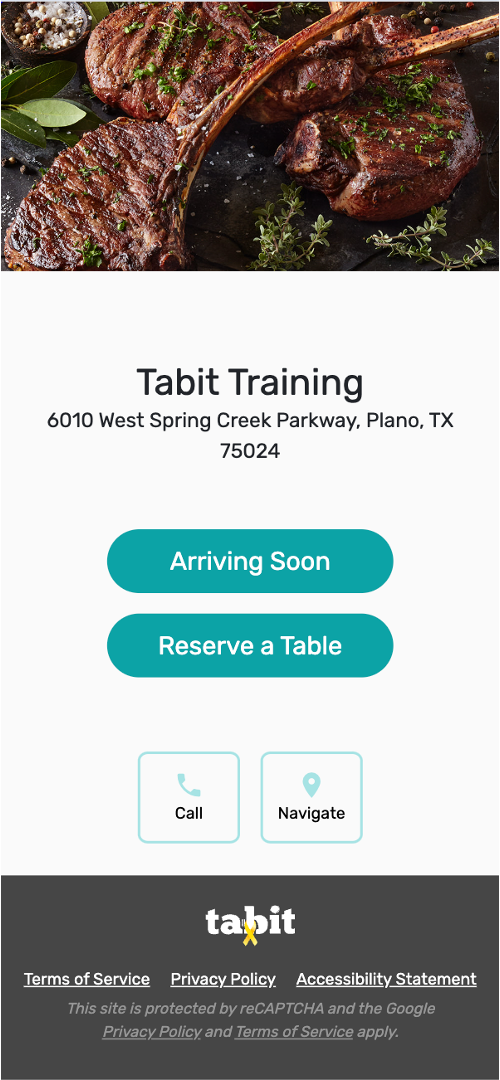
Follow the steps below to learn how to update the online booking image for Tabit Guest:
-
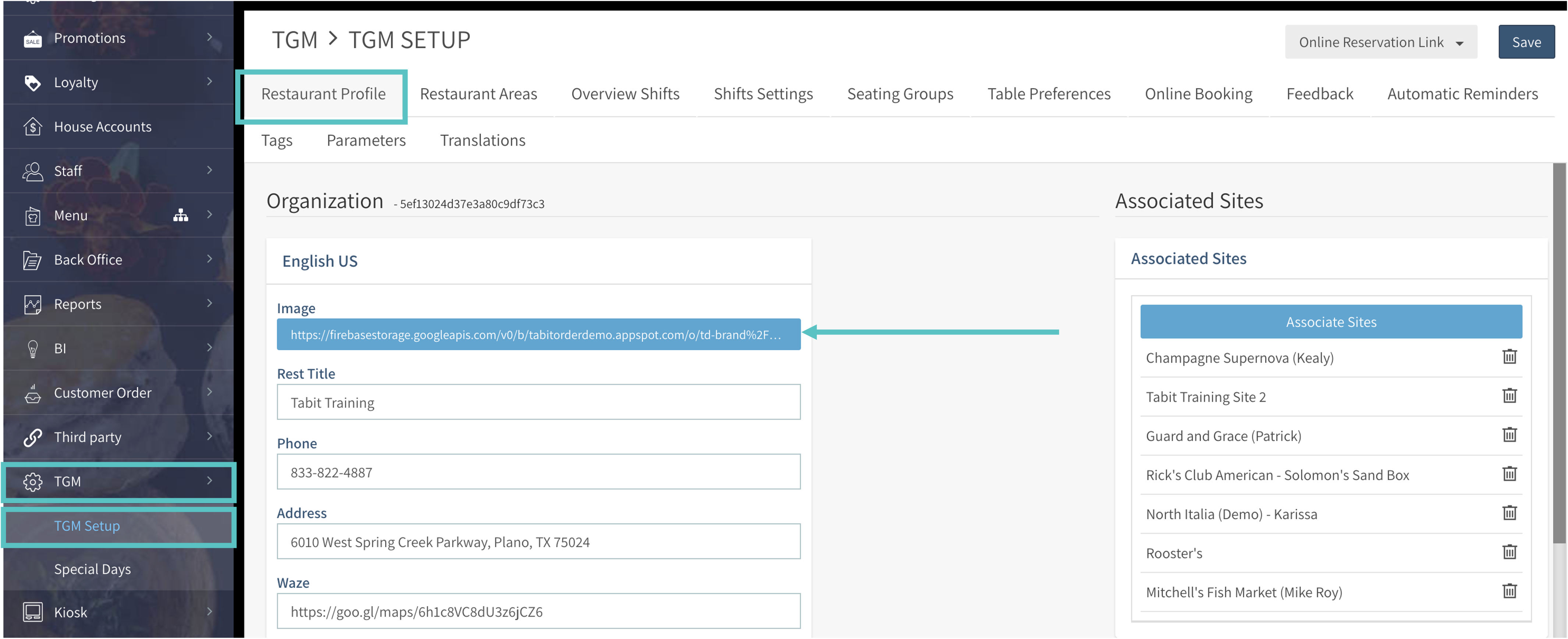
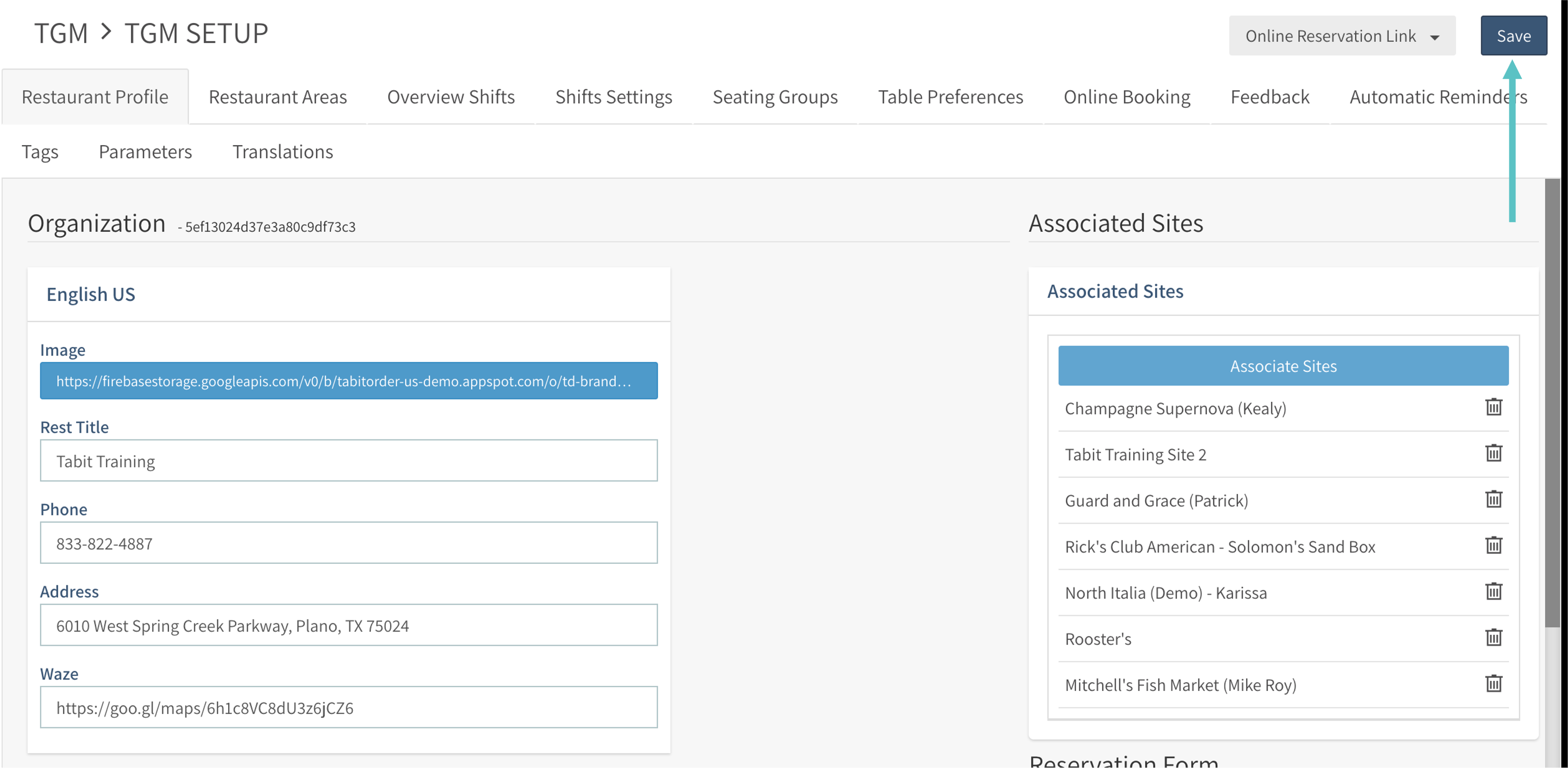
Open TGM > TGM Setup in Tabit Office.
-
Open Restaurant Profile.
-
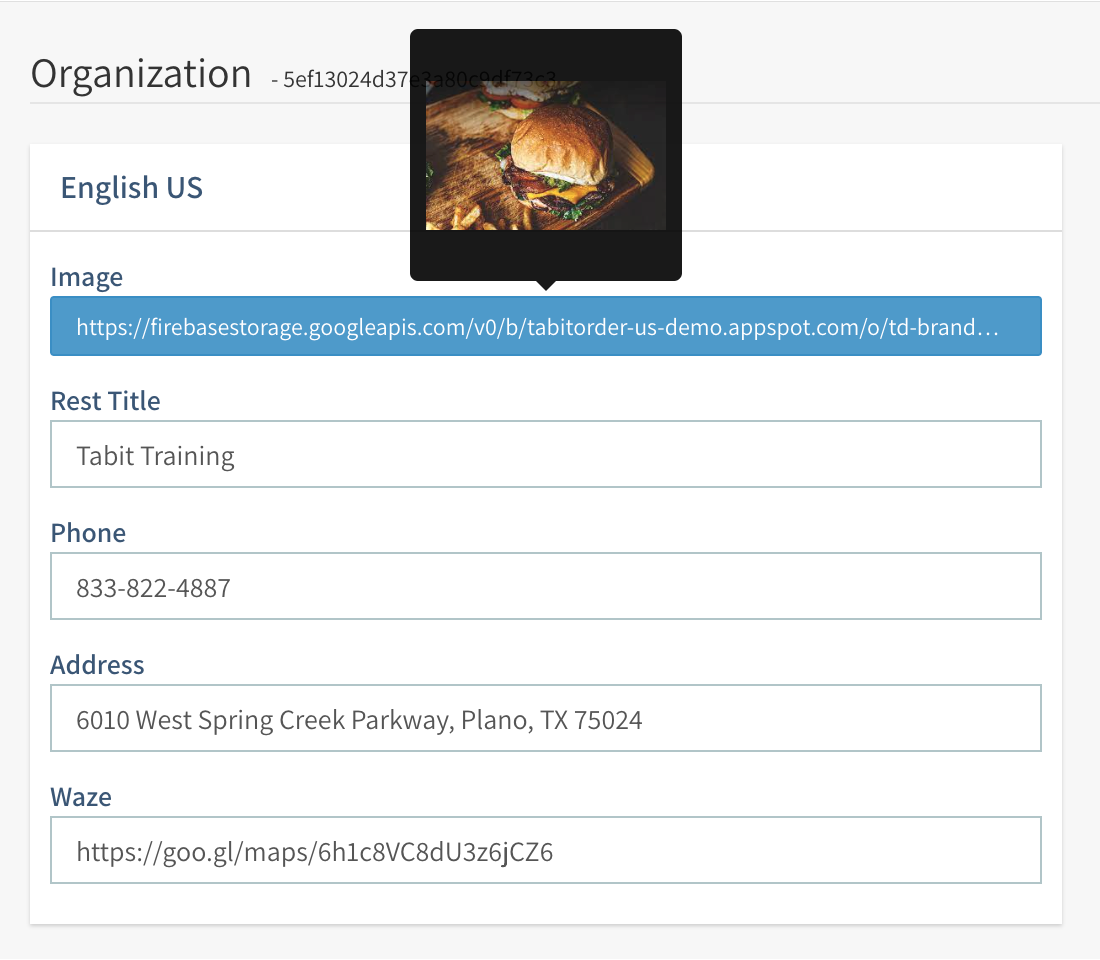
Select the Image box.
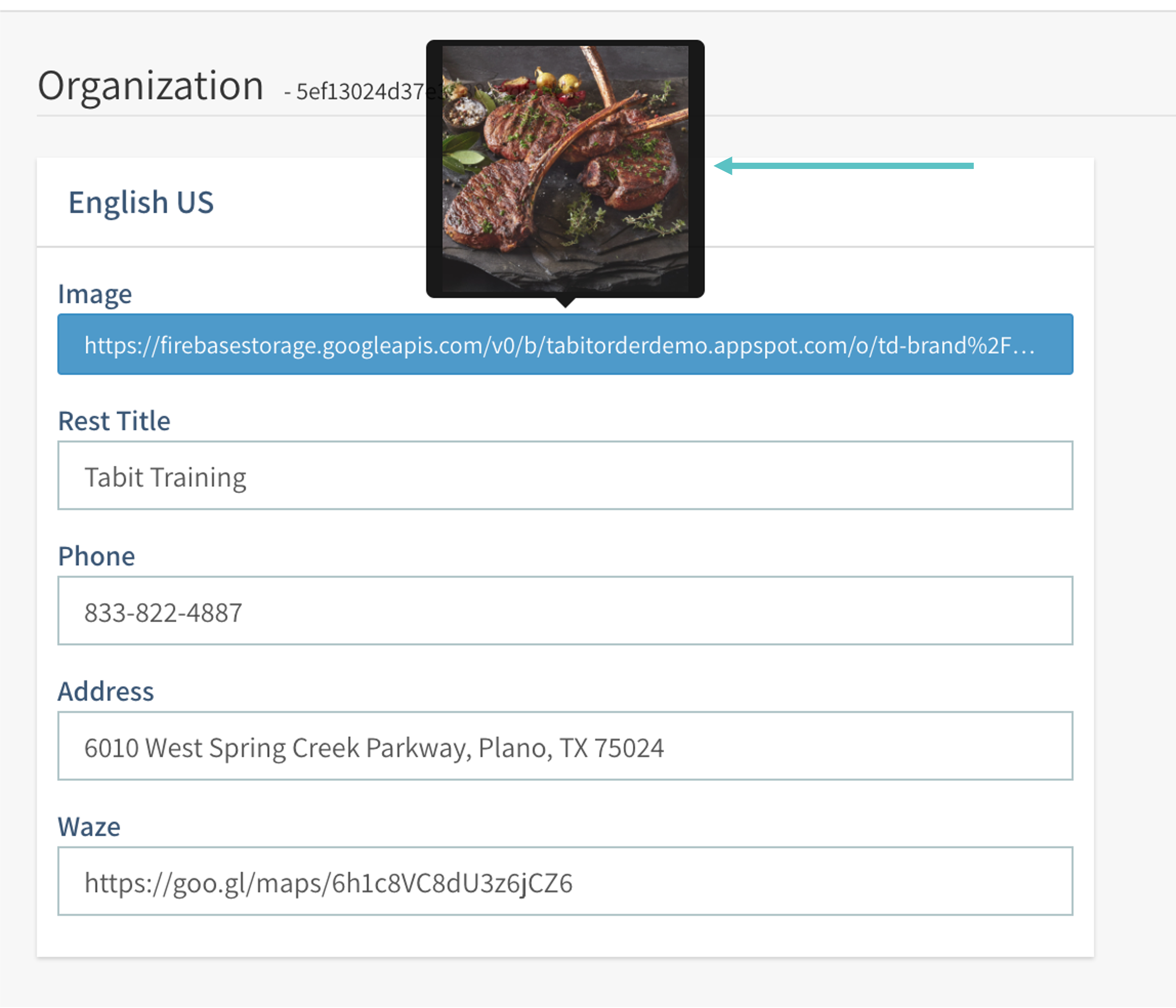
Hover over the box to preview the current image.
-
Choose the new file and select Open.
-
Hover over Image again to check the replacement.
-
Select Save at the upper-right to keep the new booking image.
-
The online booking page now uses the selected image.