
Overview
On the restaurant's Tabit Order site, customers can sign in to their Loyalty account to view rewards and use eligible coupon codes, discounts, and offers during checkout.
The steps below outlines how a Customer signs-in to their loyalty account and redeem rewards when making an online order:
-
Select the Loyalty Program sign-in widget on the restaurant's Tabit Order website.

-
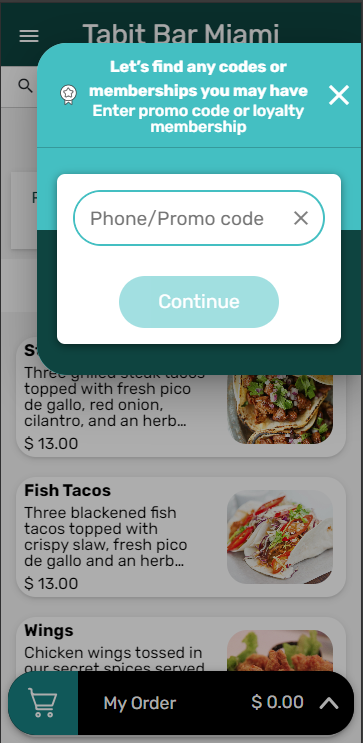
Provide the phone number or promo code number.
-
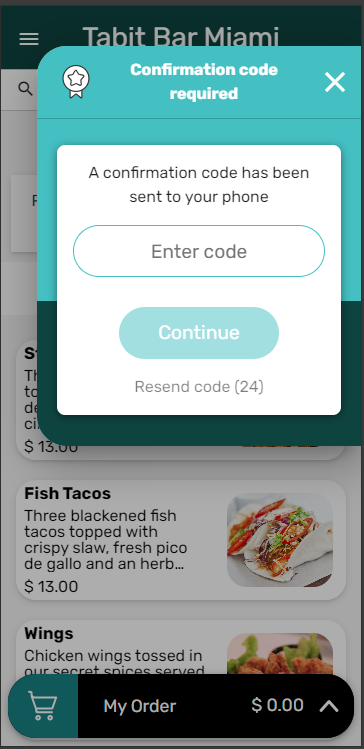
Enter the authentication code received by SMS.
-
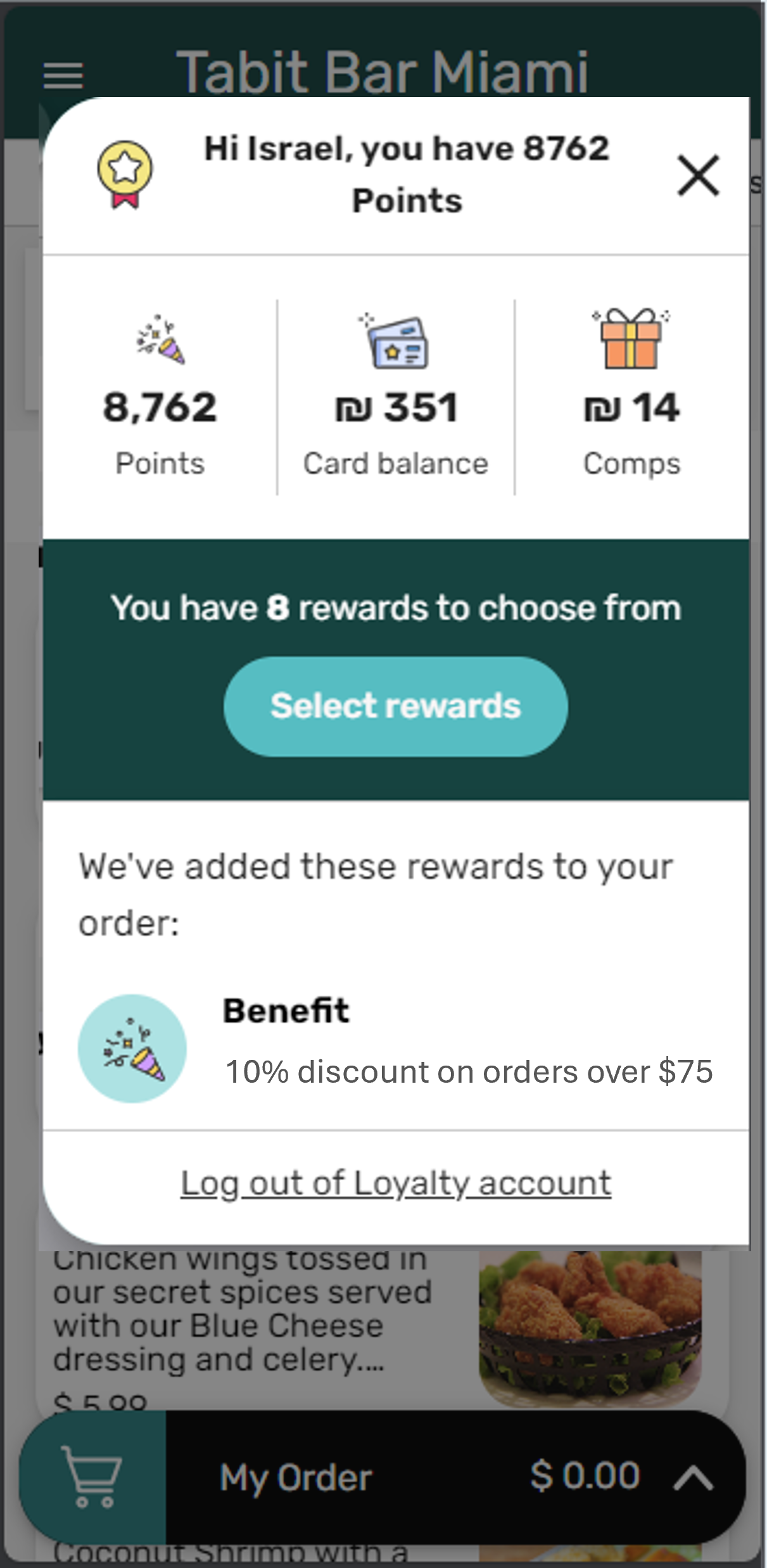
Once signed in, review the reward balance and select the rewards to apply to the order.
See Related Article:
How to Redeem a Gift Card in Tabit Order