Overview
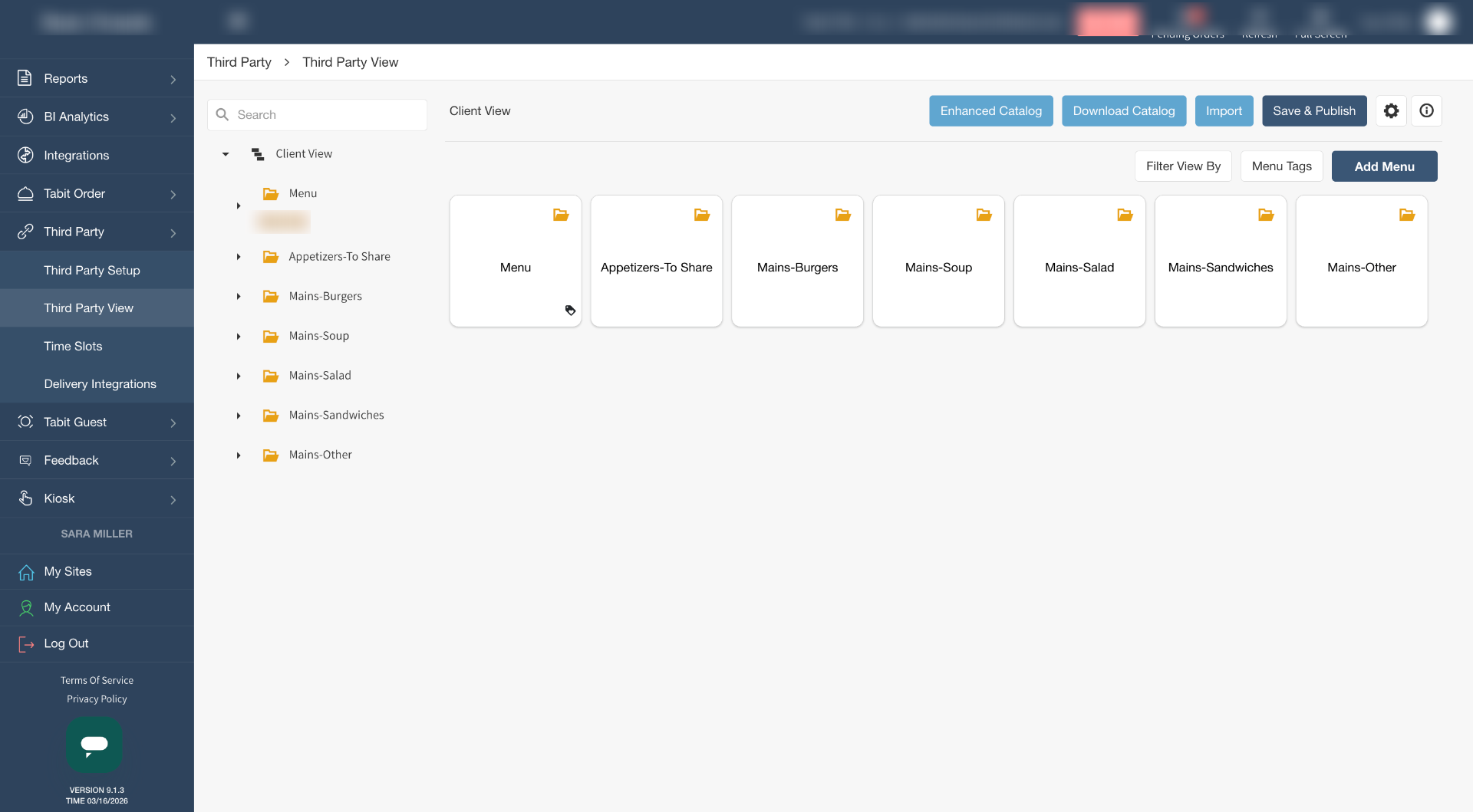
Menus, offers, and entire PAD Views can be imported directly into Third Party View, making it easy to prepare menus for delivery platforms and other integrations without recreating content manually. This allows you to quickly bring over existing menu structures from your PAD View, including categories and offers, so you can configure and publish them to third-party platforms with minimal effort.
By importing from PAD View, you ensure that your third-party menus stay consistent with your in-house menu setup while saving time on configuration. You can choose to import an entire PAD View at once or selectively import specific menus, categories, or offers depending on your needs.
Follow the steps below to import menus and items from PAD View into Third Party View:
-
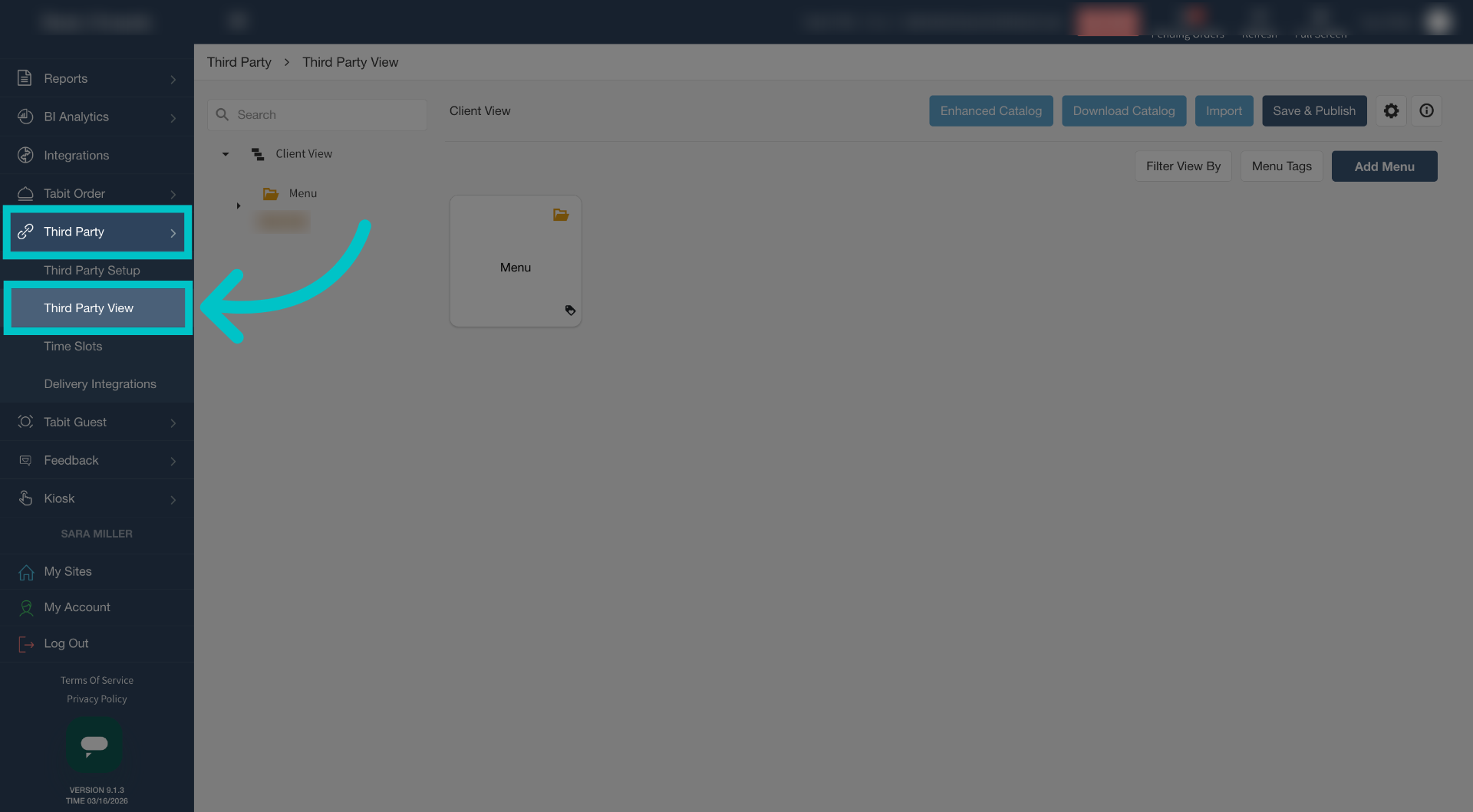
In Tabit Office, go to Third Party > Third Party View
-
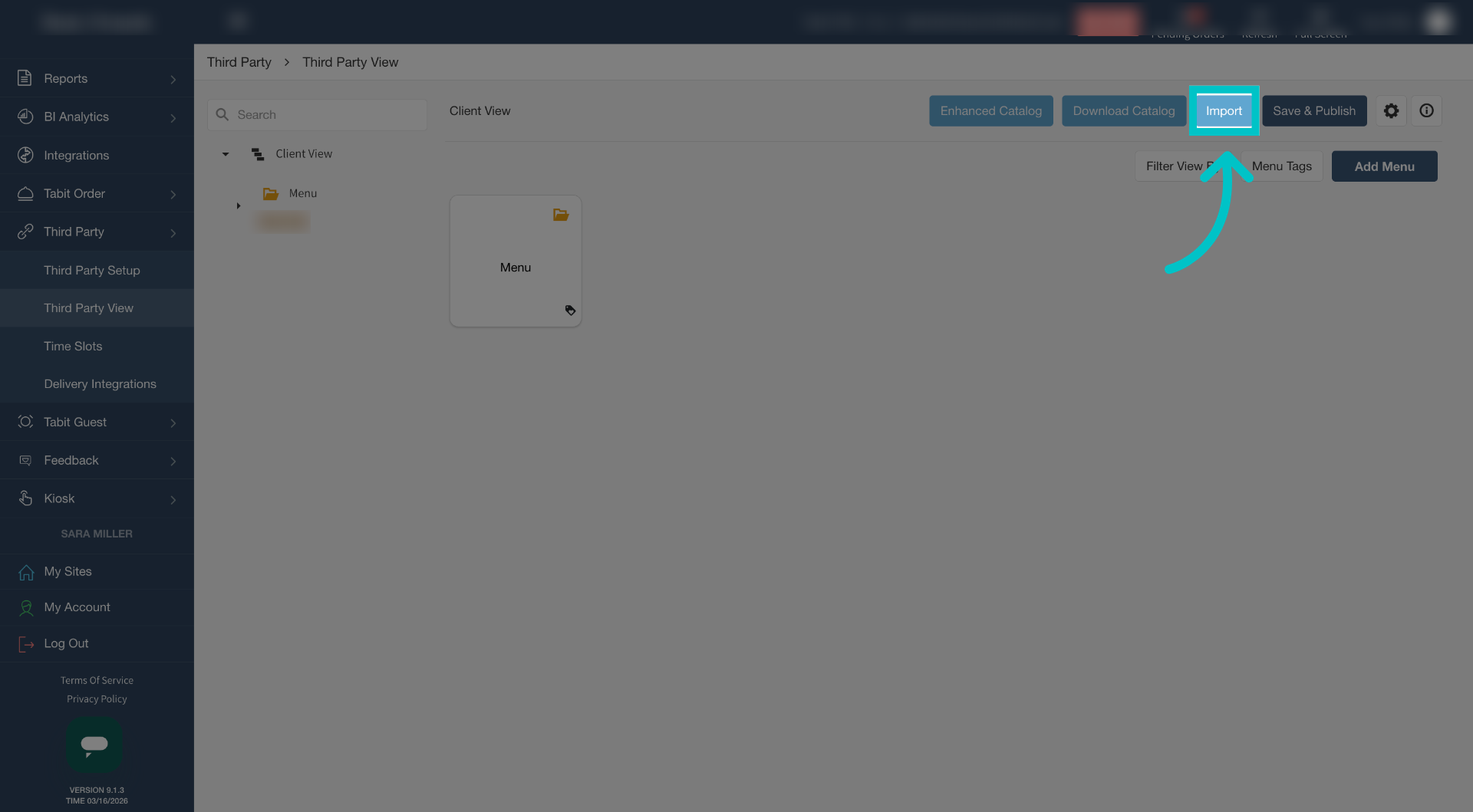
Select Import
-
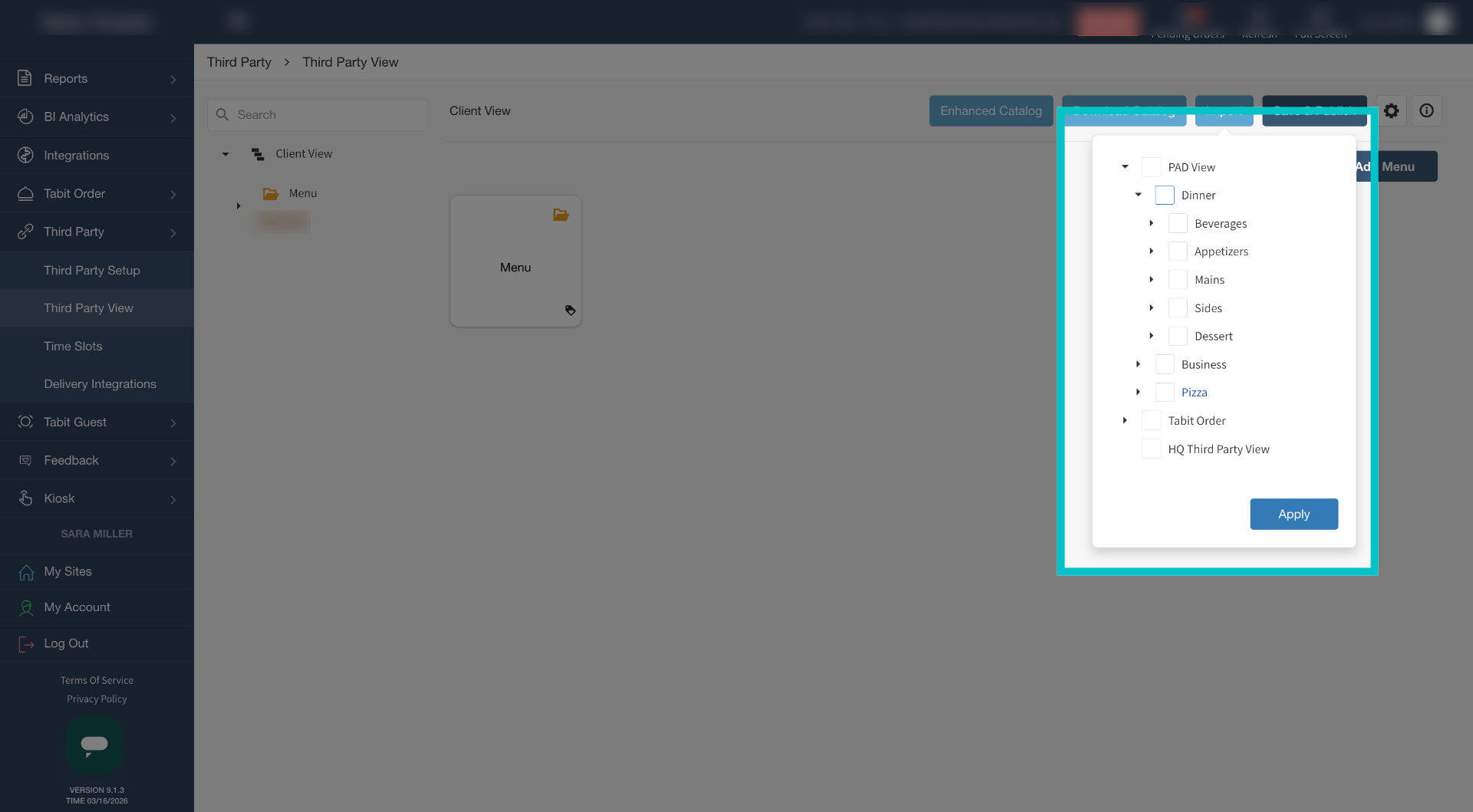
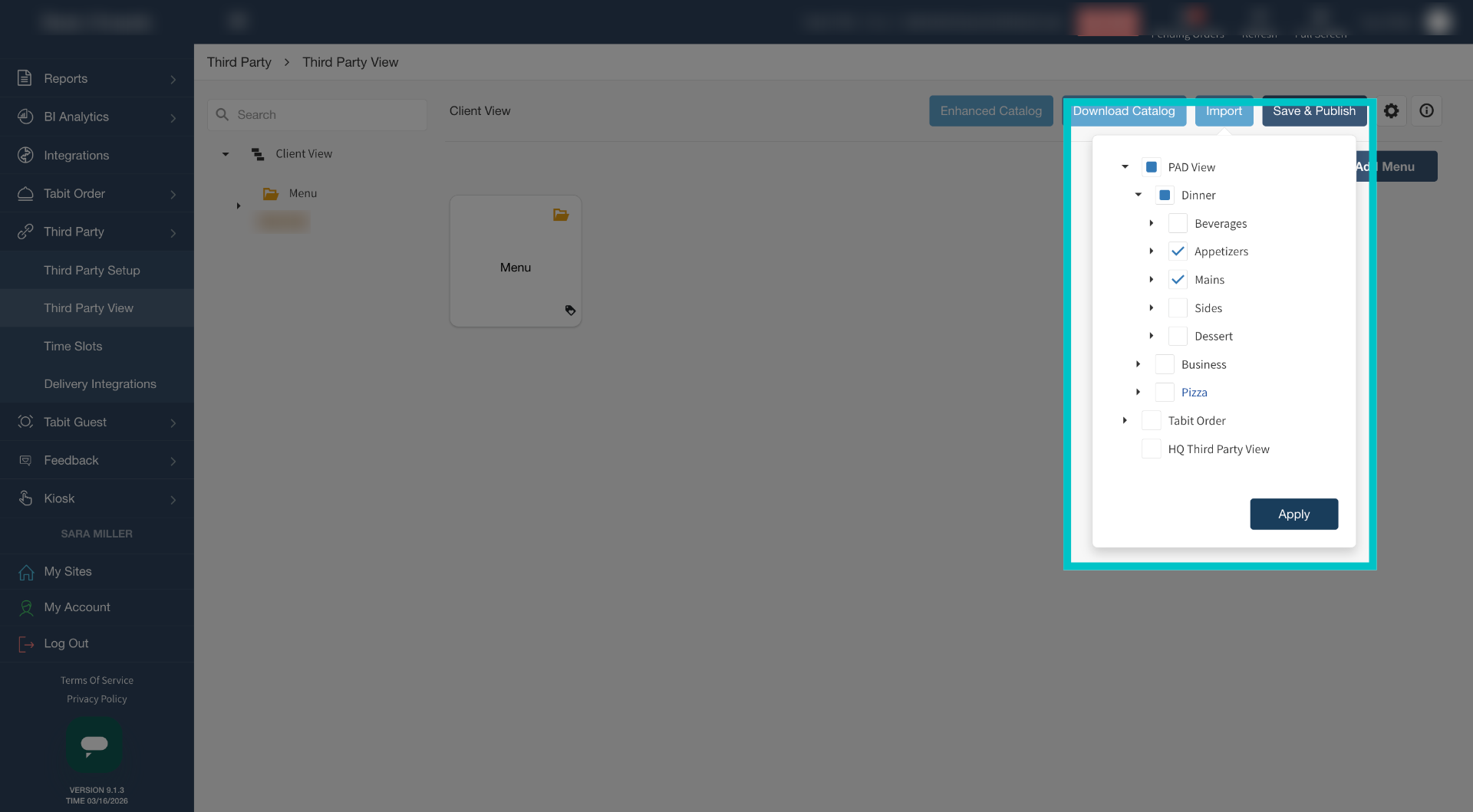
Now you can either import the entire PAD View or browse and select a specific menu, category, or offer to import
-
Select what you would like to import and then select Apply
-
Now the selected menus, categories, or offers have been imported to Third Party View and can be used on Third Party Platforms