Overview
After connectivity returns, bring the site back online.
Follow the steps below to learn how to take a site back online and recover from offline mode:
-
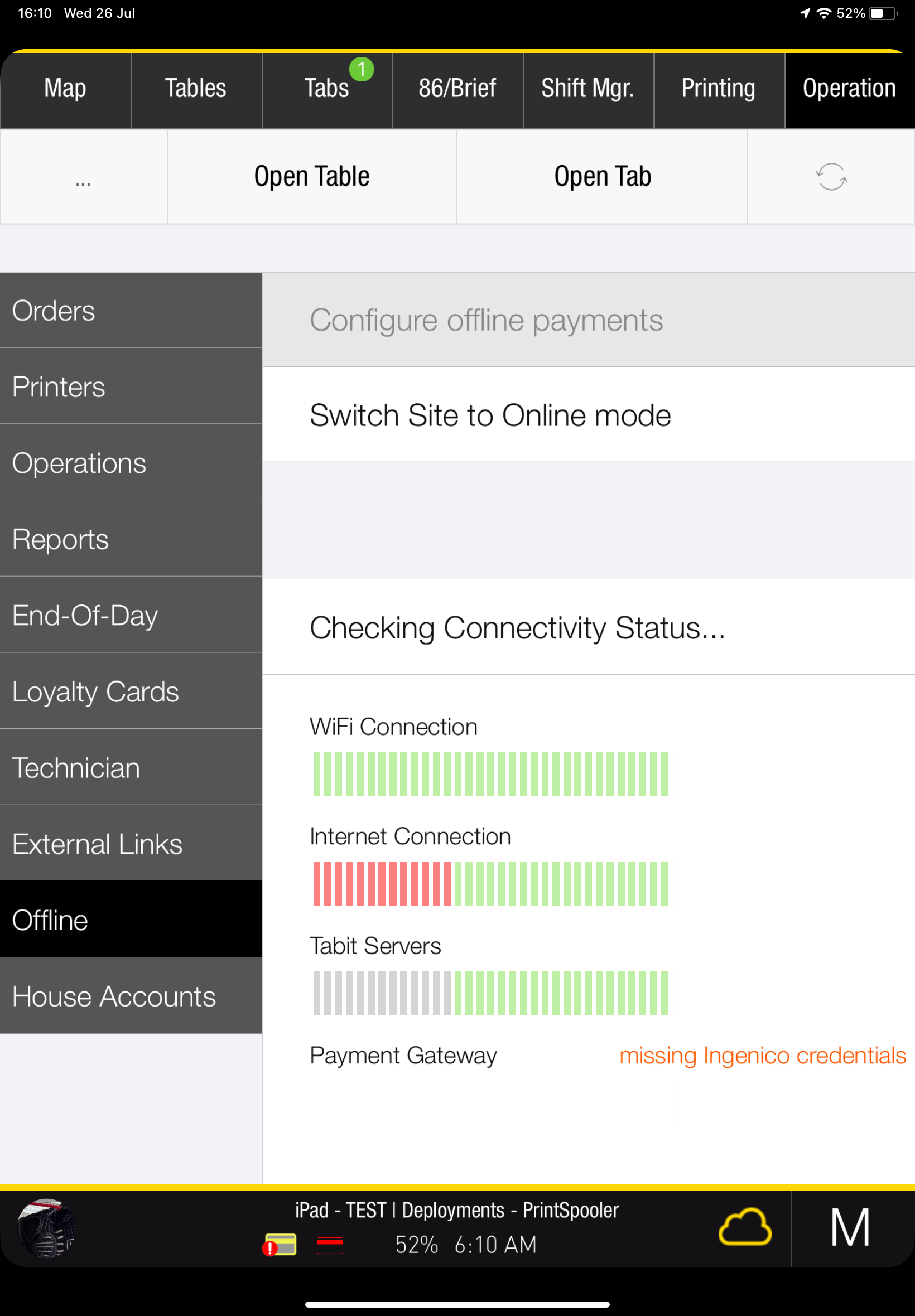
On the Spooler PAD, open Operation > Offline and select Switch Site to Online mode.
-
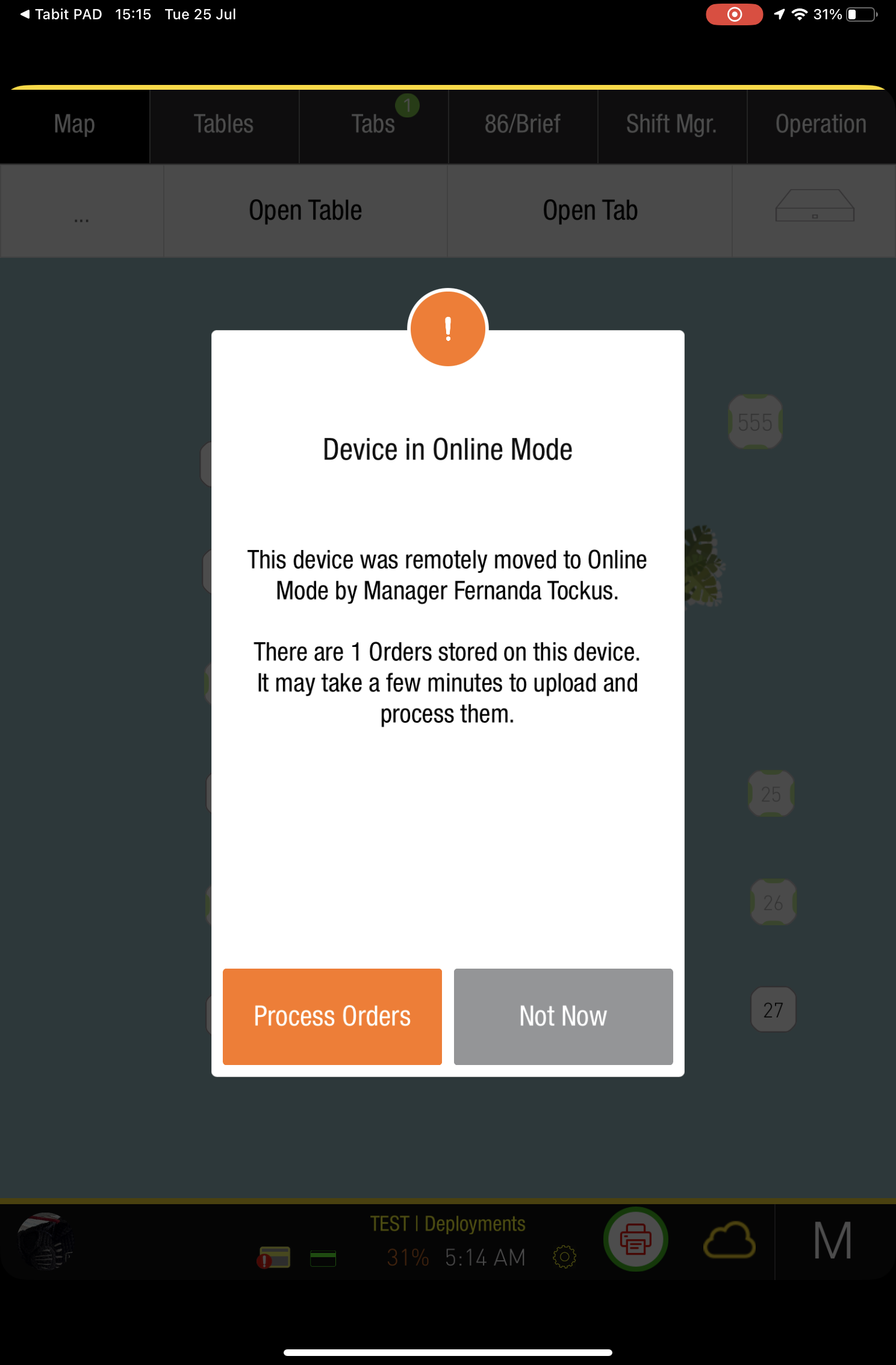
Each connected PAD then asks whether to process its offline orders now or later. Orders are processed one at a time. If the device holds many orders, you can postpone processing to avoid occupying that PAD immediately.
-
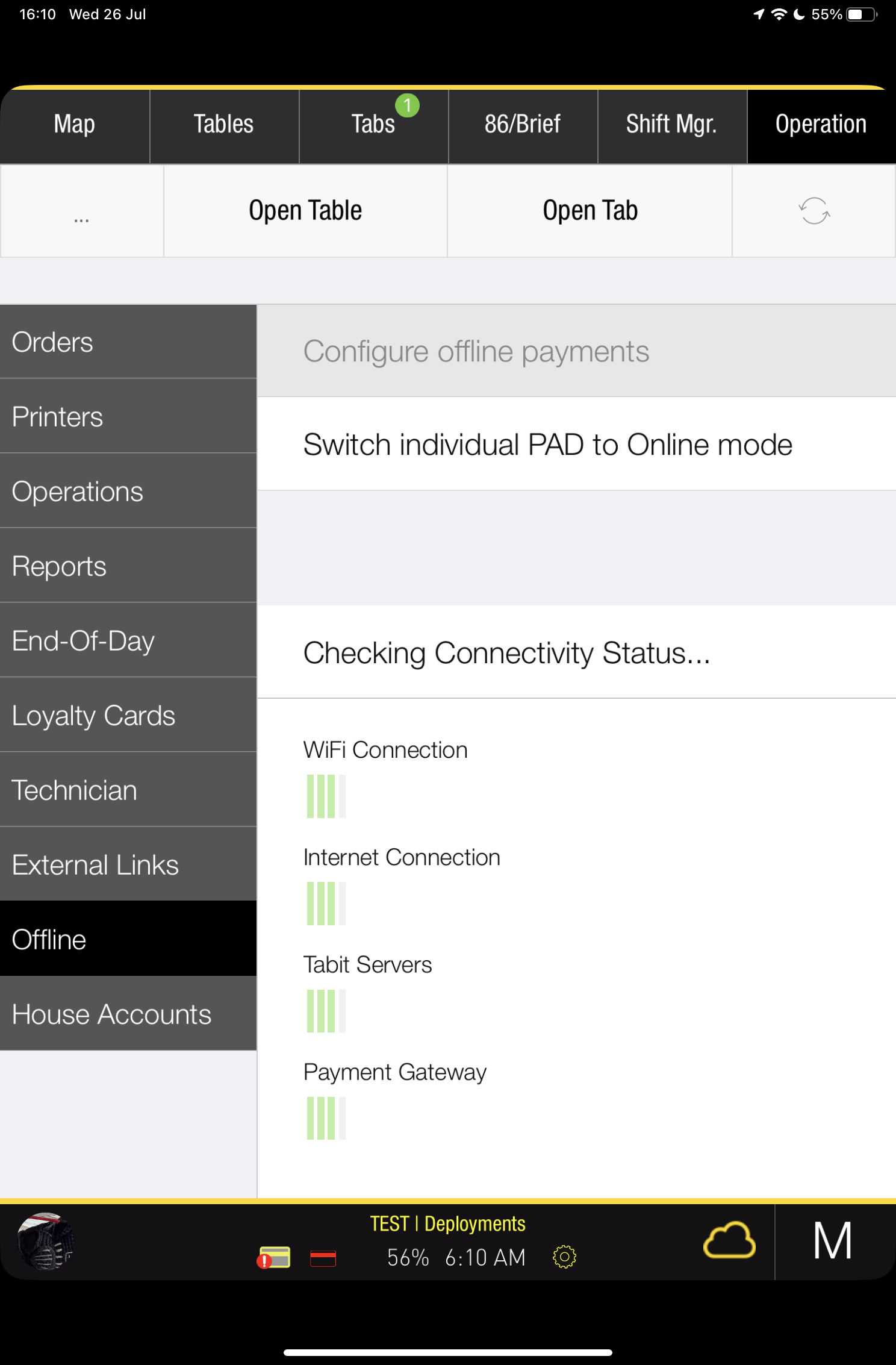
Selecting Not Now leaves that PAD in Offline Mode. Bring the individual PAD online manually when you are ready.
-
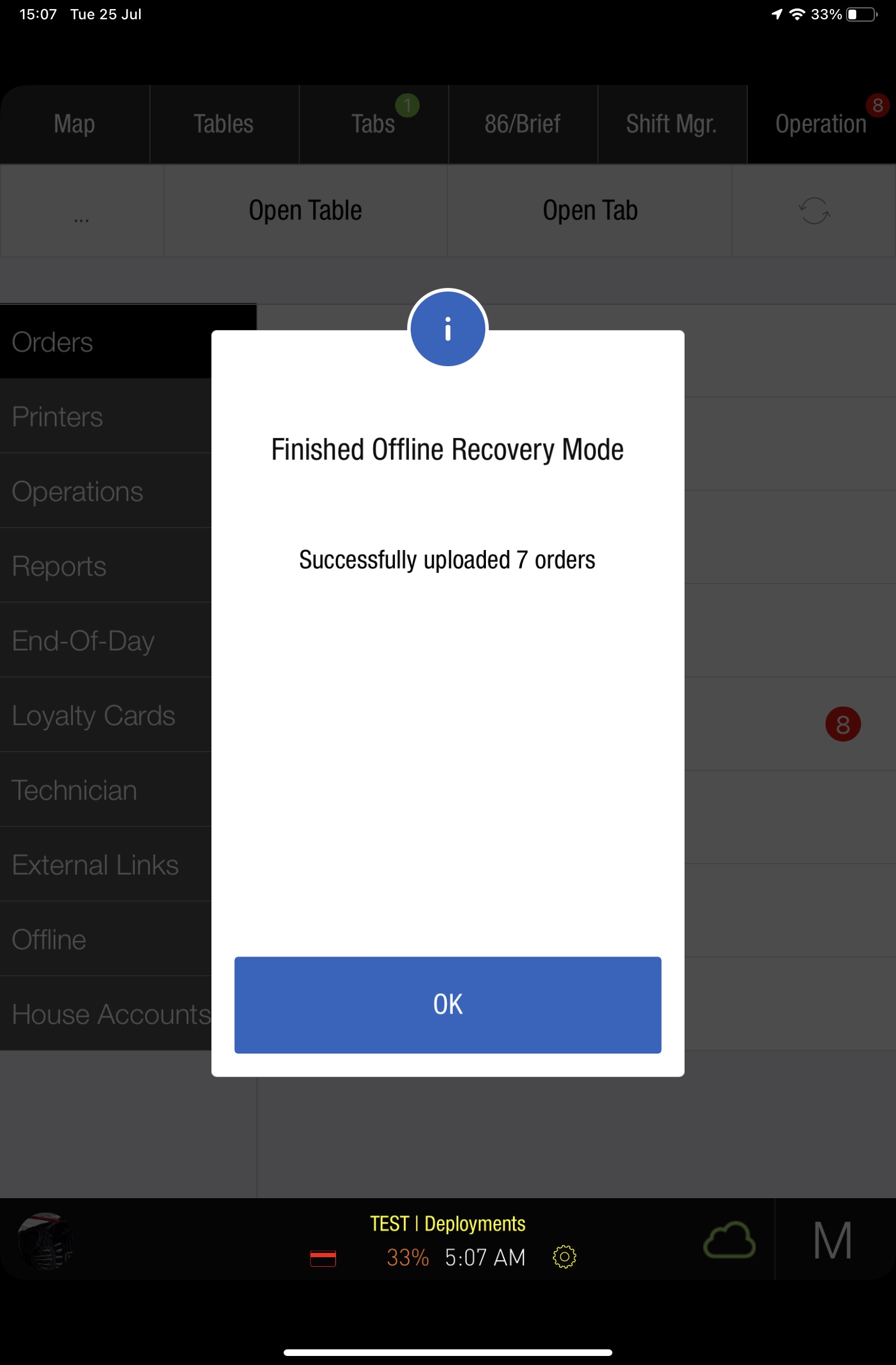
When processing finishes, a notification confirms that all orders have been processed and normal service can resume.