
If a Kitchen Ticket falls into the fryer, slips into the grill, gets dirty and is illegible, doesn't print the first time, or if you just need to reprint it, it's easy to reprint a Kitchen Ticket from the PAD.
Follow the steps below to learn how to reprint a Kitchen Ticket:
-
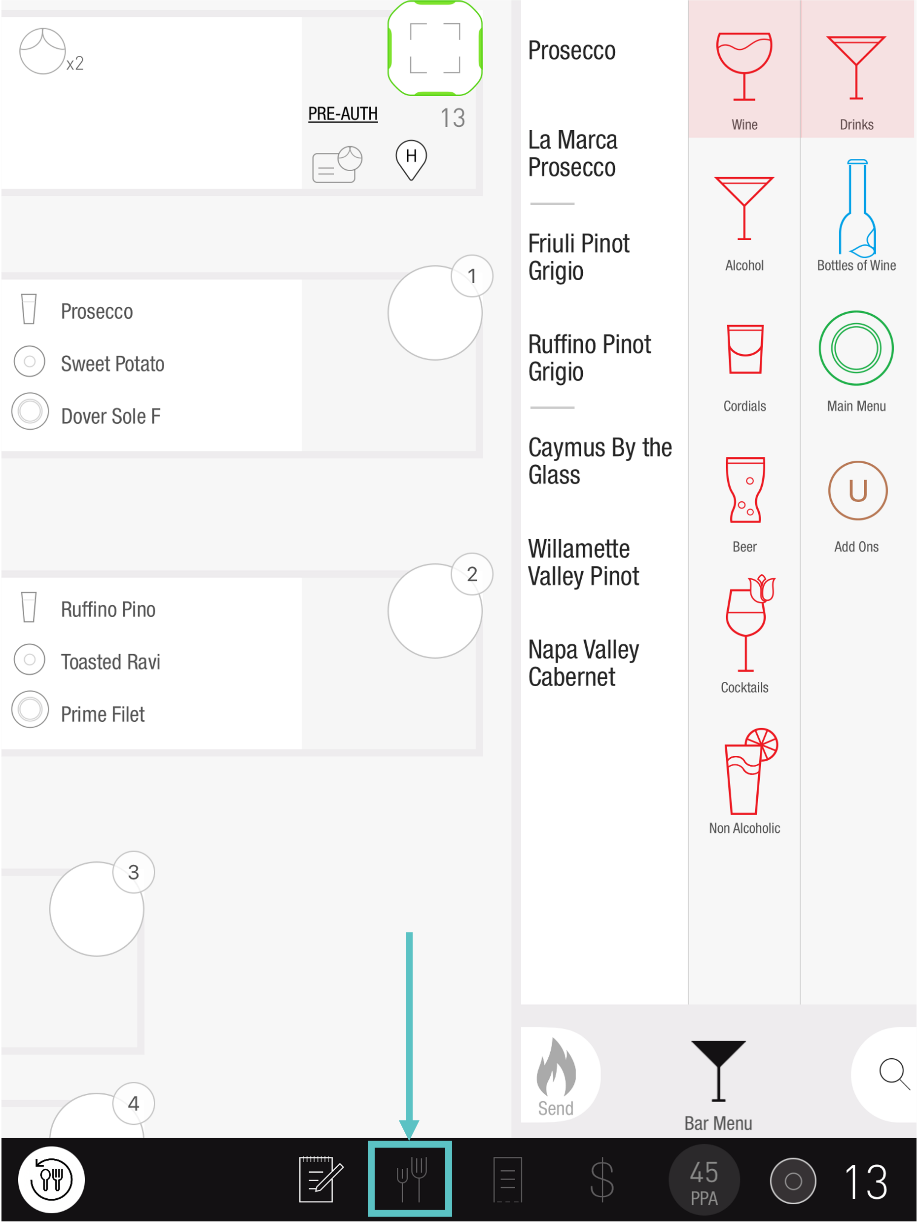
On the PAD, go to the Coursing screen
-
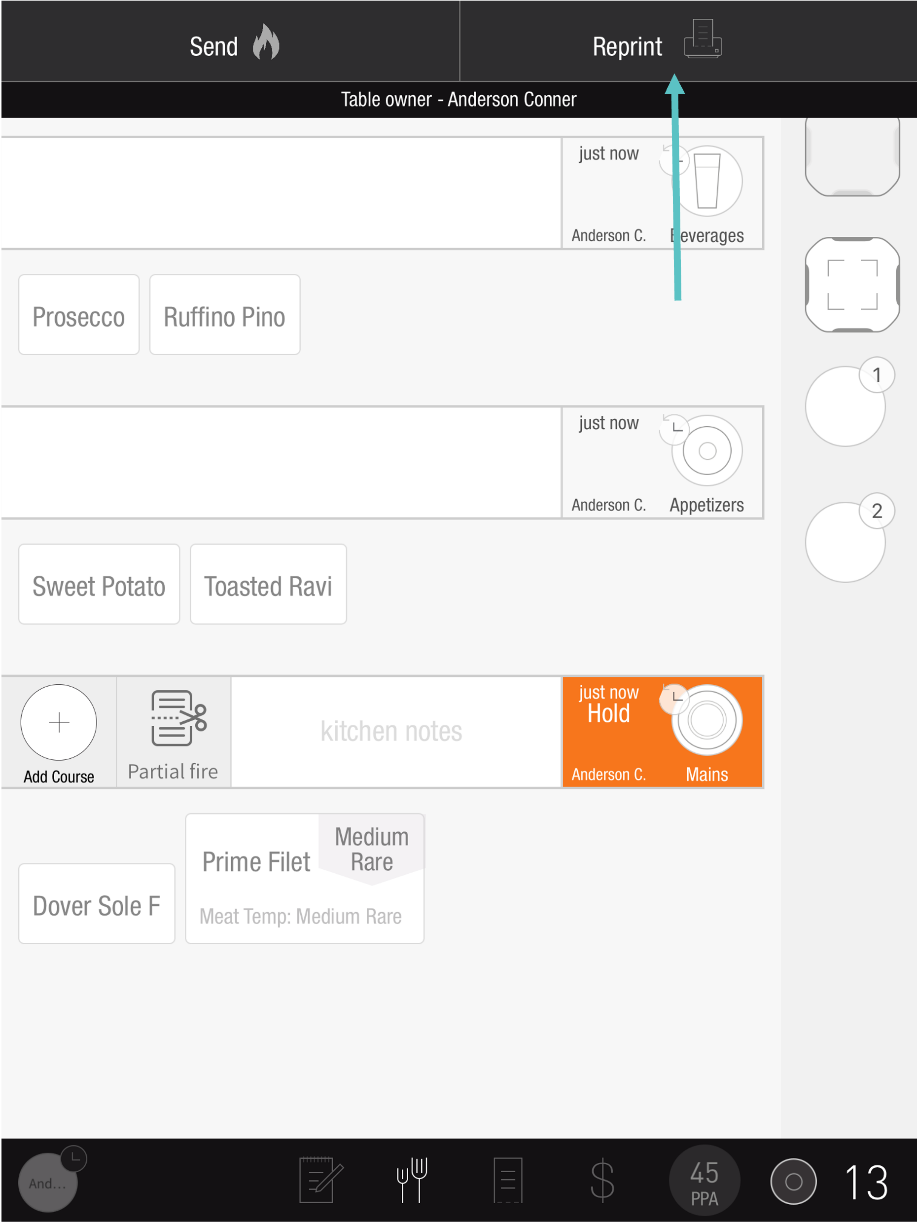
Select Reprint in the top right corner
-
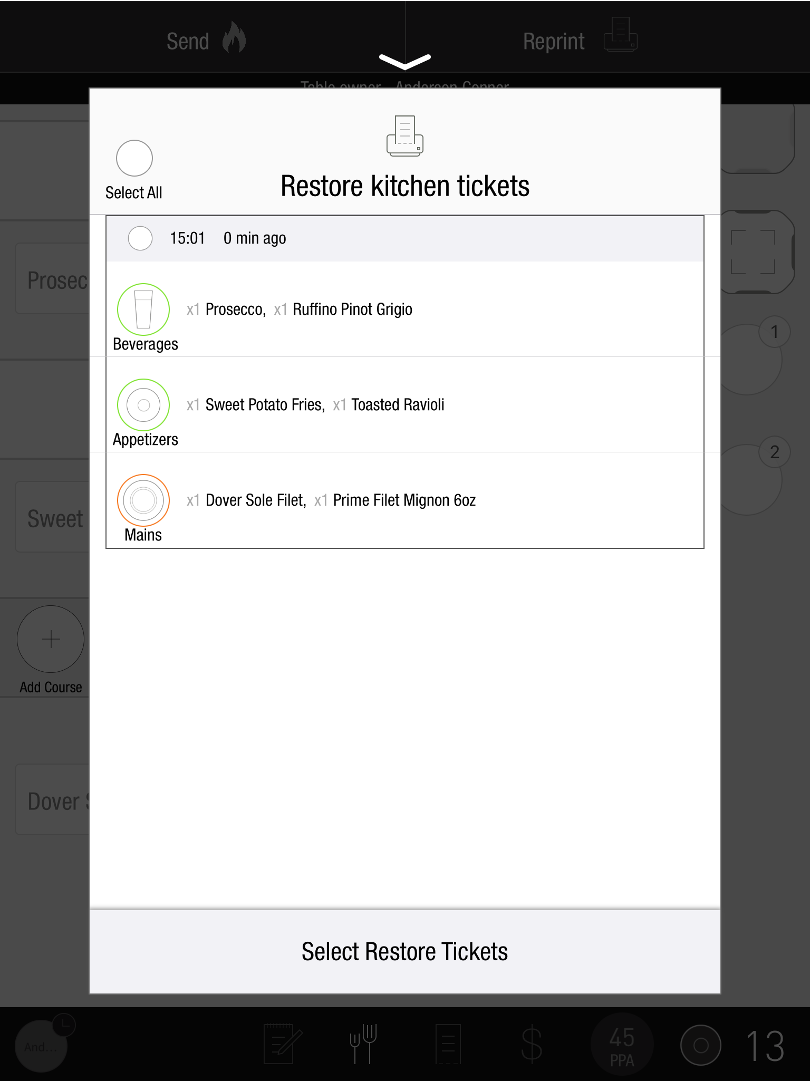
Select the relevant course(s)
-
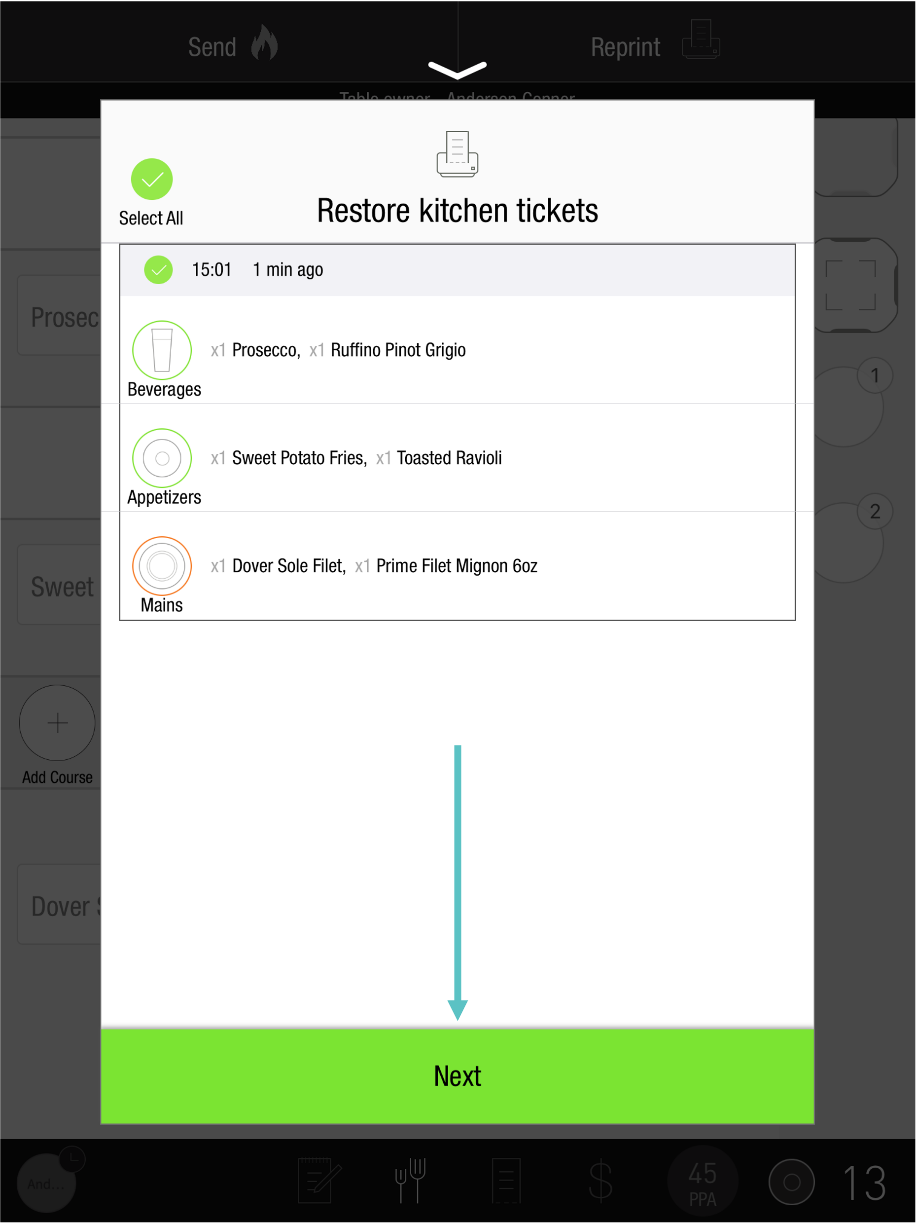
Select Next
-
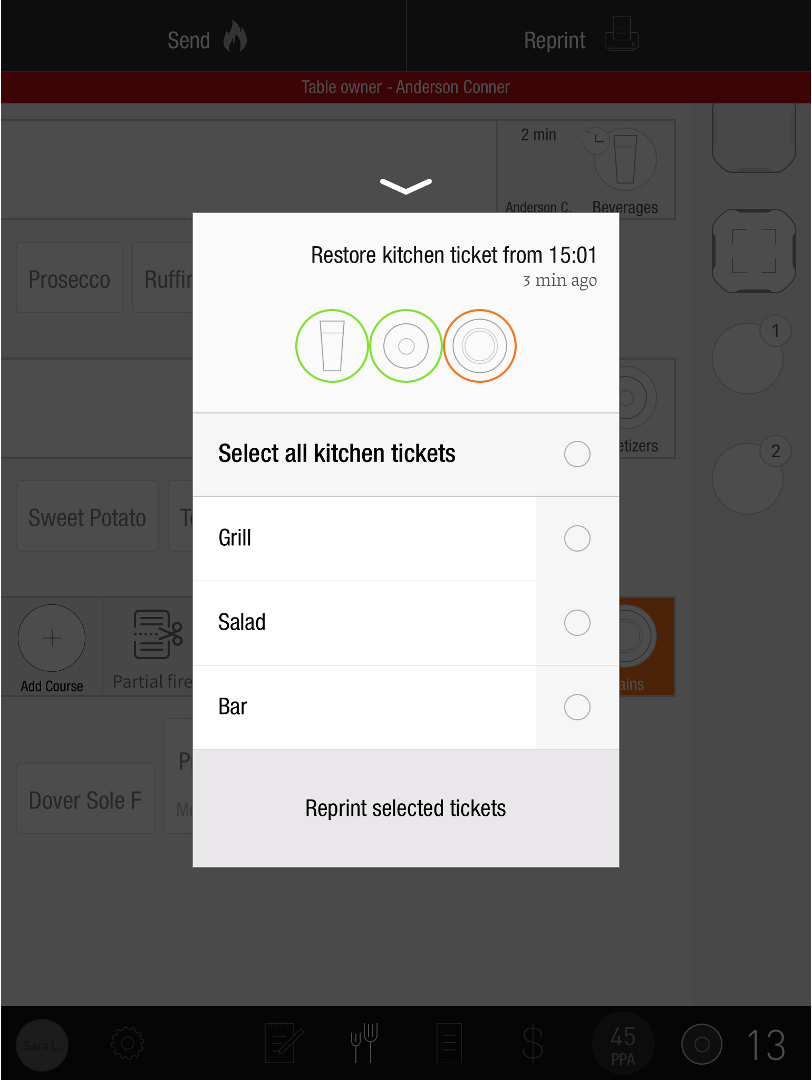
Select the printers to print to
-
Tap Reprint selected tickets
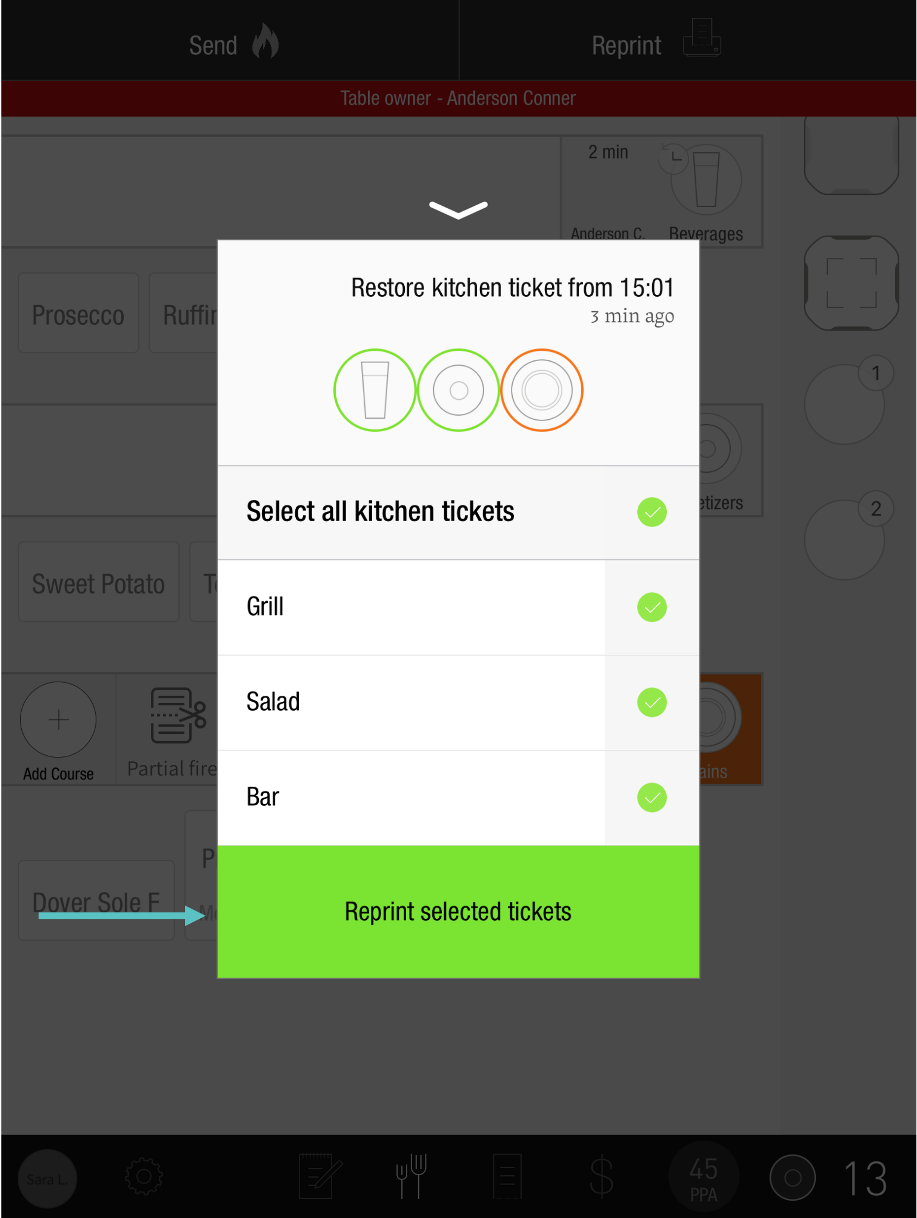
The selected Tickets will now be reprinted