
Overview
In Tabit Guest, it is possible to lock tables to prevent any future reservations from being made for those specific tables. This can be applied to both reservations made by the hostess and those made online. By locking a table, you can ensure that it remains unavailable for guests, allowing for better management of your dining space and helping to avoid overbooking or scheduling conflicts. This functionality is particularly useful during peak hours or special events when maintaining control over table availability is crucial for providing excellent customer service.
Locking a table is a manual action and will remain locked until manually unlocked
Follow the steps below to learn how to lock or unlock a table in Tabit Guest
-
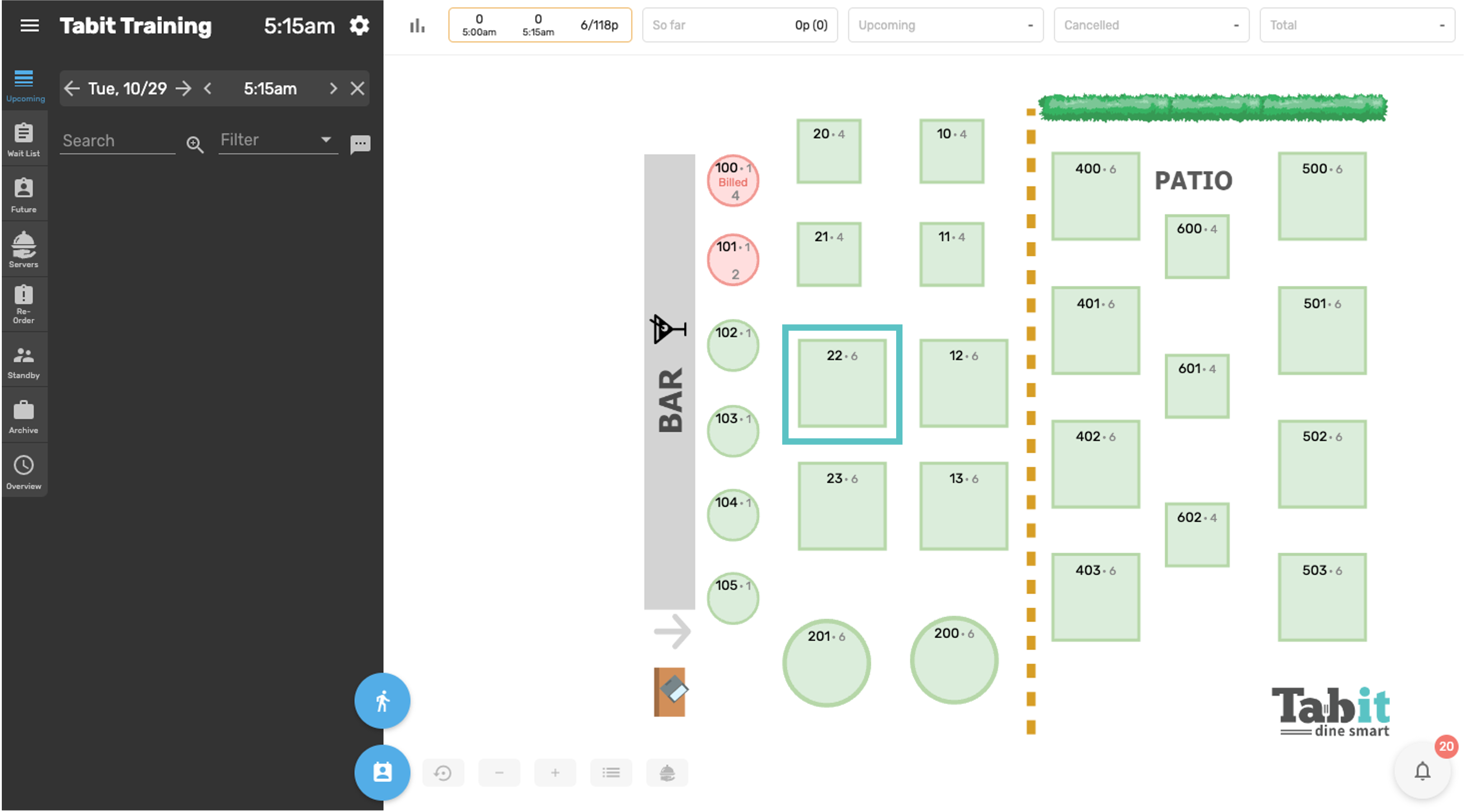
In Tabit Guest, select the table you would like to lock
-
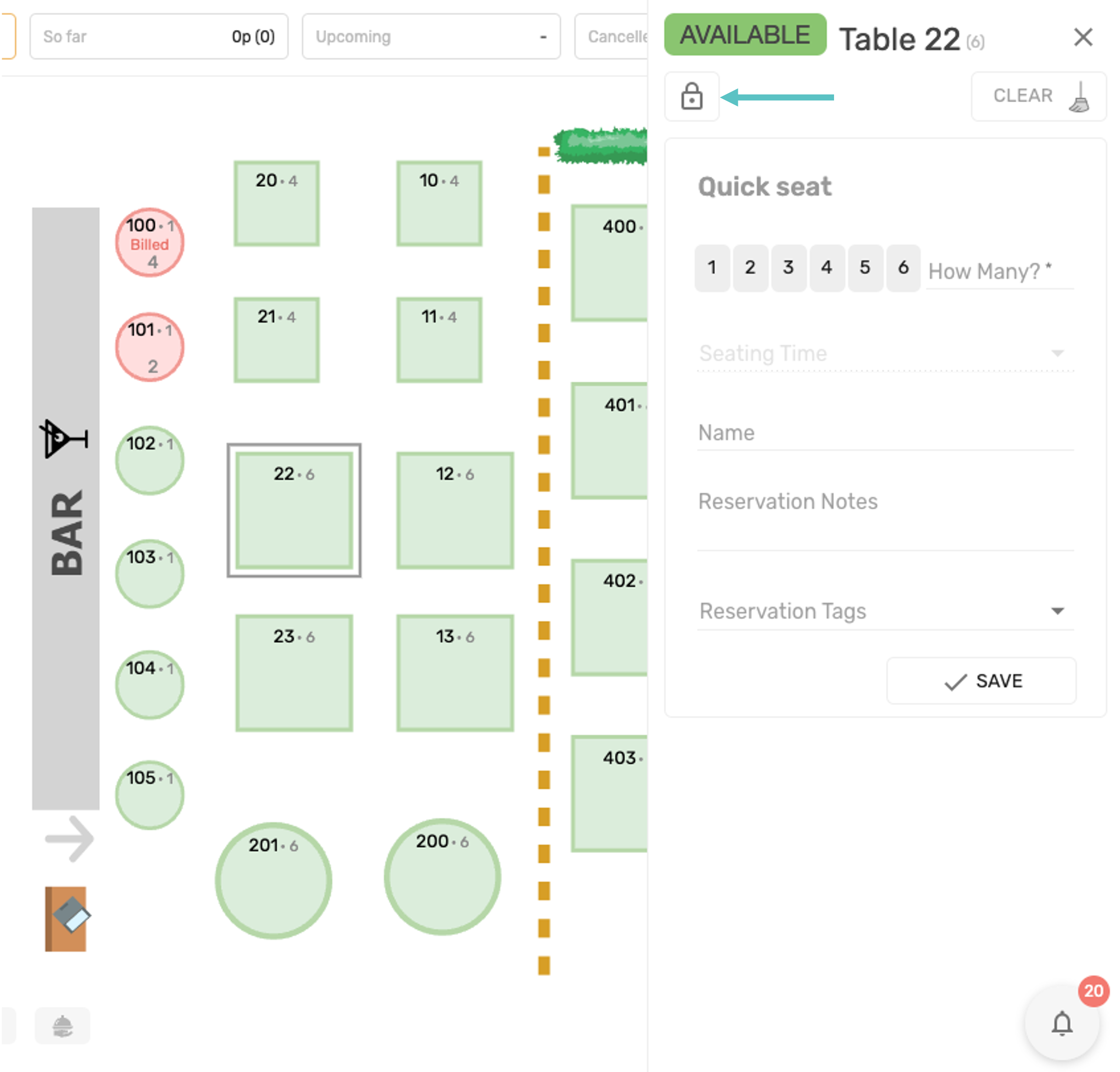
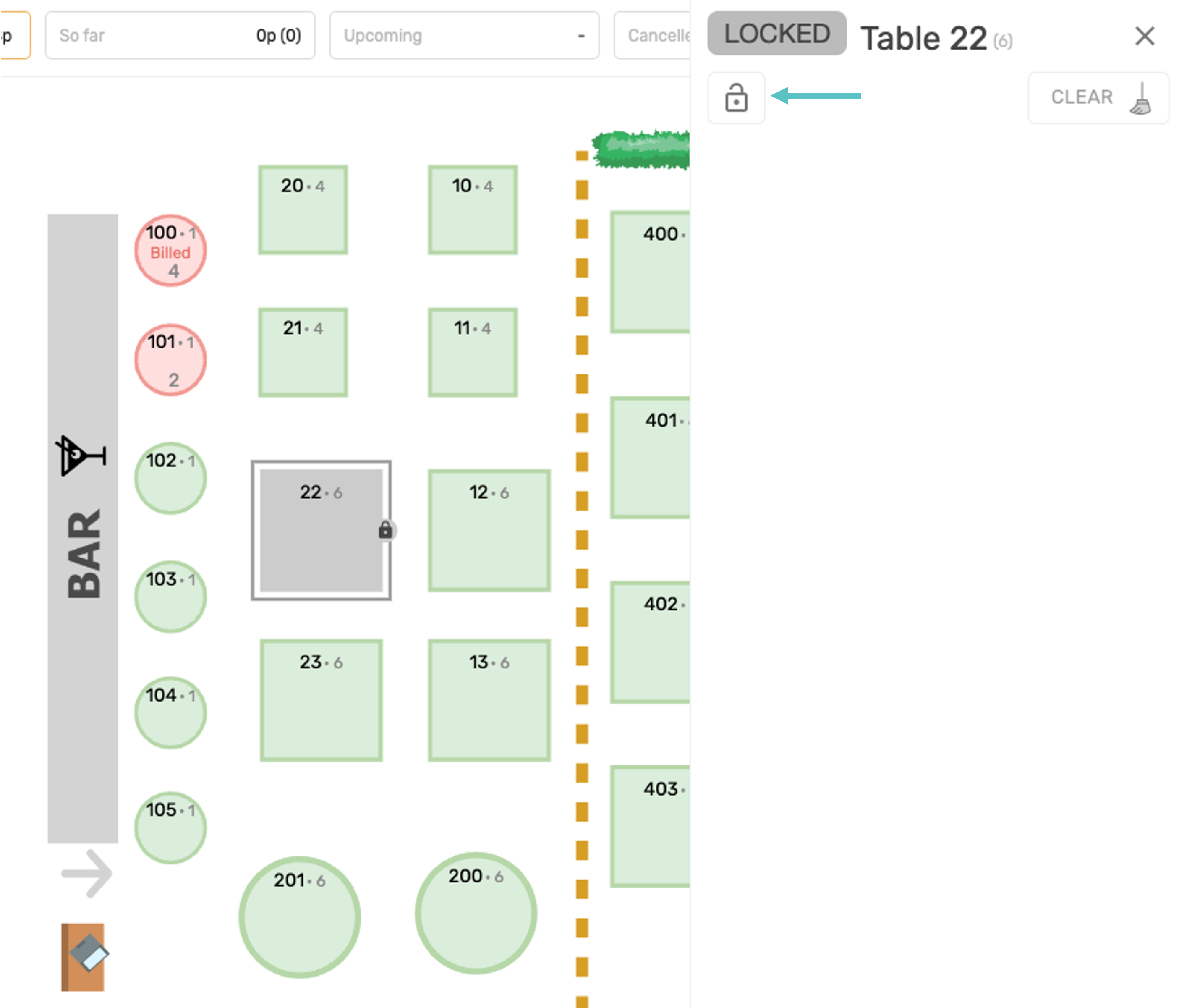
The table menu will open on the right side of the screen. Select the lock icon to lock the table
-
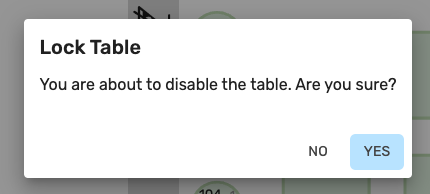
You will be prompted to confirm the action
-
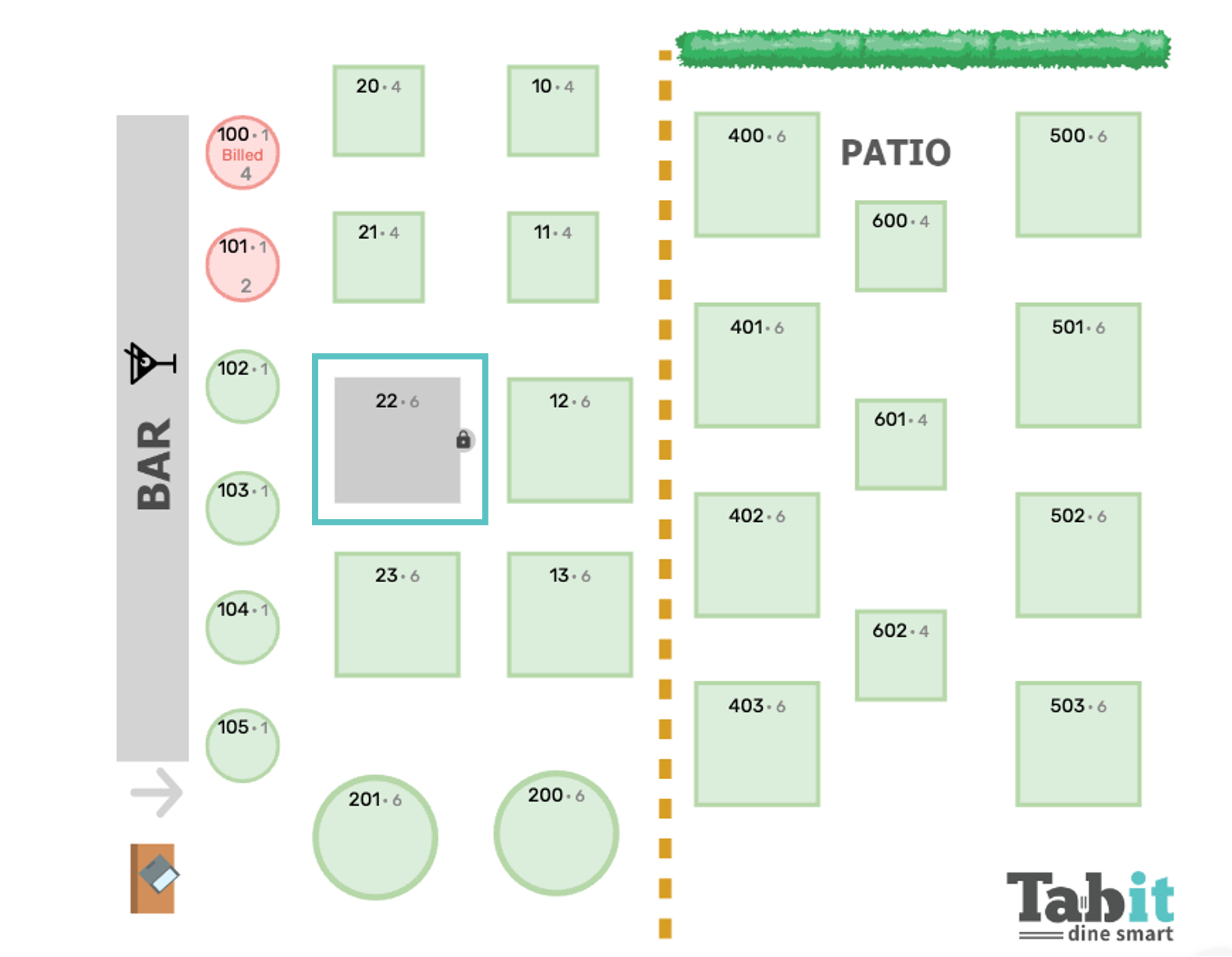
Now the table is locked and appears grey on the map
-
To unlock the table, select it again and then select the open lock icon to unlock the table
-
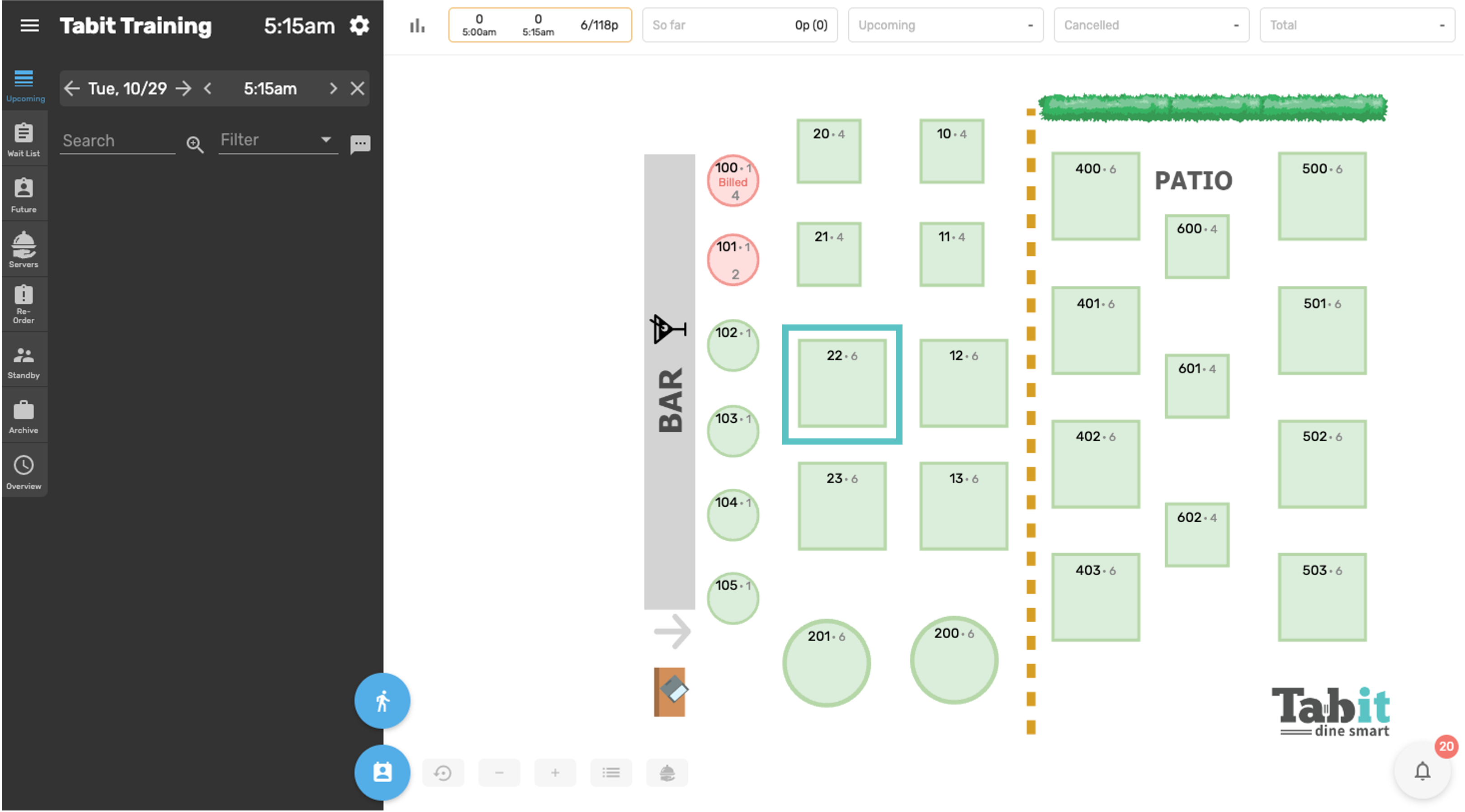
Now the table is unlocked
View as a Video