Overview
Server rotation helps evenly distribute tables among servers to ensure balanced workloads and efficient service. With Tabit Guest, it's simple to add a new server to the server rotation as needed. Learn more about how server sections and rotation work
Follow the steps below to learn how to assign tables to servers and add them to the rotation:
-
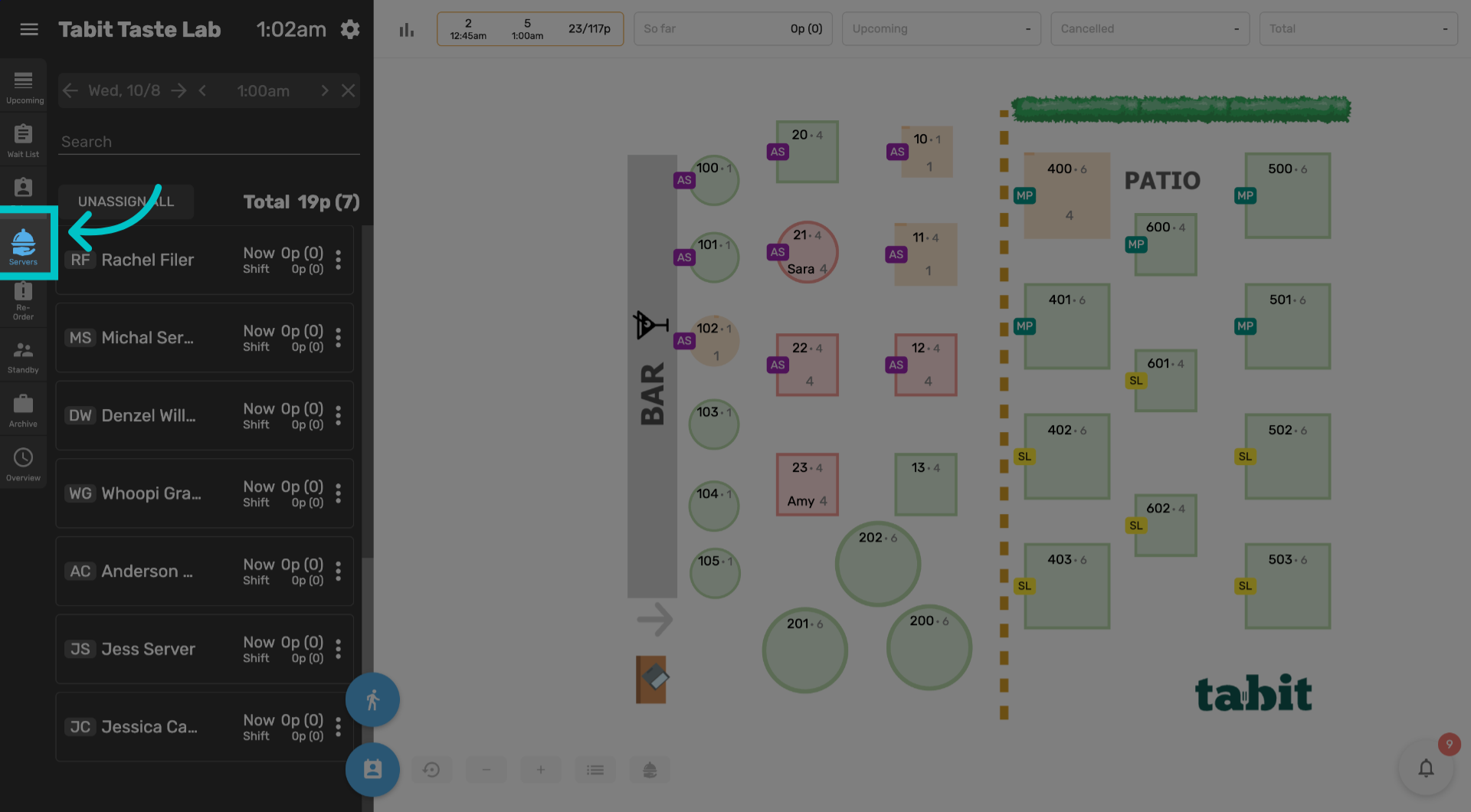
Select the Servers tab in Tabit Guest and scroll down to available servers
-
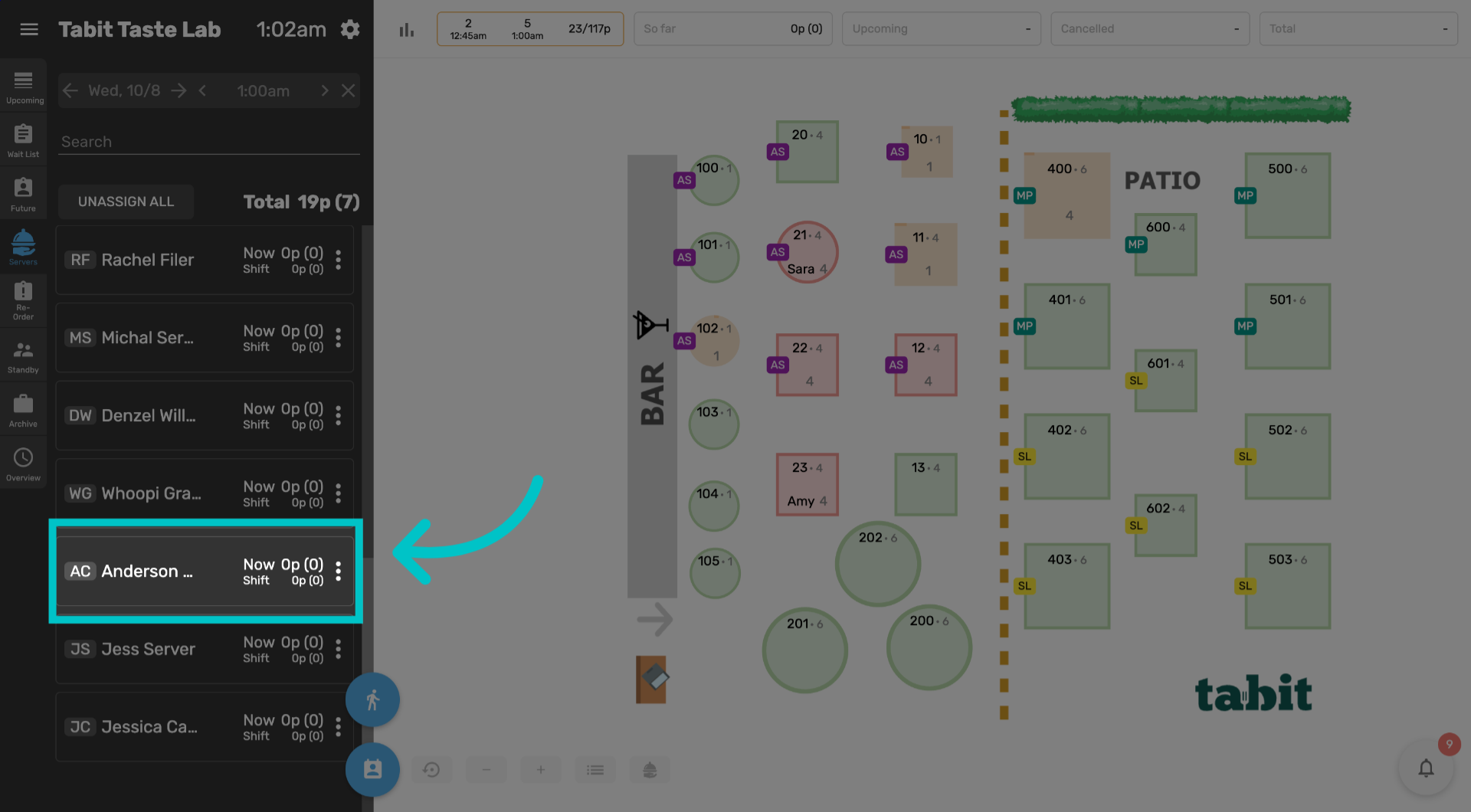
Under Available servers, select the three dots next to the server's name
-
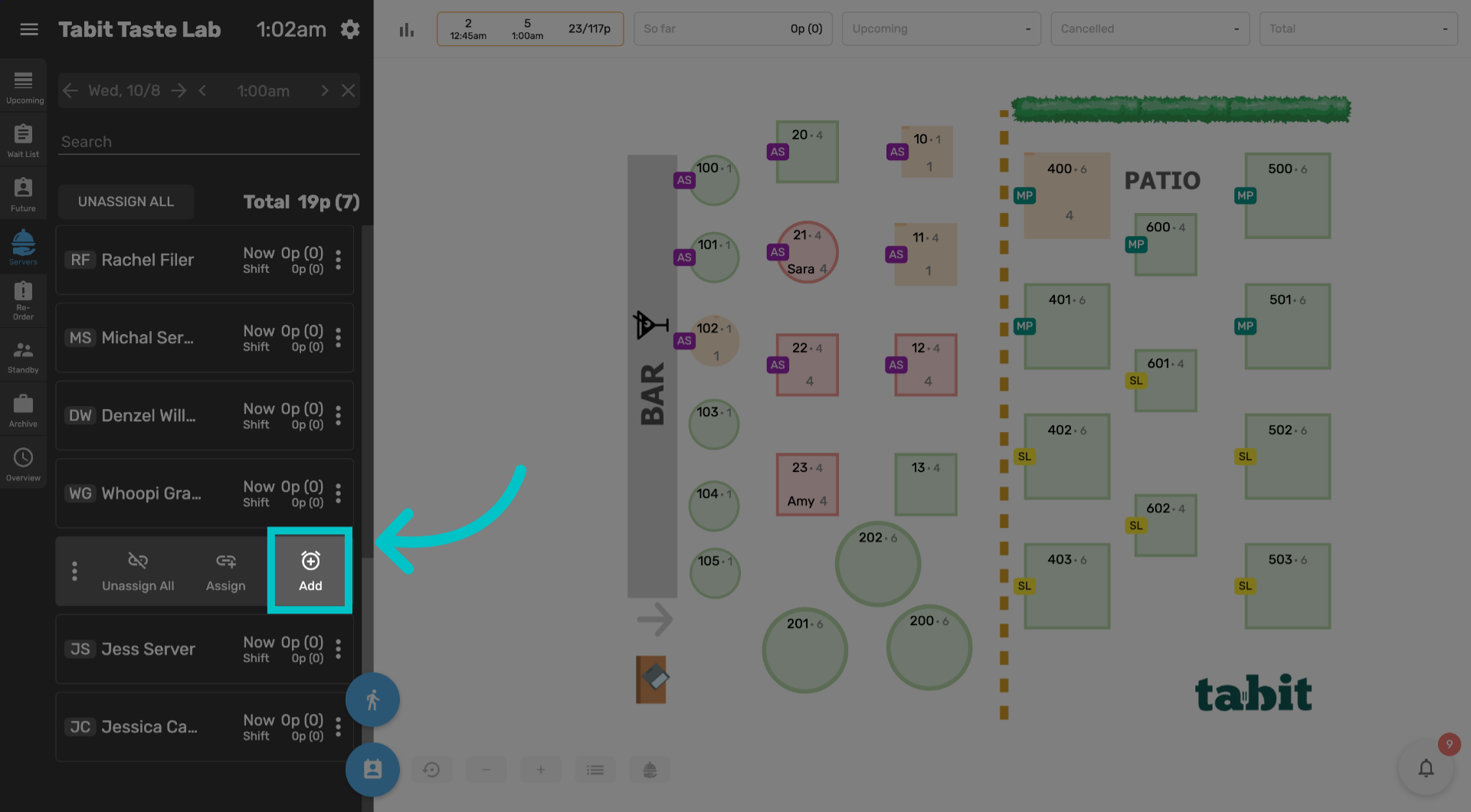
Then select Add
-
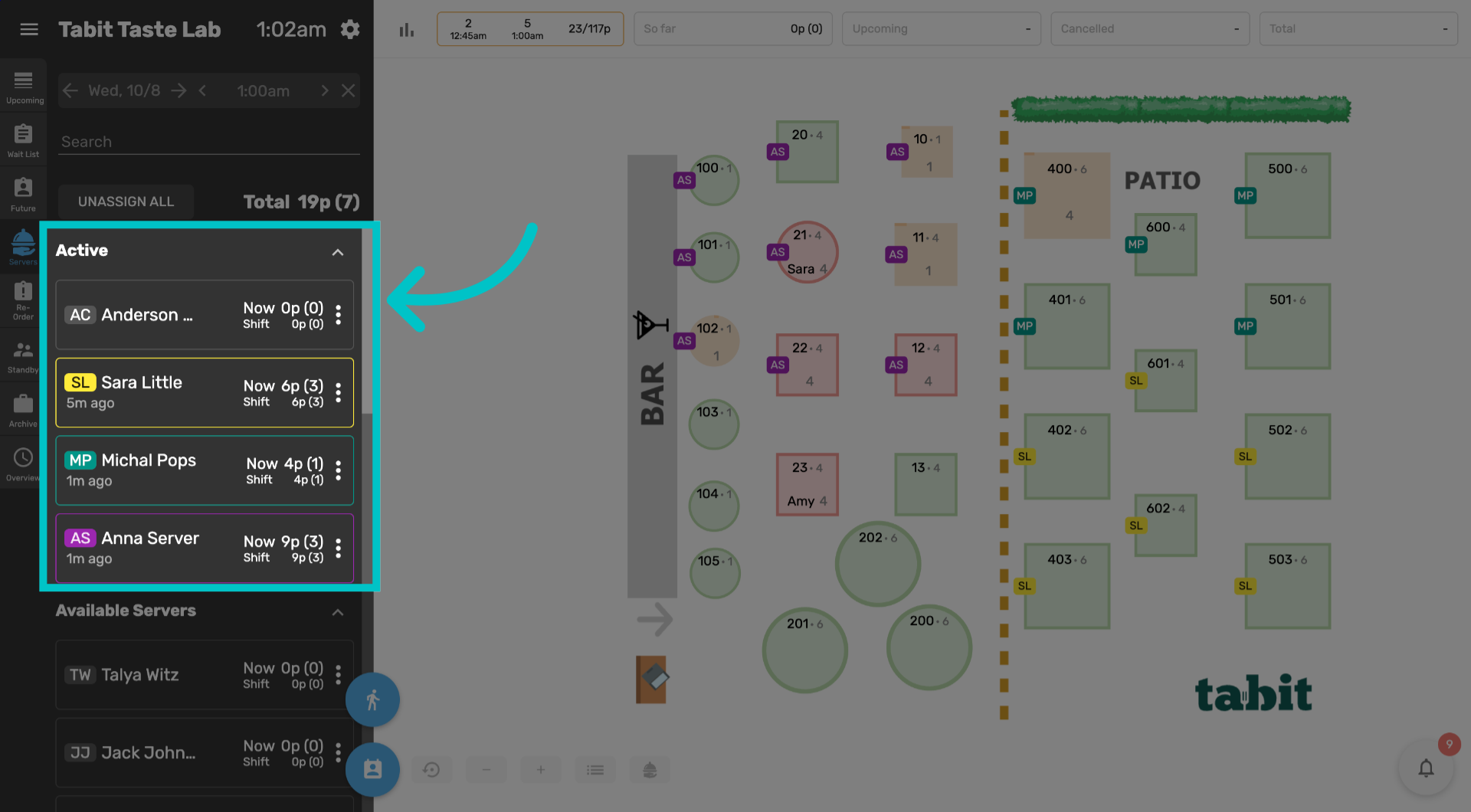
Now the server will appear at the top of the active list. Now let's assign them some tables. Select the three dots next to their name
-
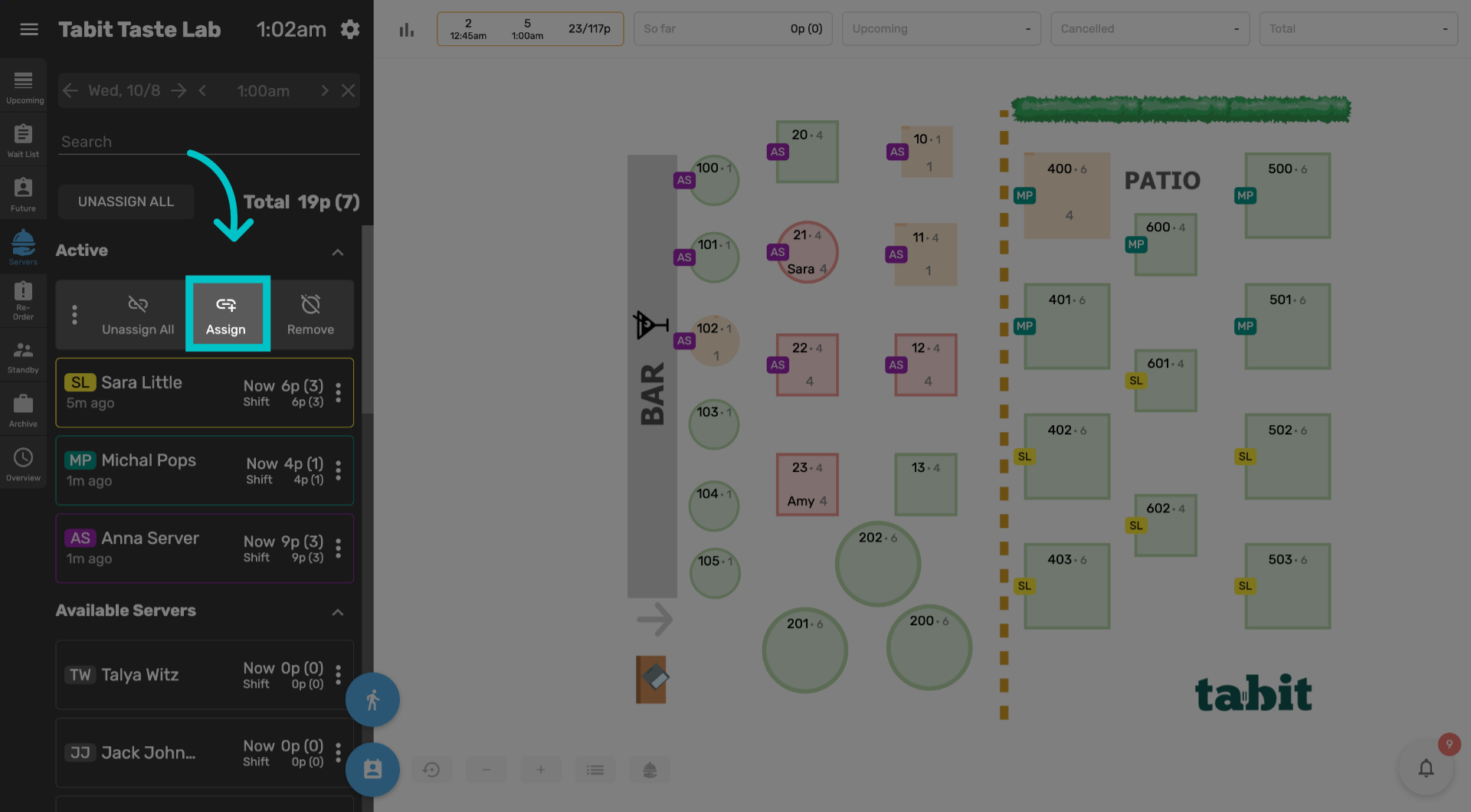
Select Assign
-
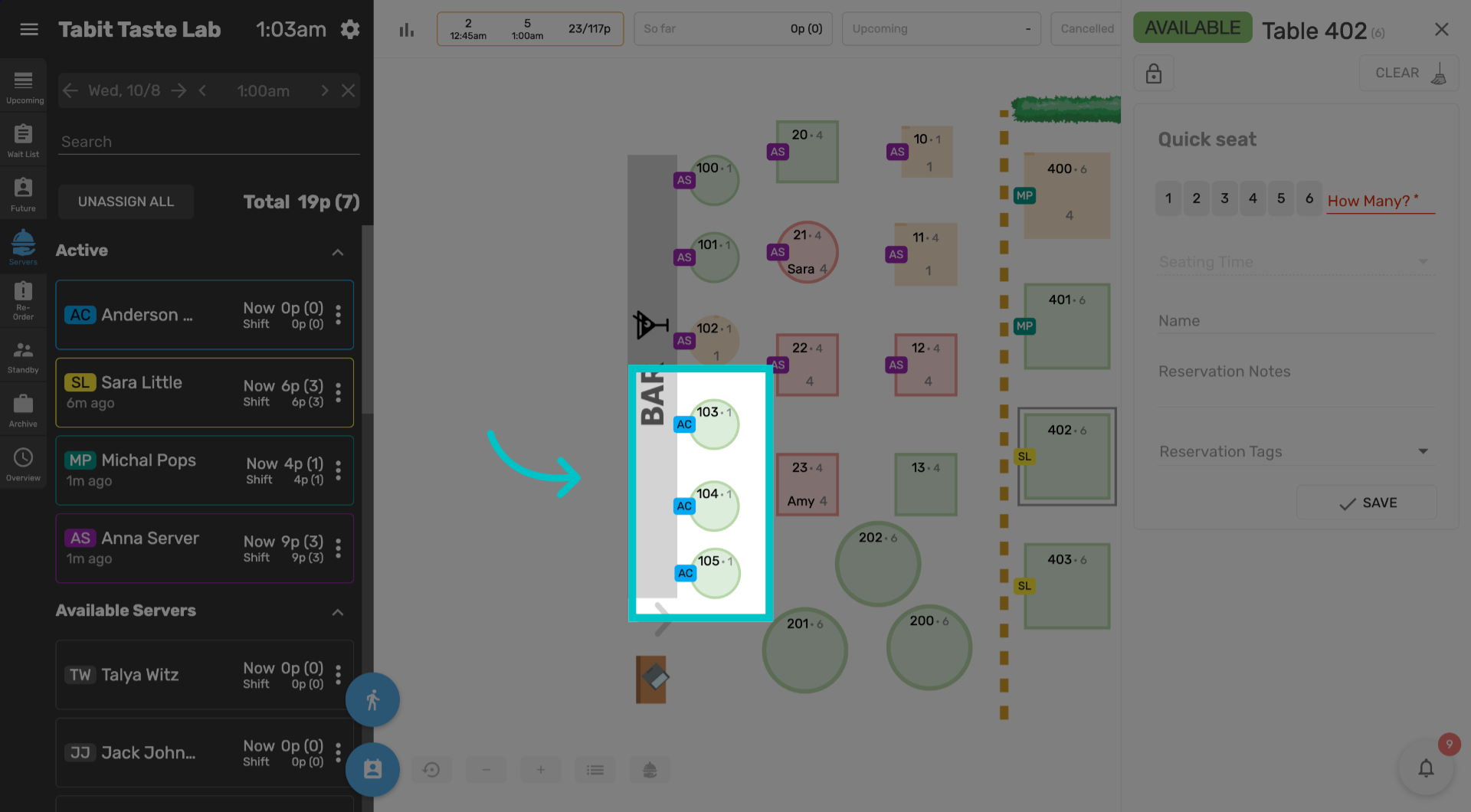
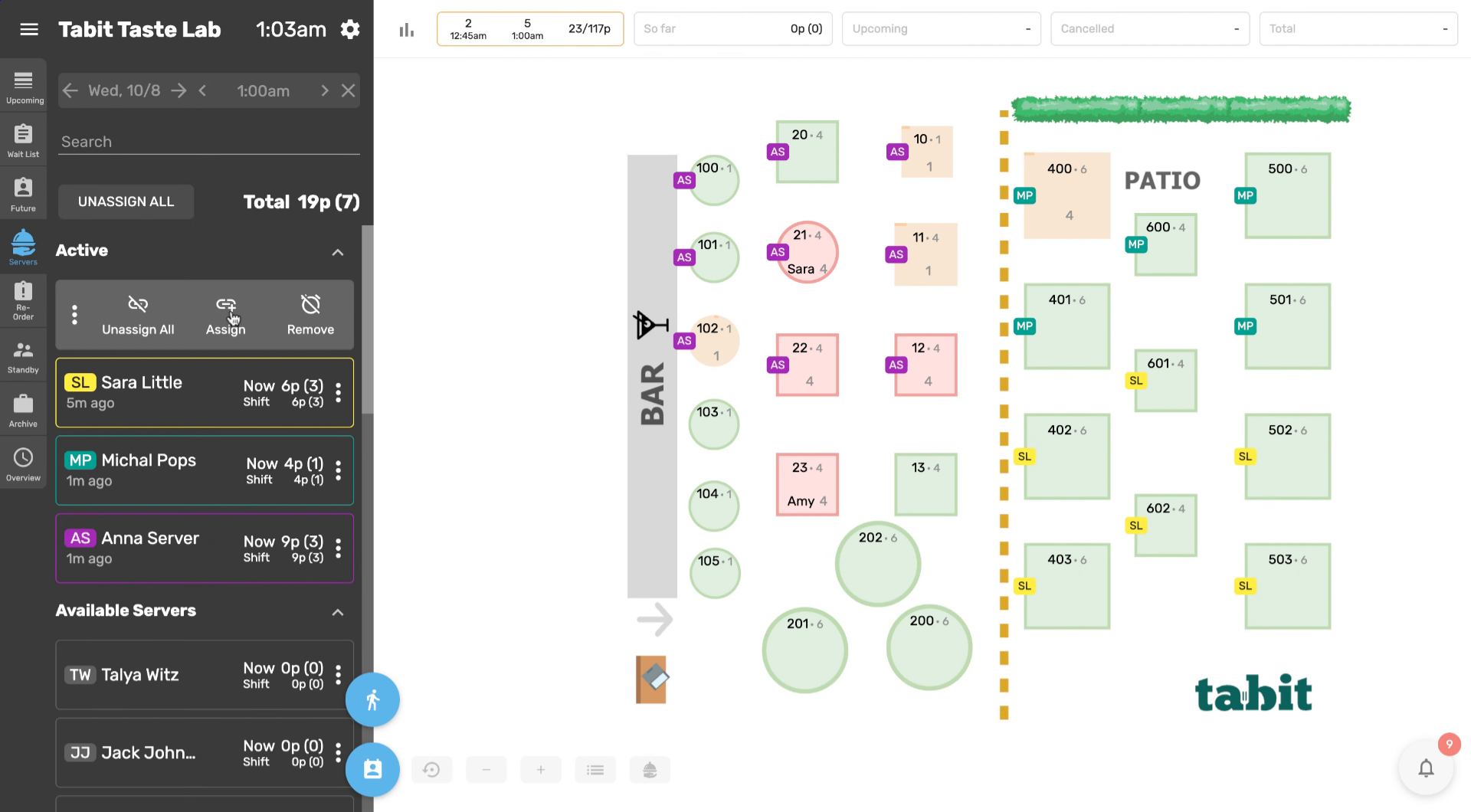
Select the tables you would like to assign to the server and then select Assign again
-
Now the tables assigned to them will appear with their initials and they have been successfully added to the server rotation