Overview
Managing server sections and keeping rotations fair can be tricky in a busy restaurant. Hosts and managers need to balance staff workloads, make sure guests are evenly distributed, and avoid overwhelming certain servers while others stand idle. The server sections and server rotation help streamline this process by showing exactly who’s available, who’s active, and when each server last received a table. With clear visibility and automated rotation, restaurants can seat guests faster, keep service balanced, and ensure a smoother experience for both staff and diners.
Follow the steps below to learn more about how server rotation works in Tabit Guest:
-
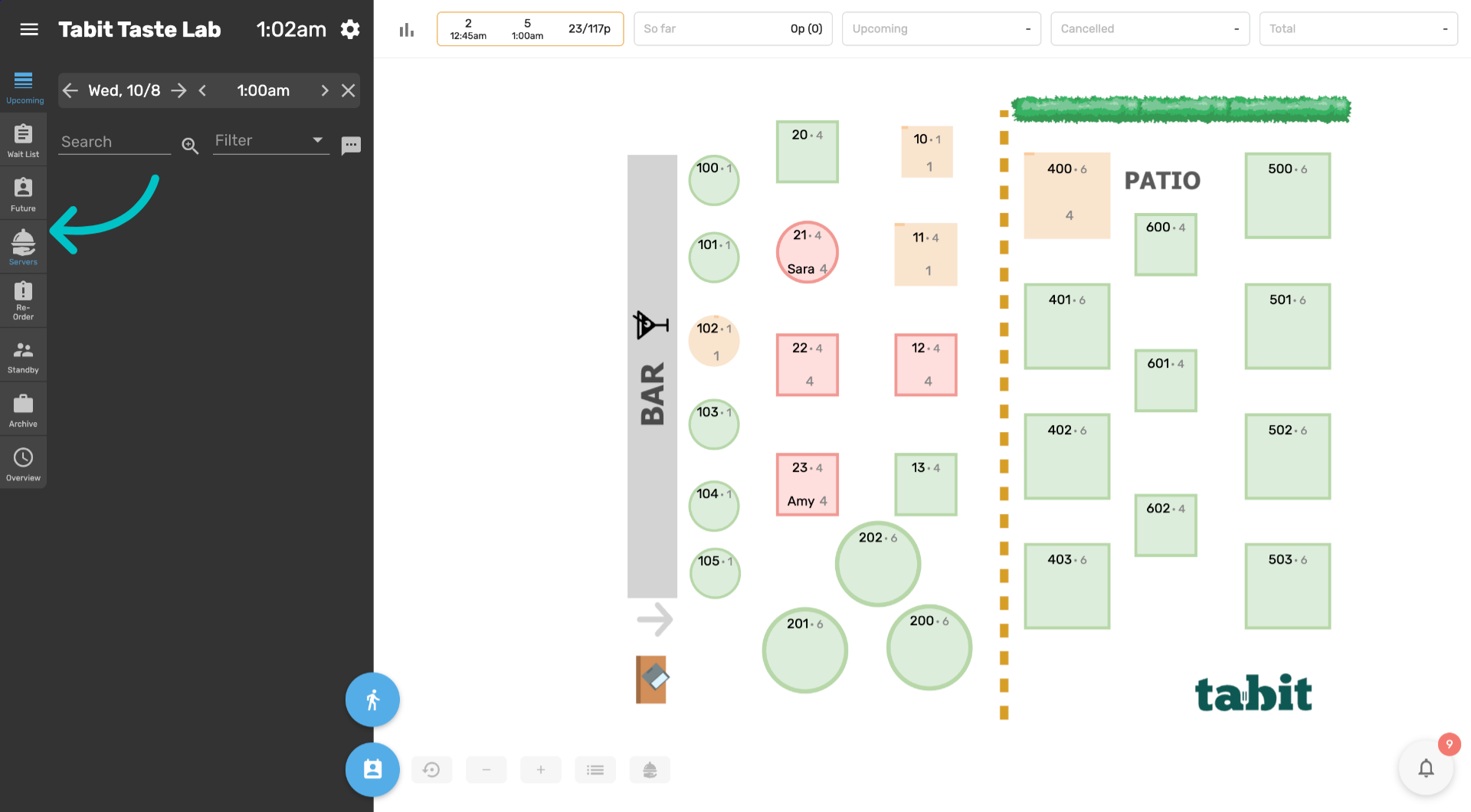
In Tabit Guest, select the Servers tab
-
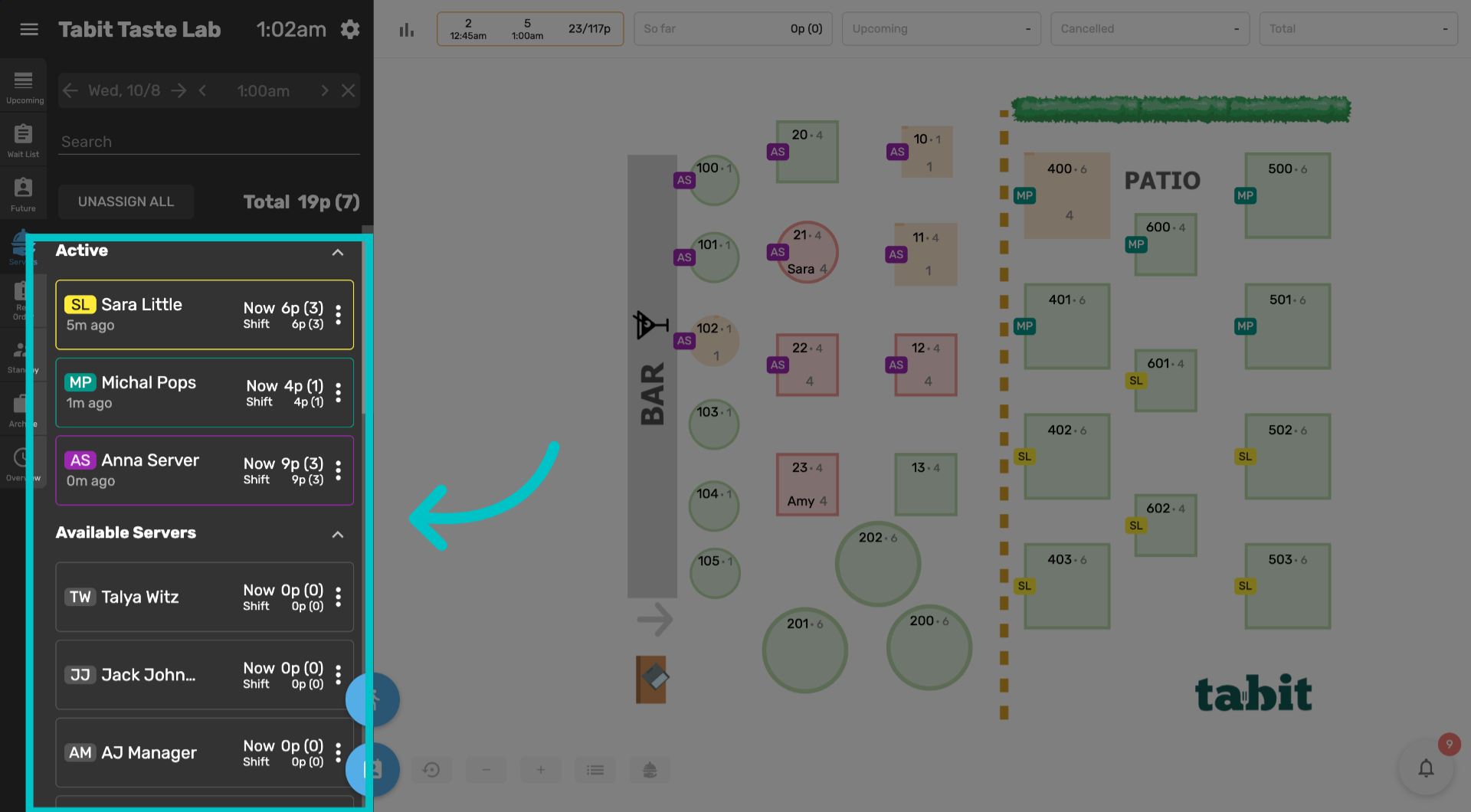
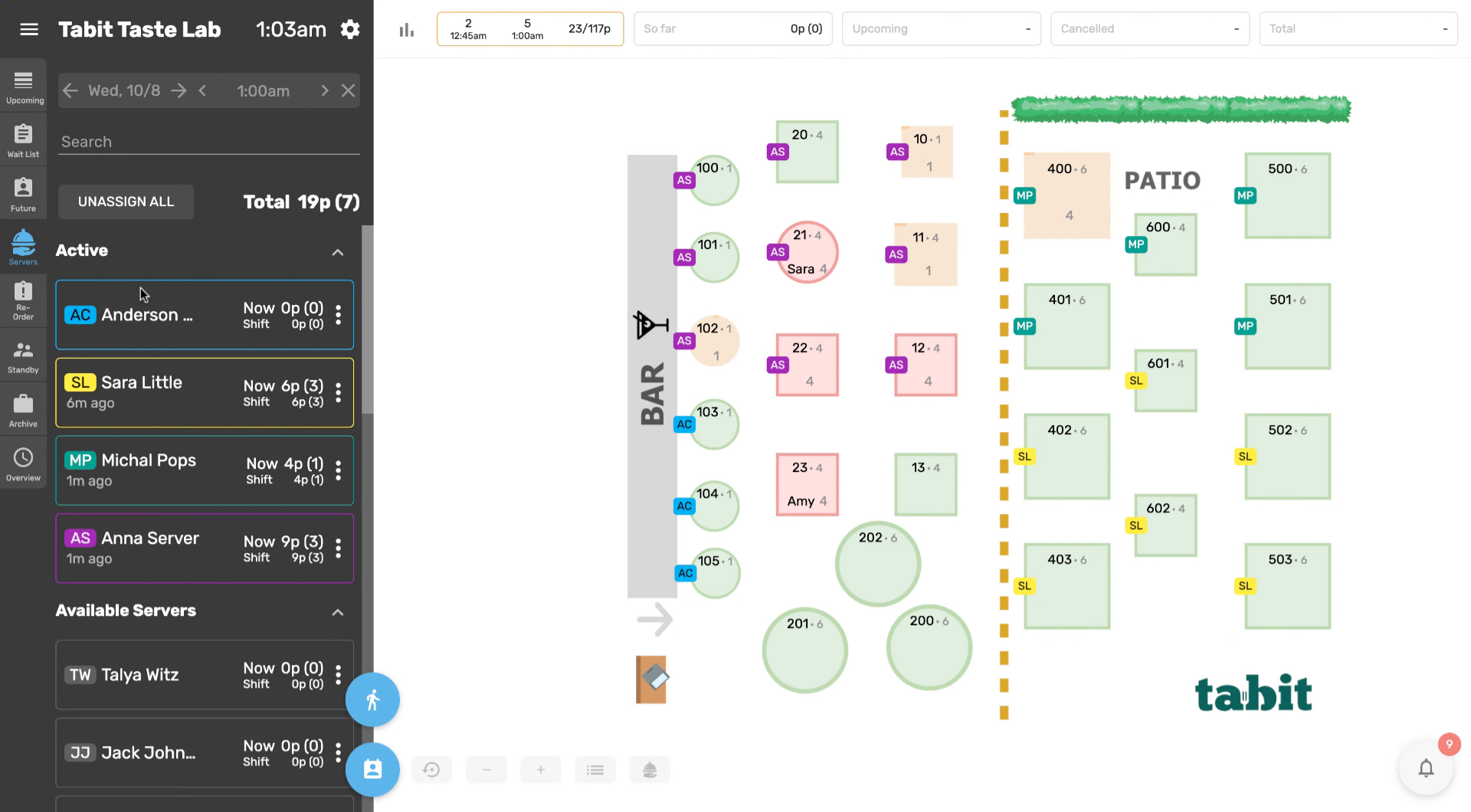
The servers tab is divided into two sections: active servers and available servers. These include all users assigned as service, bar, or manager profiles
-
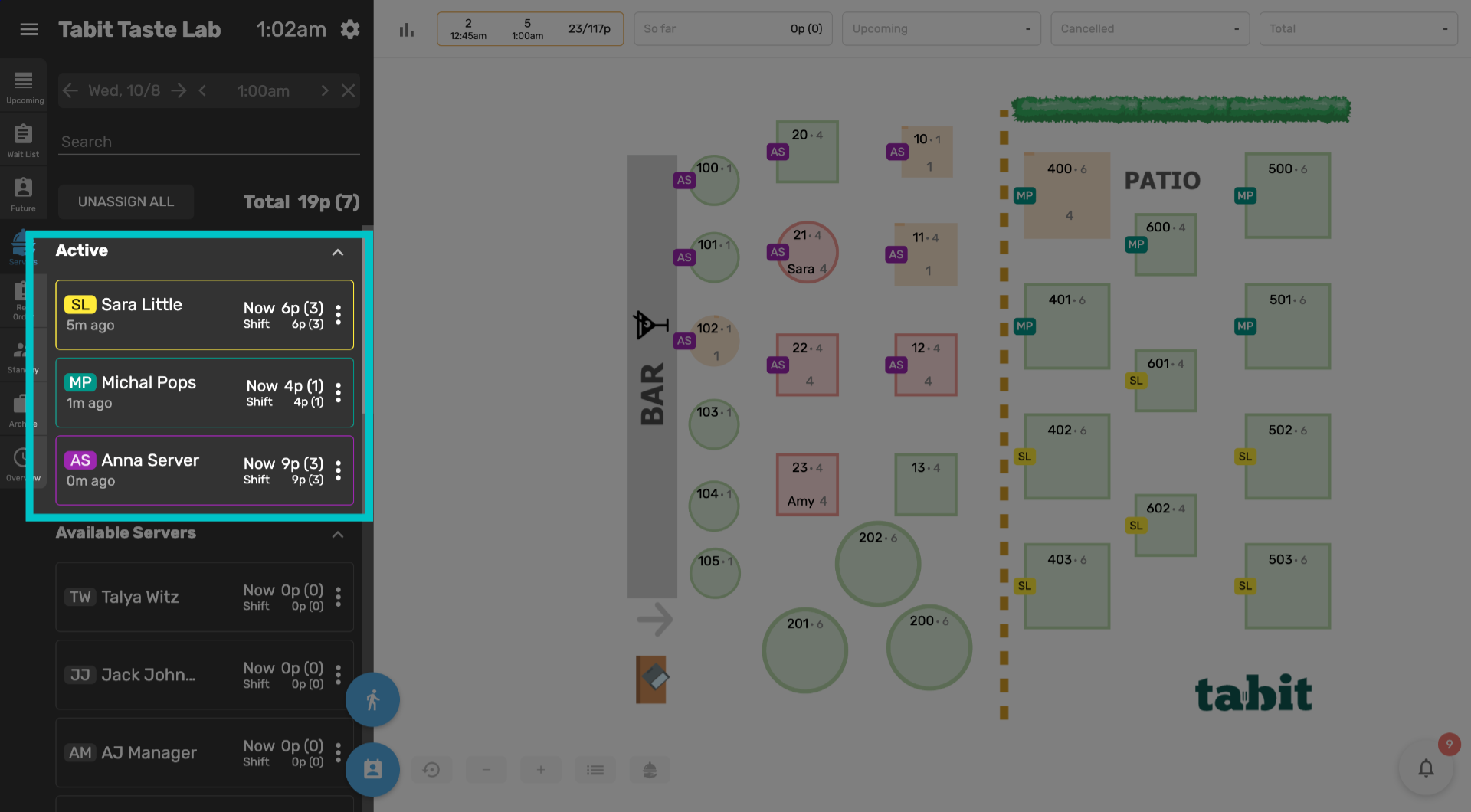
The active section shows all active servers in the server rotation
-
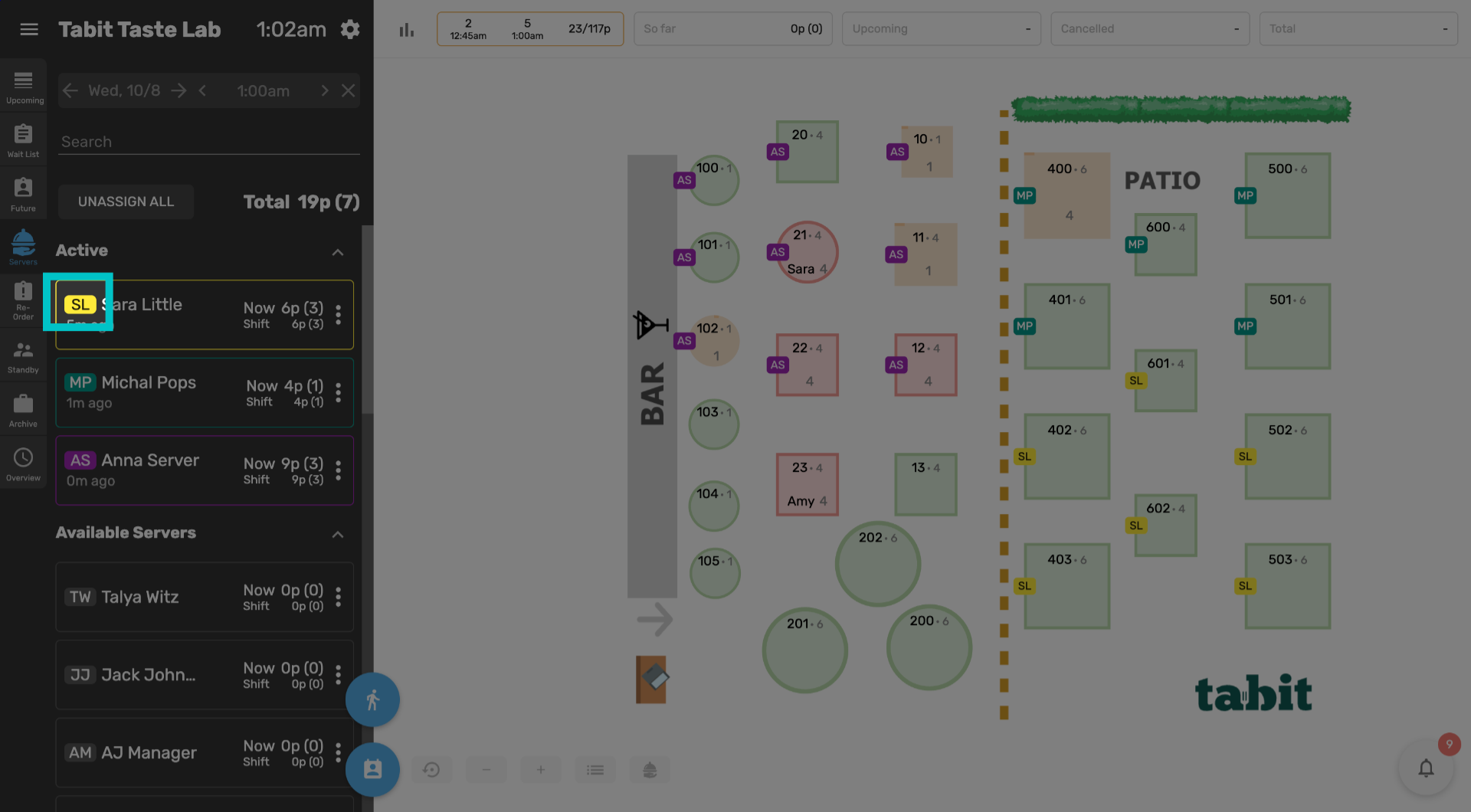
Each server has an initials tag next to their name,
-
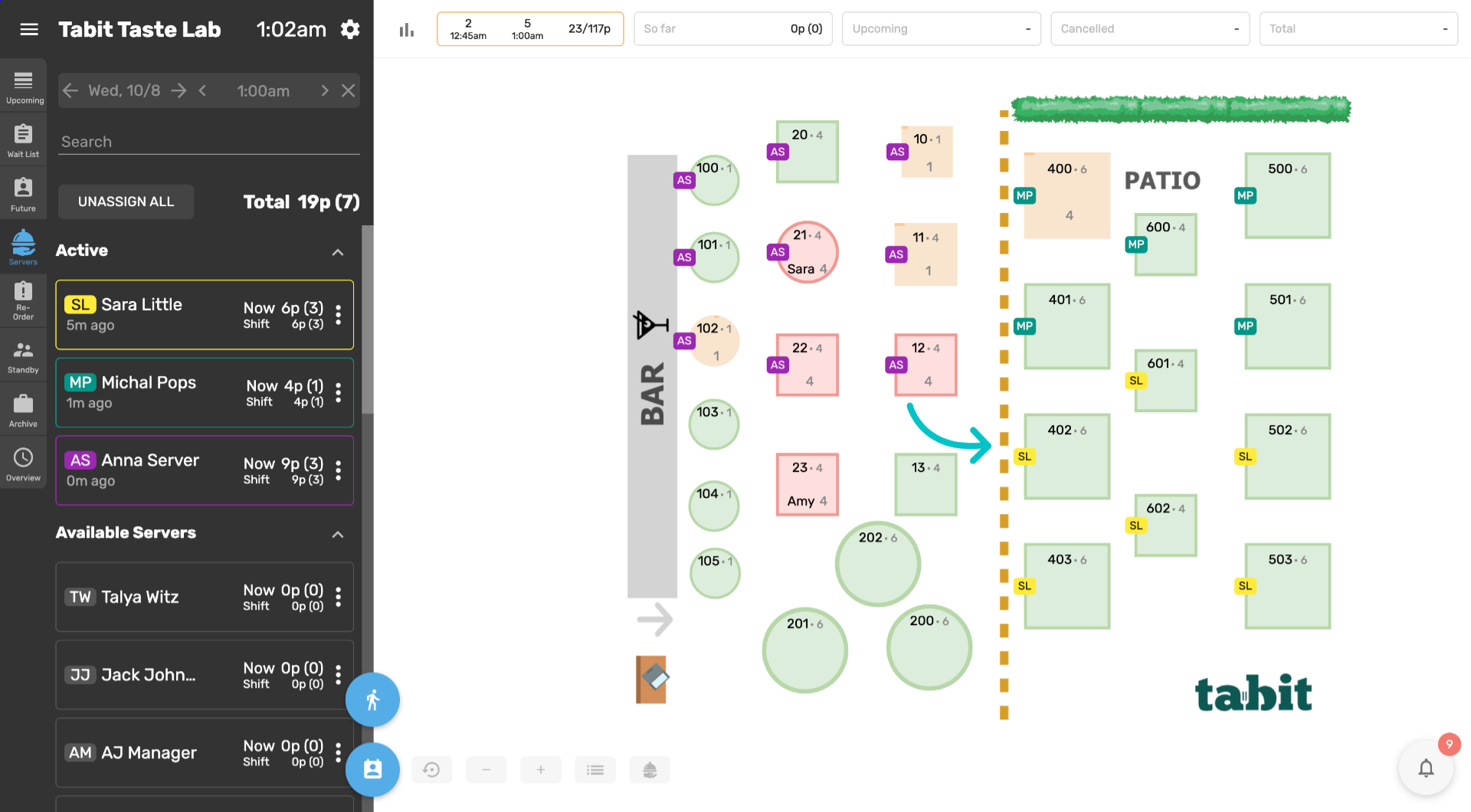
which will also appear on their assigned tables
-
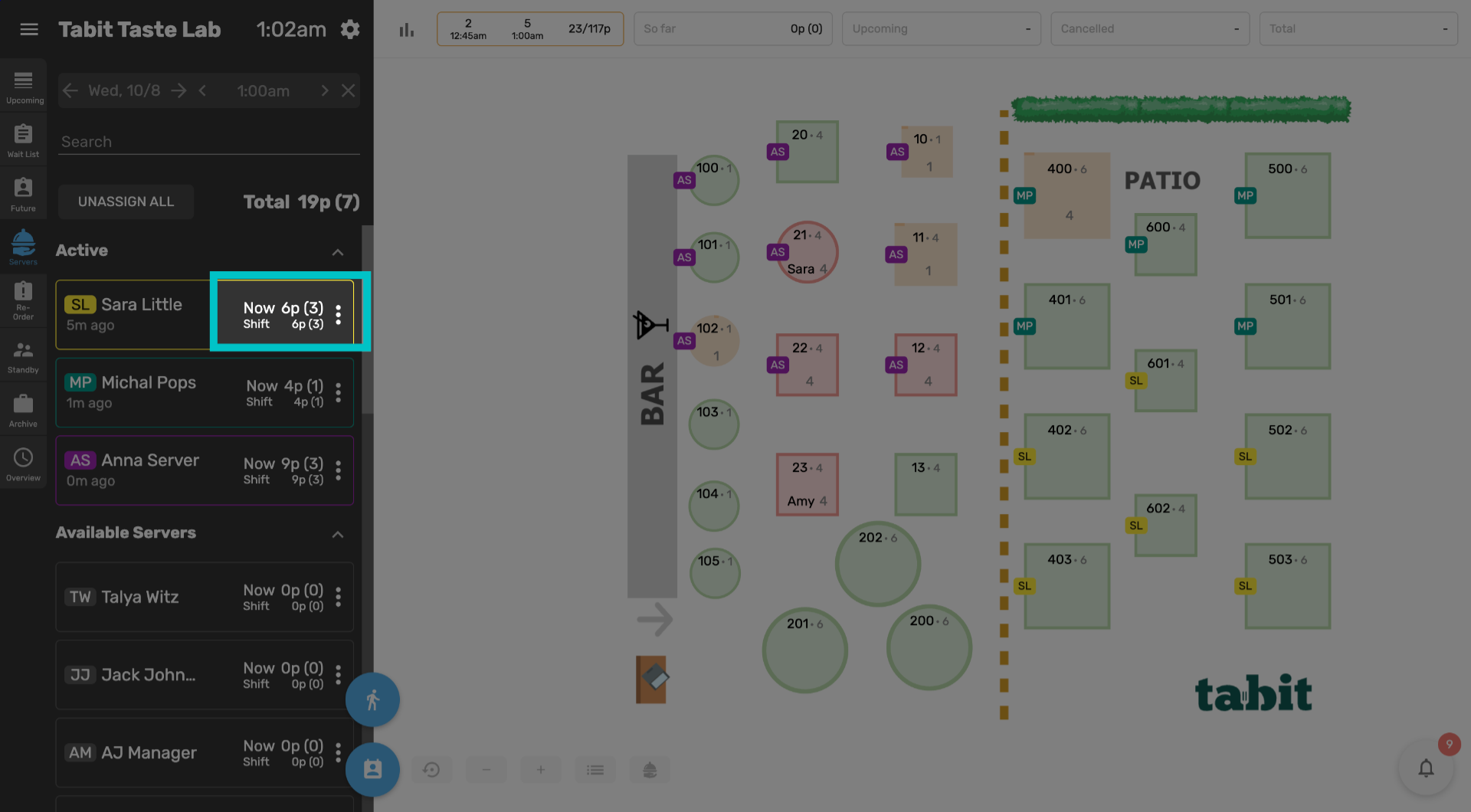
They also have a counter of how many guests and reservations are currently assigned to them based on the open orders in their ownership on the PAD, and a similar counter for their shift as a whole
-
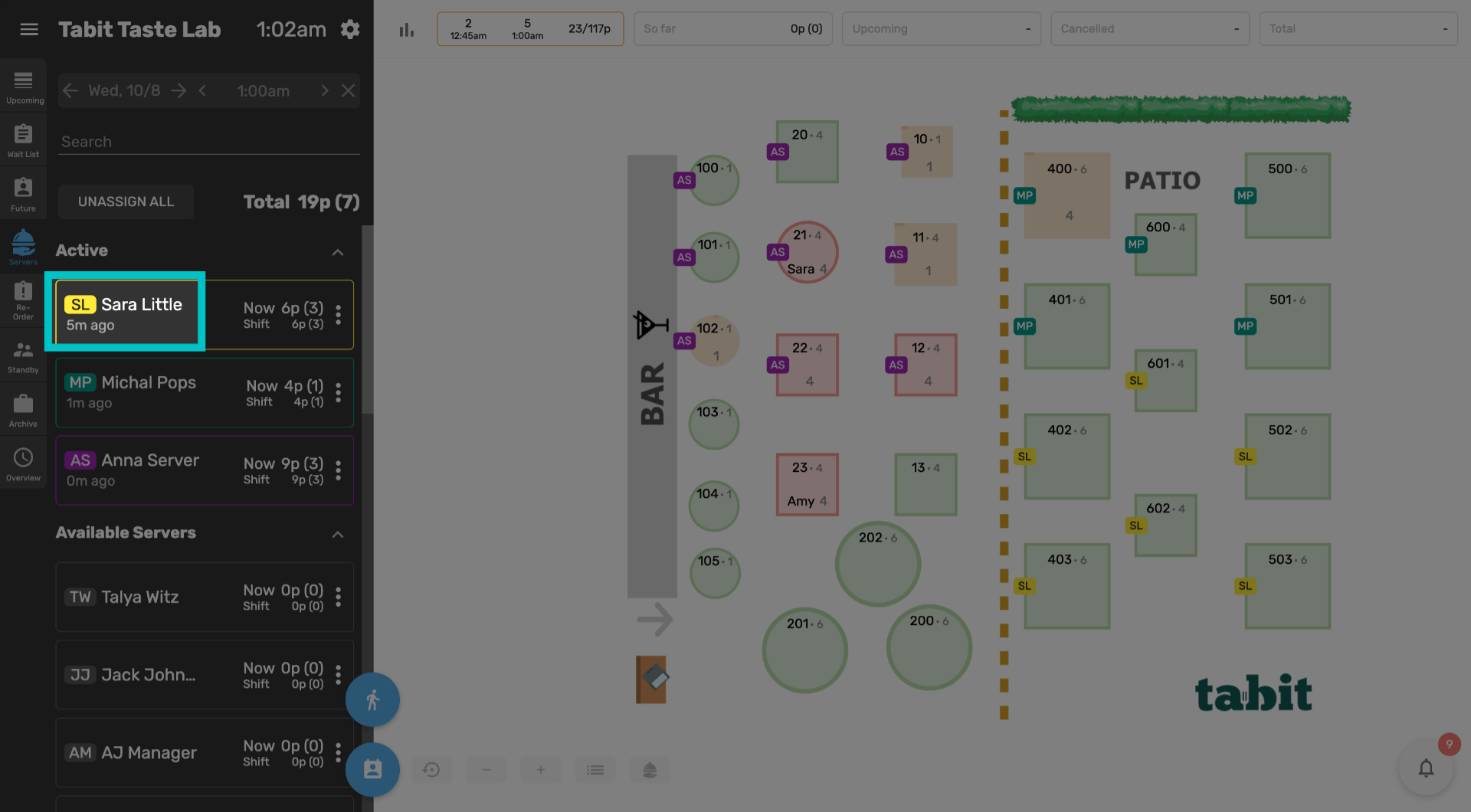
There is also a timer showing when their last table was assigned to them
-
Servers who have been waiting the longest for a new table will appear at the top of the list and be suggested when seating a new table. Seating a table in a server's section will move them to the bottom of the active list
-
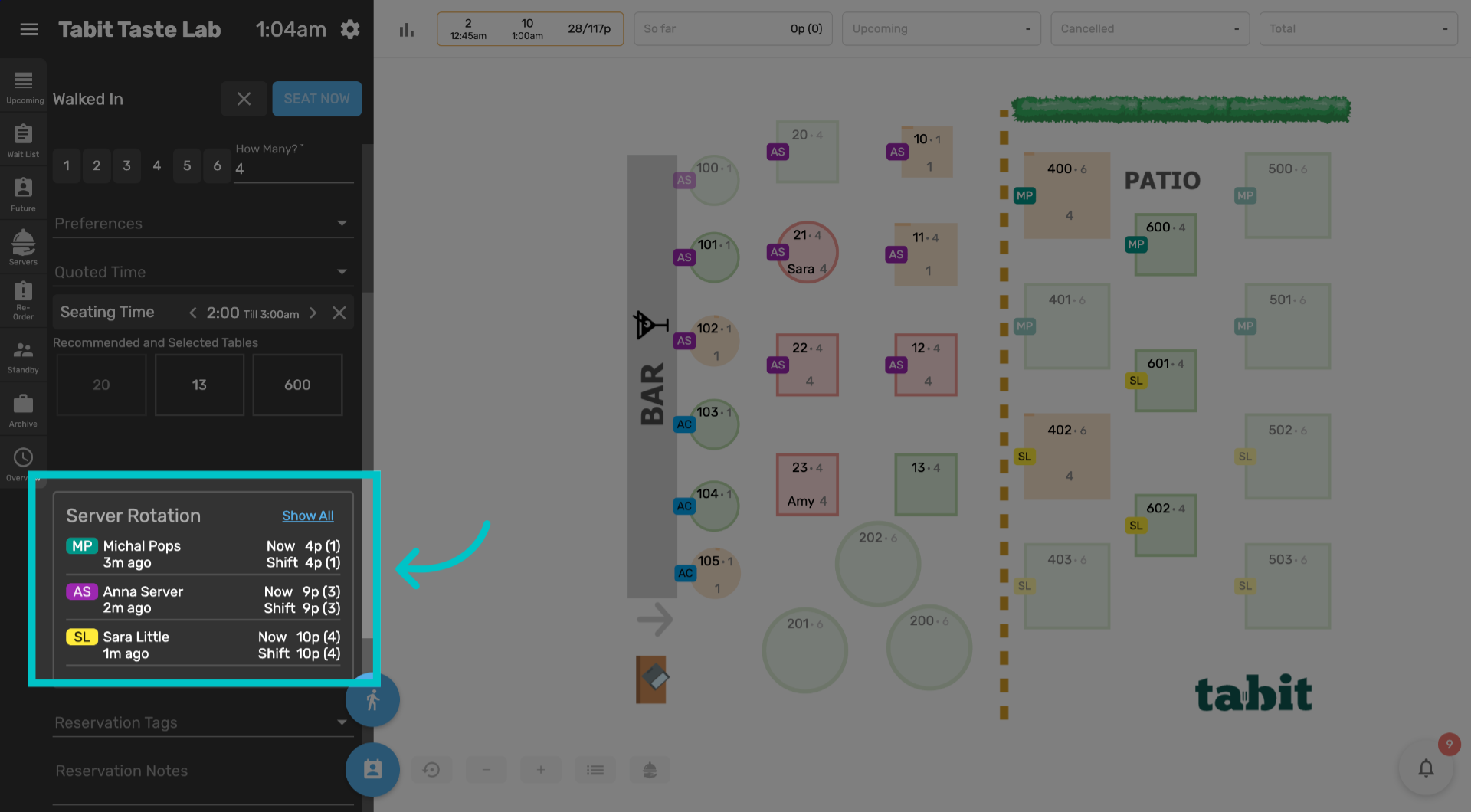
Additionally, a widget showing the server rotation will appear when swiping to seat a reservation and in the walked-in form