
Overview
This article is part of Tabit Guest Advanced Setup Guide.pdf. Please contact Flyght Support if you have any questions.
Online Booking Parameters
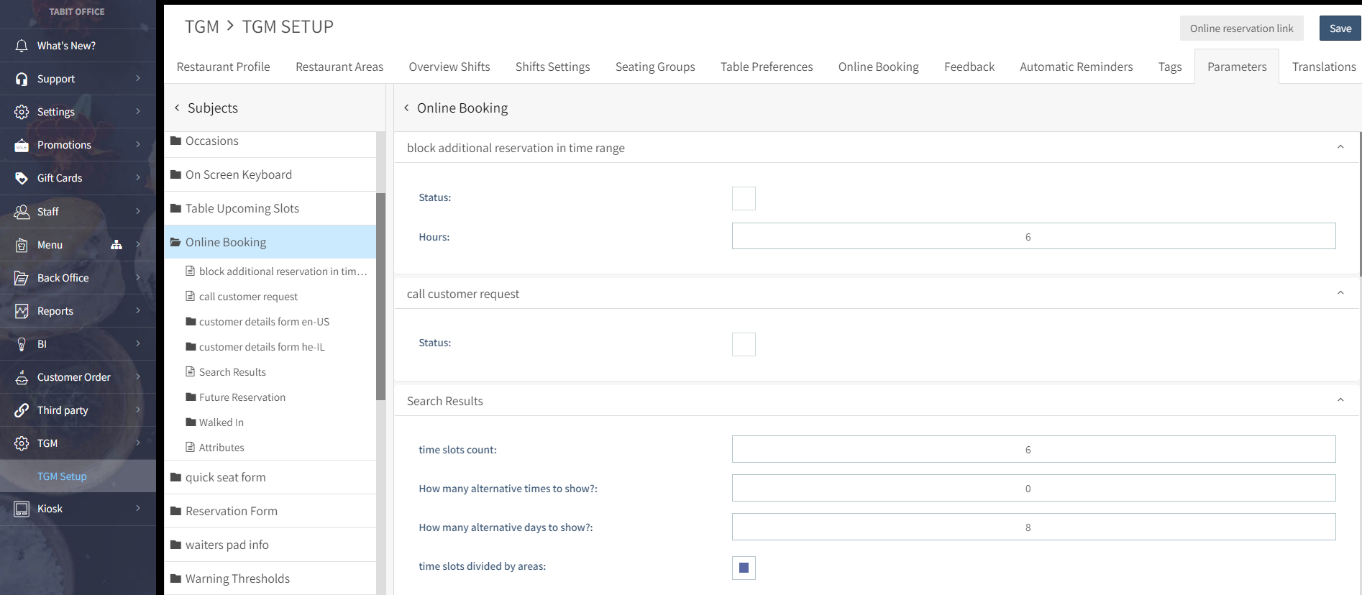
Block Additional Reservation in Time Range
Determines within how many hours a guest is not permitted to book multiple reservations with the same phone number
Search Results
-
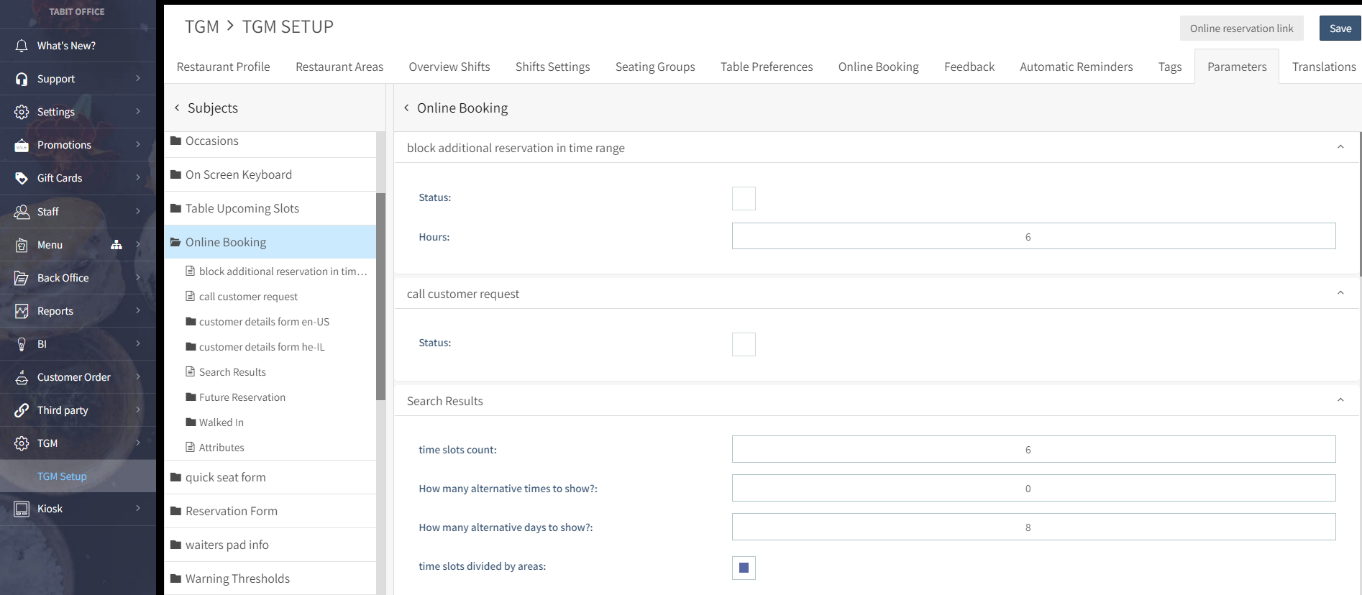
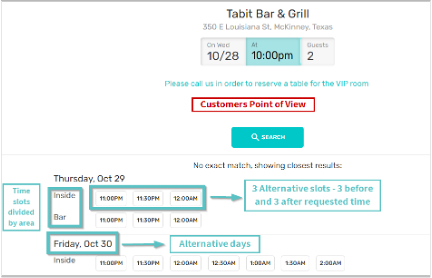
Time slots count: The maximum amount of time slots per area that will be displayed to the guest (the difference between the slots is determined by Parameters>General>Time increments in minutes)
-
How many alternative times to show: If there is no room at the selected time, how many additional slots (before and after the requested time) are offered instead
-
How many alternative days to show: If the restaurant is fully booked on a specific day, how many additional days (before and after the requested date) are offered instead
-
Time slots divided by area: If Preferences are enabled and there is no room at the selected time in the selected area, additional tables in another area will be offered if available
Customer Details Form en-US
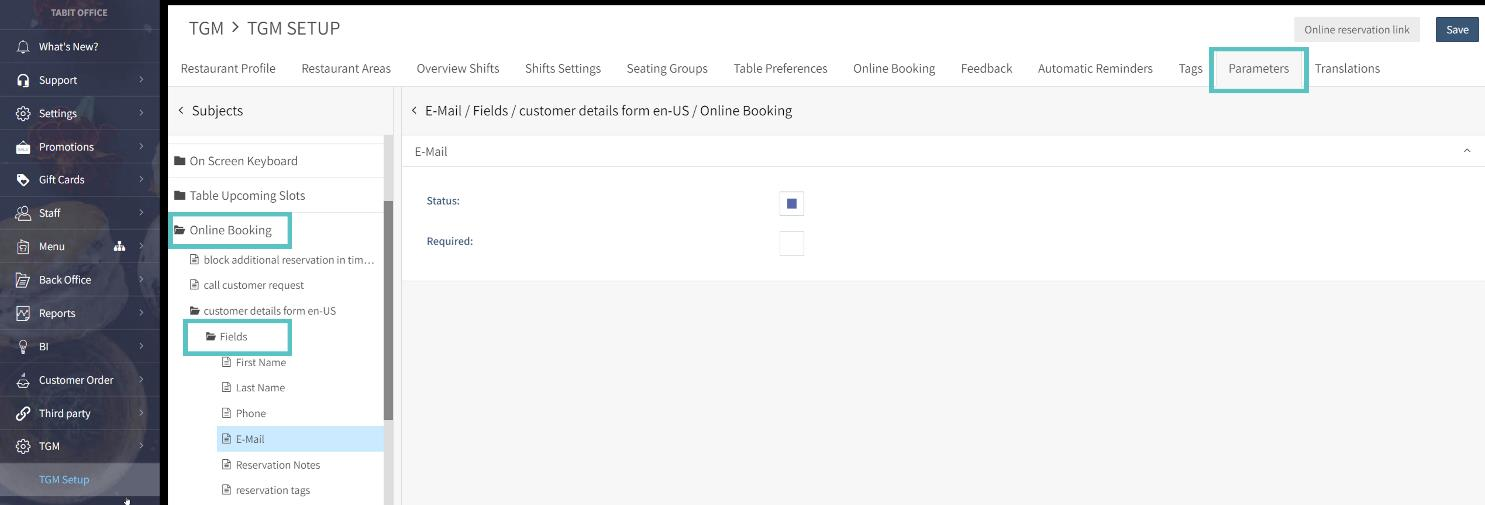
Determines which details the guest will need to fill out on the Online Reservation Form and if they are required.
Ex: Fields – Email – Is available, but not required, for the guest to book an Online Reservation.
-
Reservation Notes: Allows a guest to write a free text note about their reservation
-
Reservation Tags: Allows the guest to choose from a list of predefined Tags. If Reservation Notes are disabled and Reservation Tags are enabled, the guest will be limited to choosing from a list of Tags