Overview
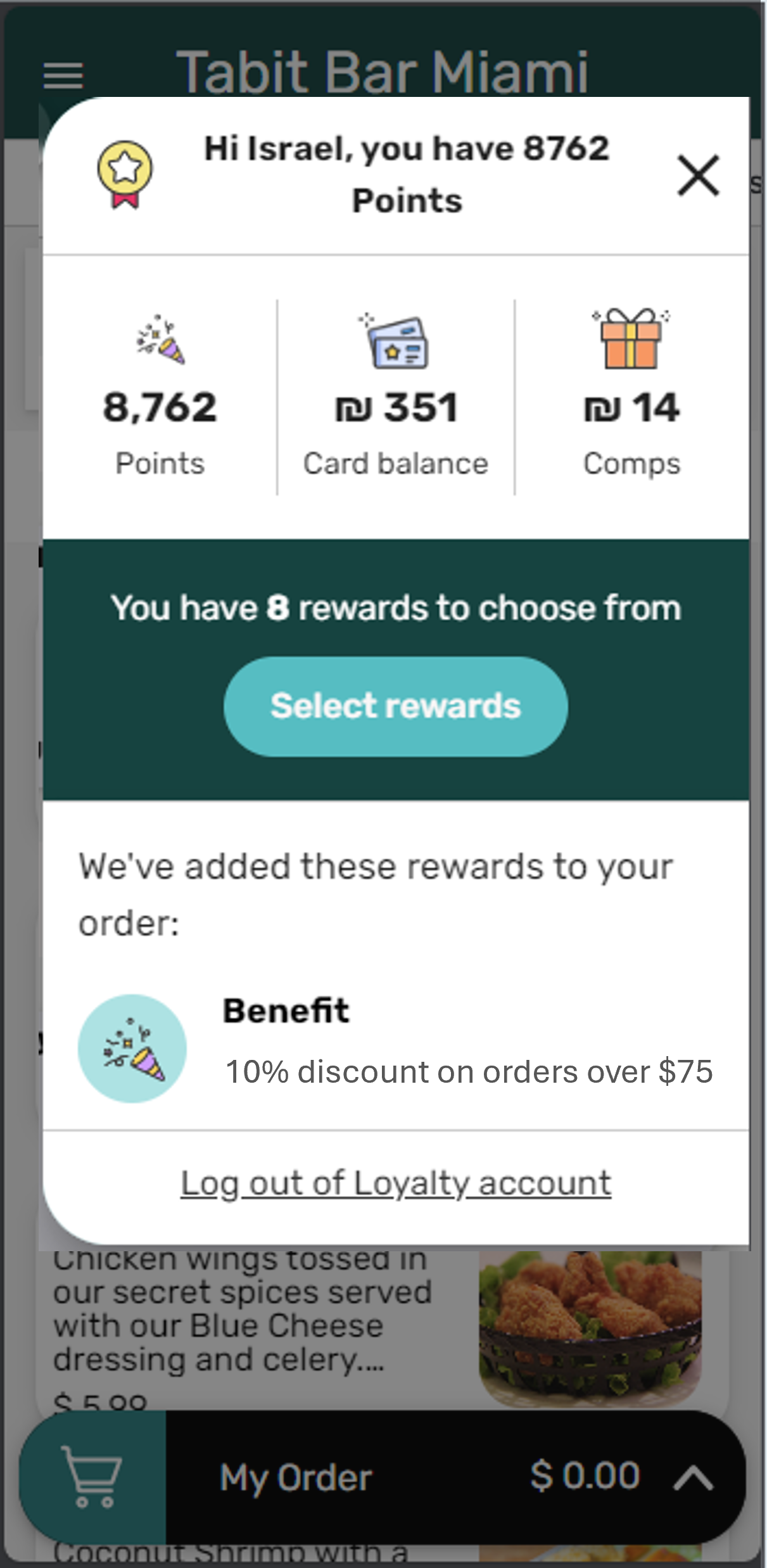
Customers can easily sign in to their Loyalty account when ordering online through Tabit Order. This allows them to use exclusive rewards, coupon codes, and other special offers, which improves their online ordering experience.
Steps on How to Sign-in to Loyalty Account During an Online Order
-
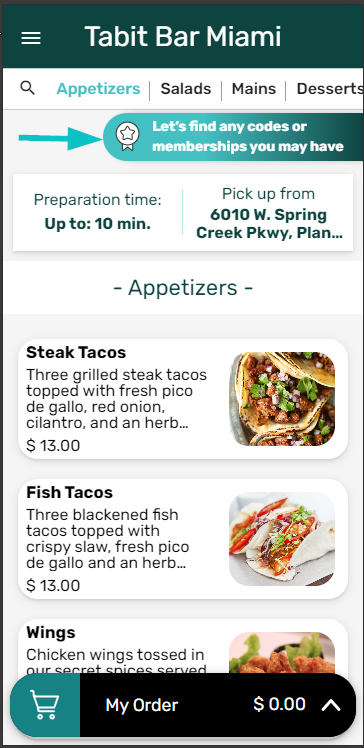
On the business's Tabit Order website, select the Loyalty Program login widget.
-
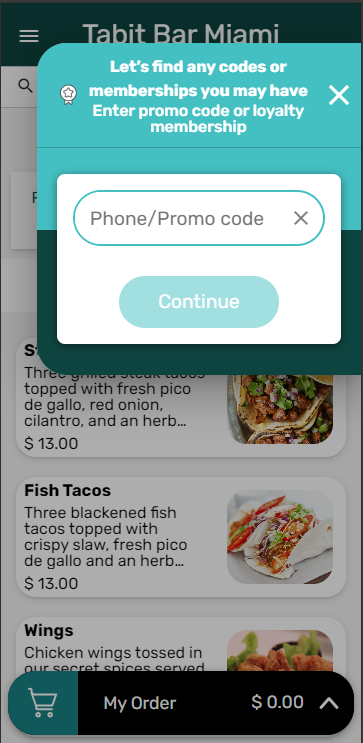
Enter your phone number or promo code.
-
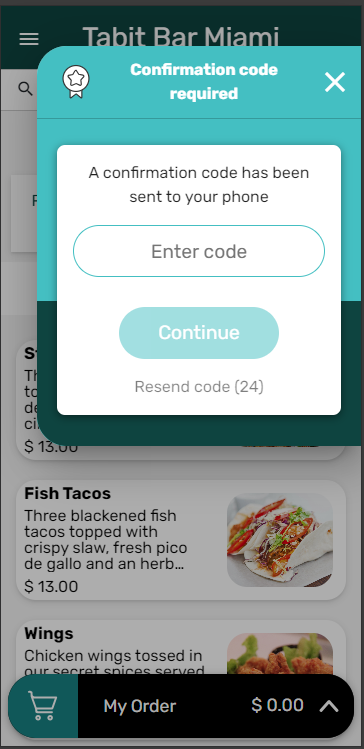
Enter the authentication code you received via SMS text message on your phone.
-
You are now logged in. You can see your reward balance and select which rewards you want to apply to your order.