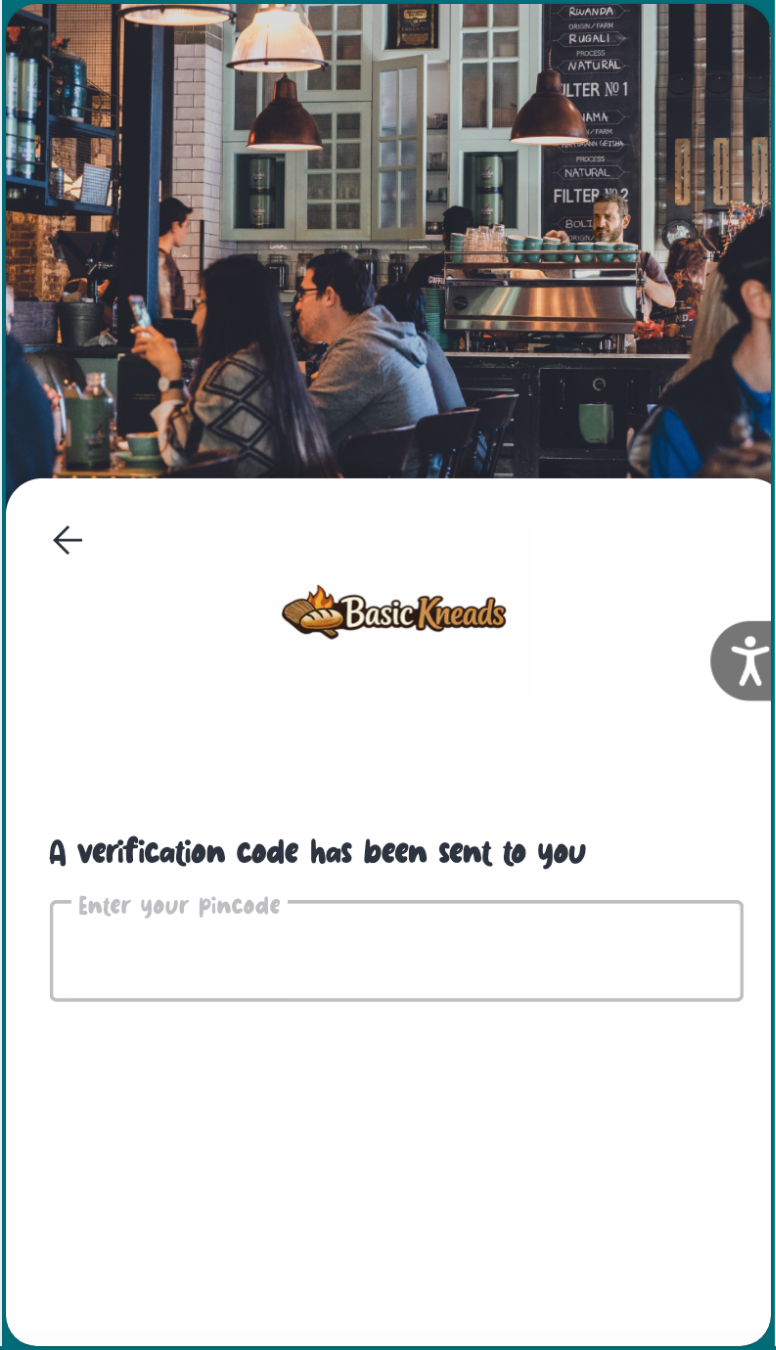
Overview
Upload a custom font to use the restaurant’s typography in the Customer Profile.
https://app.guidde.com/share/playbooks/vbSXzJALzRqqWnStZ3KhCP
Follow the steps below to upload and apply a custom font to your Customer Profile in Tabit Office.
-
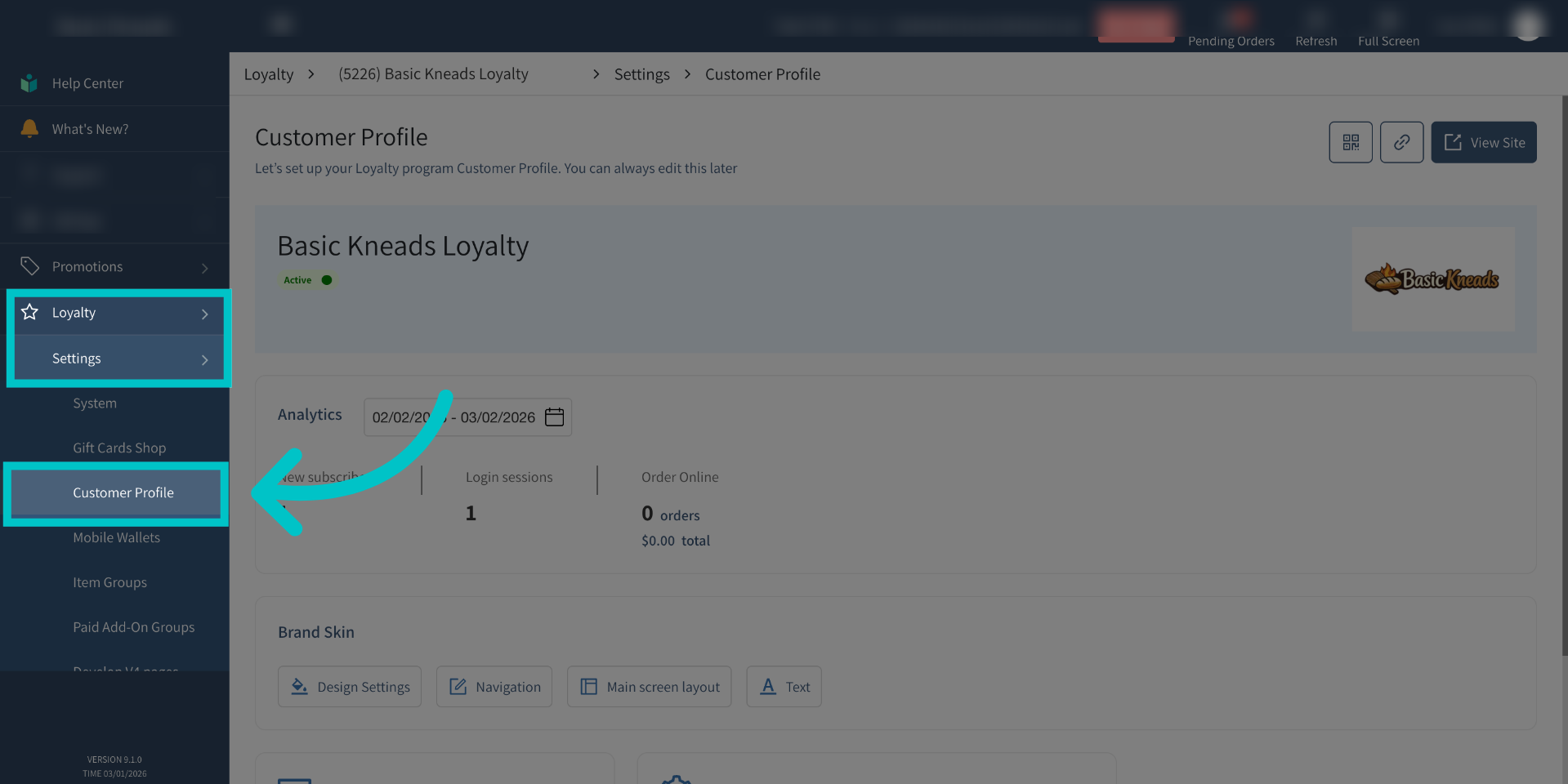
In Tabit Office, open Loyalty > Settings > Customer Profile.
-
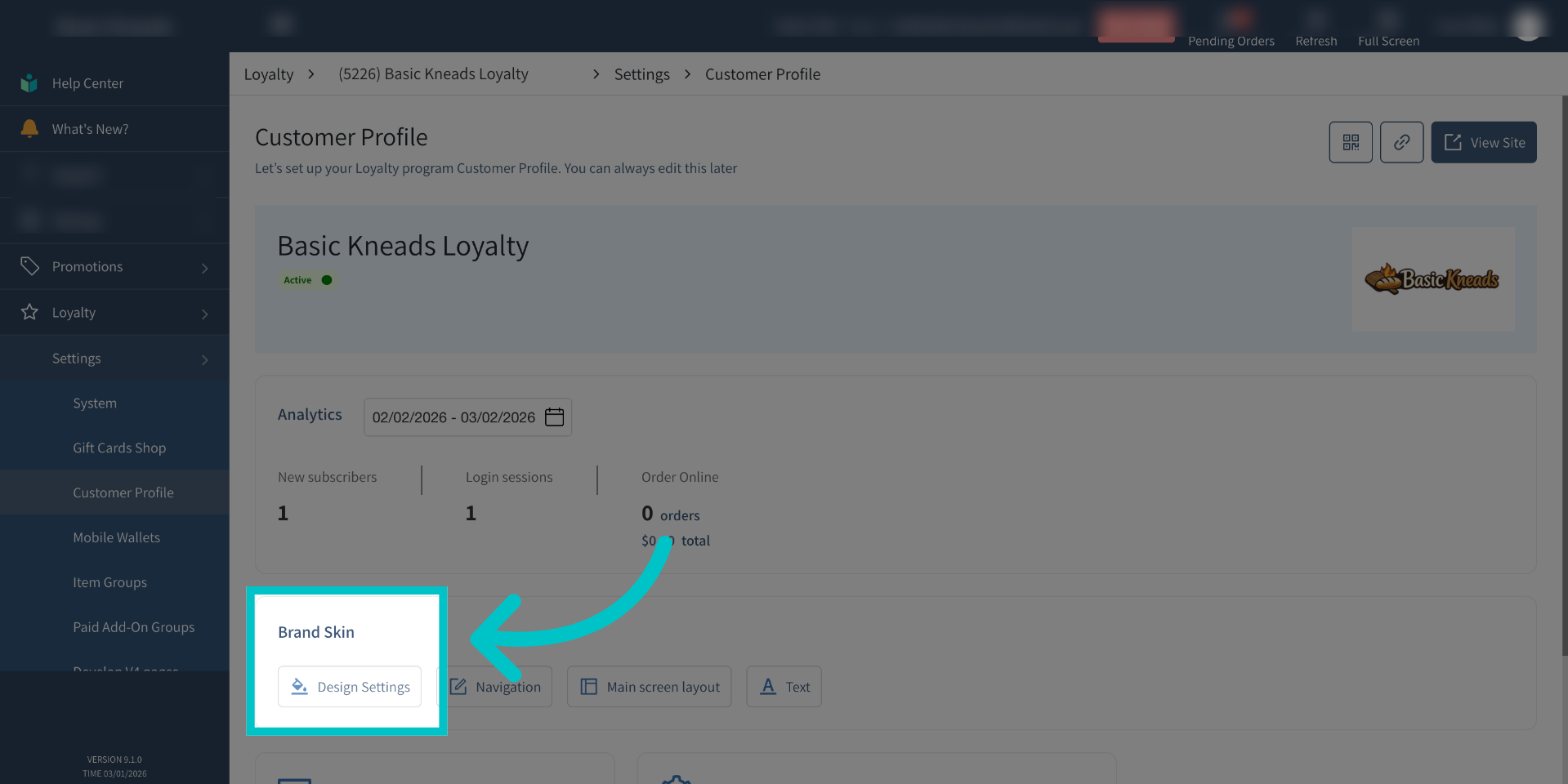
Under brand skin, open Design Settings to customize the profile’s appearance.
-
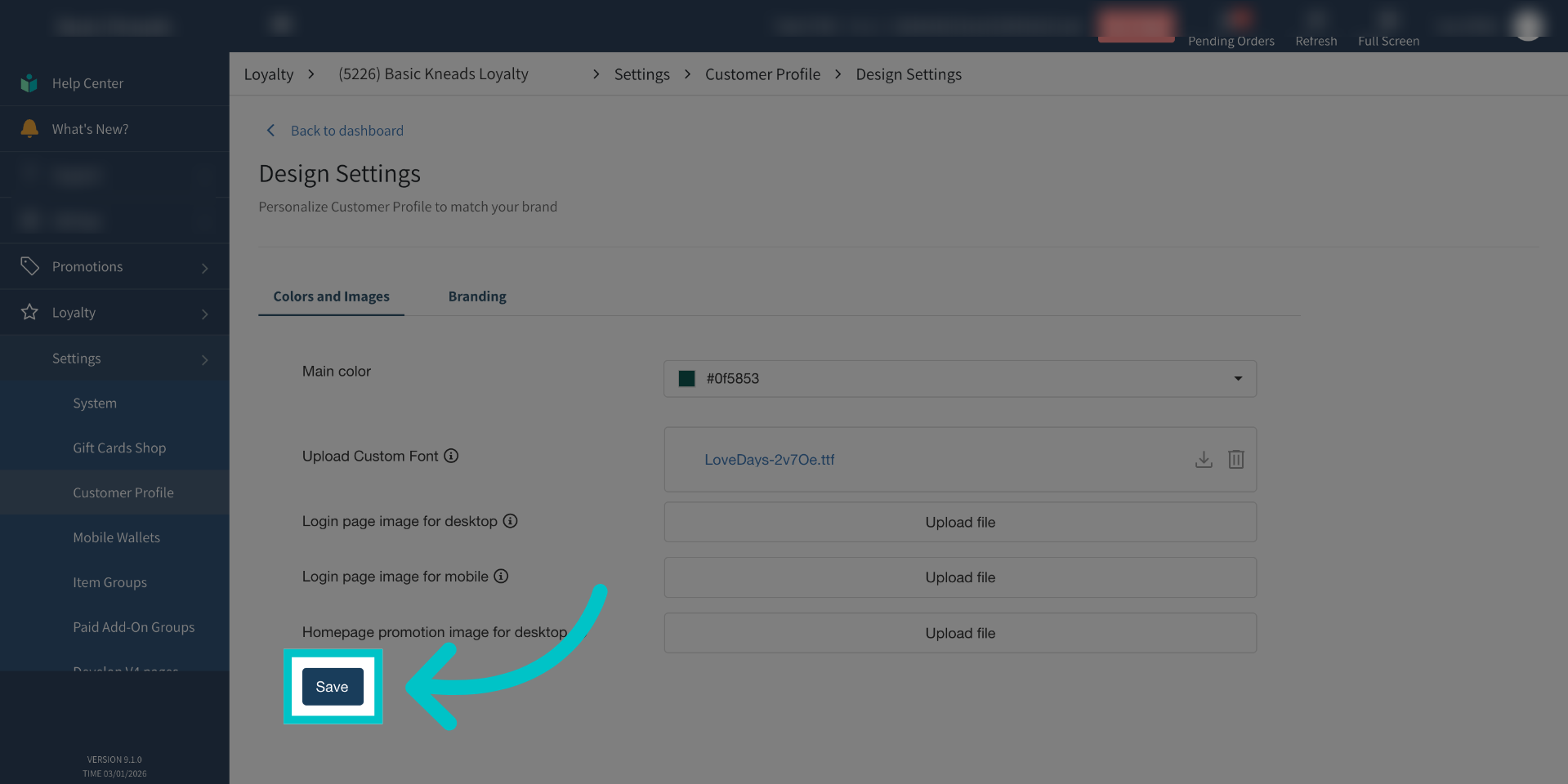
Beside Upload Custom font, choose Upload file and select the font.
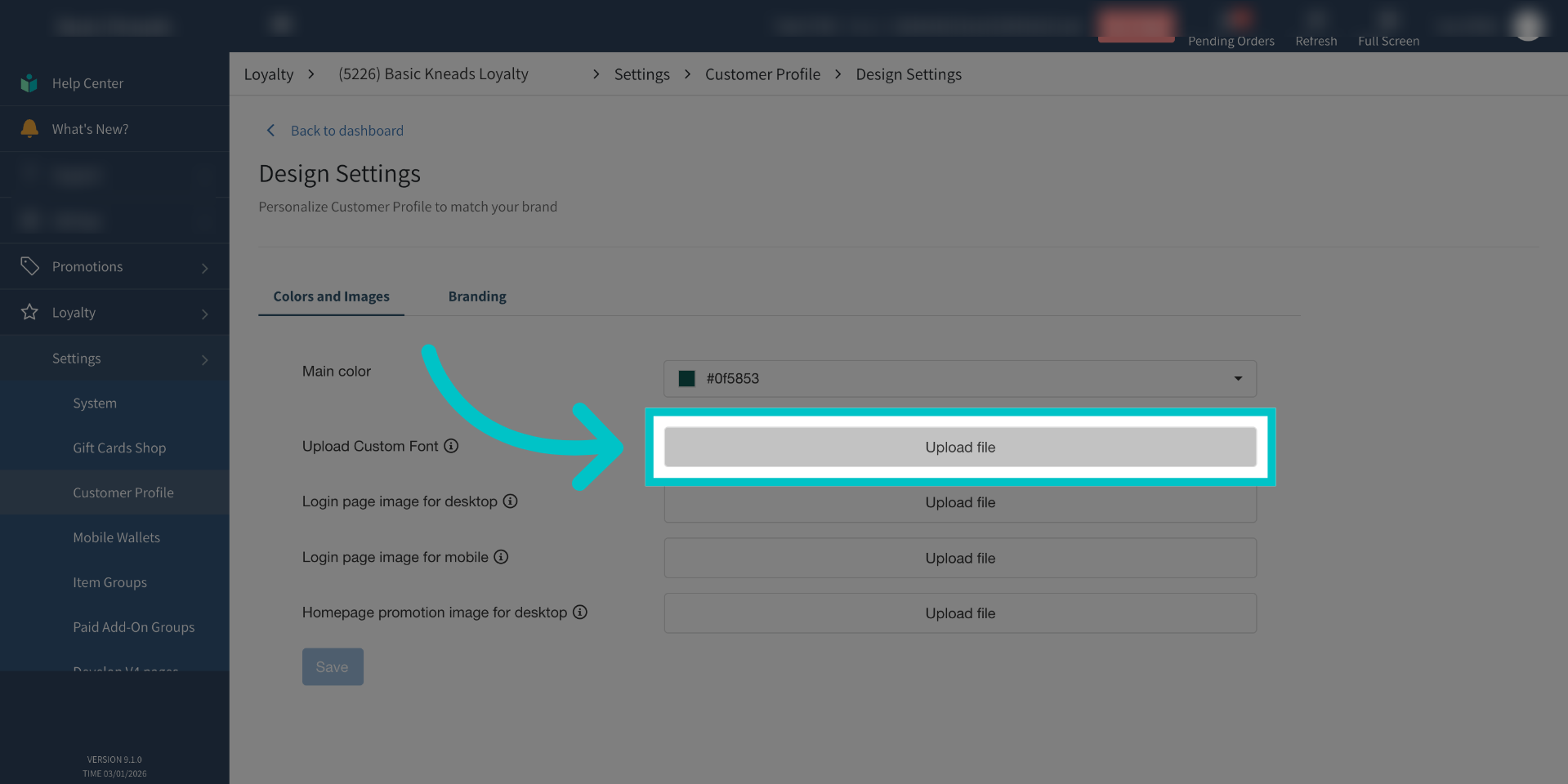
Use a True-Type font file no larger than 1 megabyte.
-
Select Save after the upload finishes.
-
Customer Profile text now uses the uploaded font.