Overview
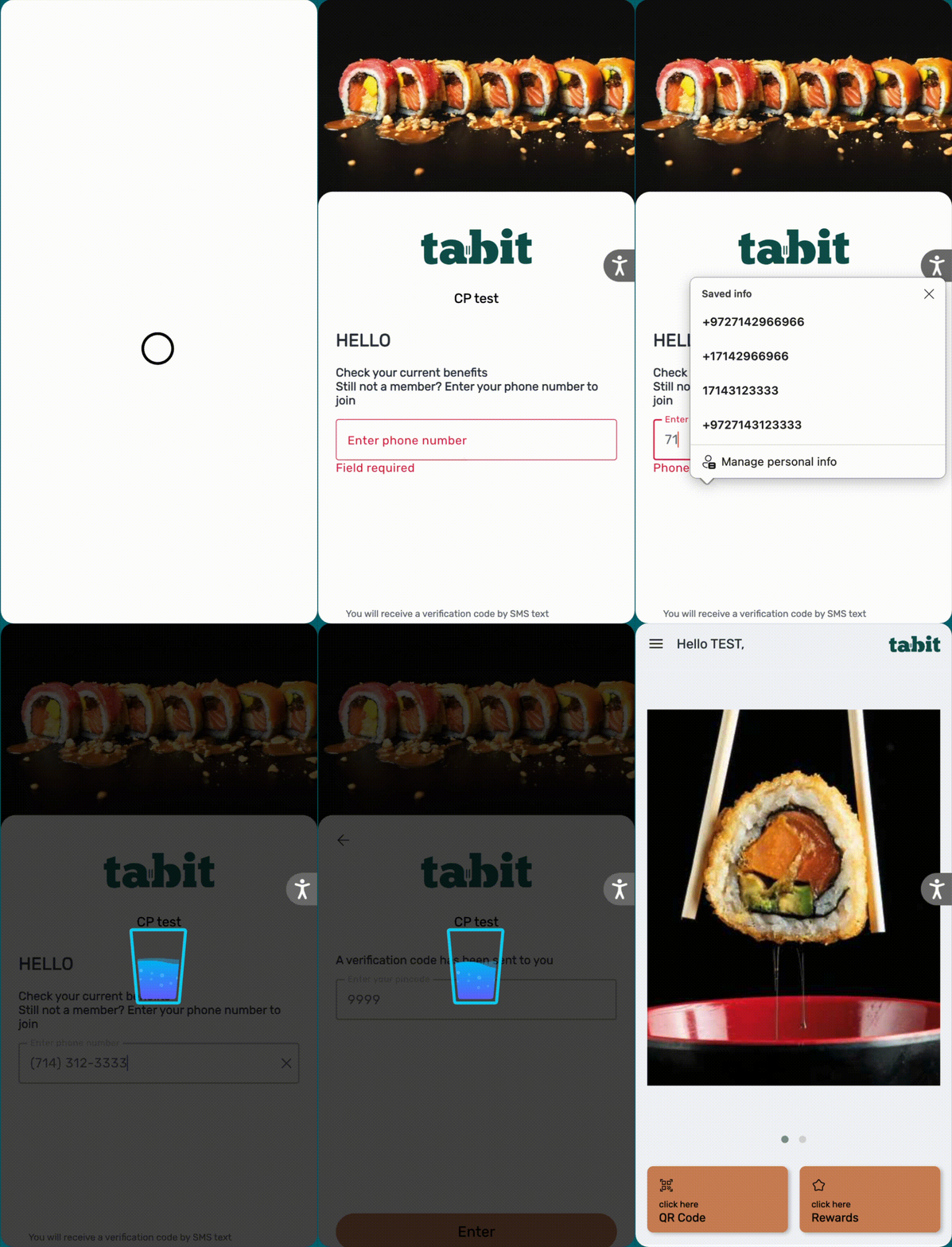
Custom loading animations can be added to the Customer Profile to create a more engaging and on-brand digital experience. By uploading branded Lottie animations, you can replace the default loading visuals with custom designs that reflect your restaurant’s identity and personality. This allows you to maintain a consistent look and feel from the moment guests access the profile through every interaction within it.
Follow the steps below to upload and apply custom loading animations in Tabit Office
-
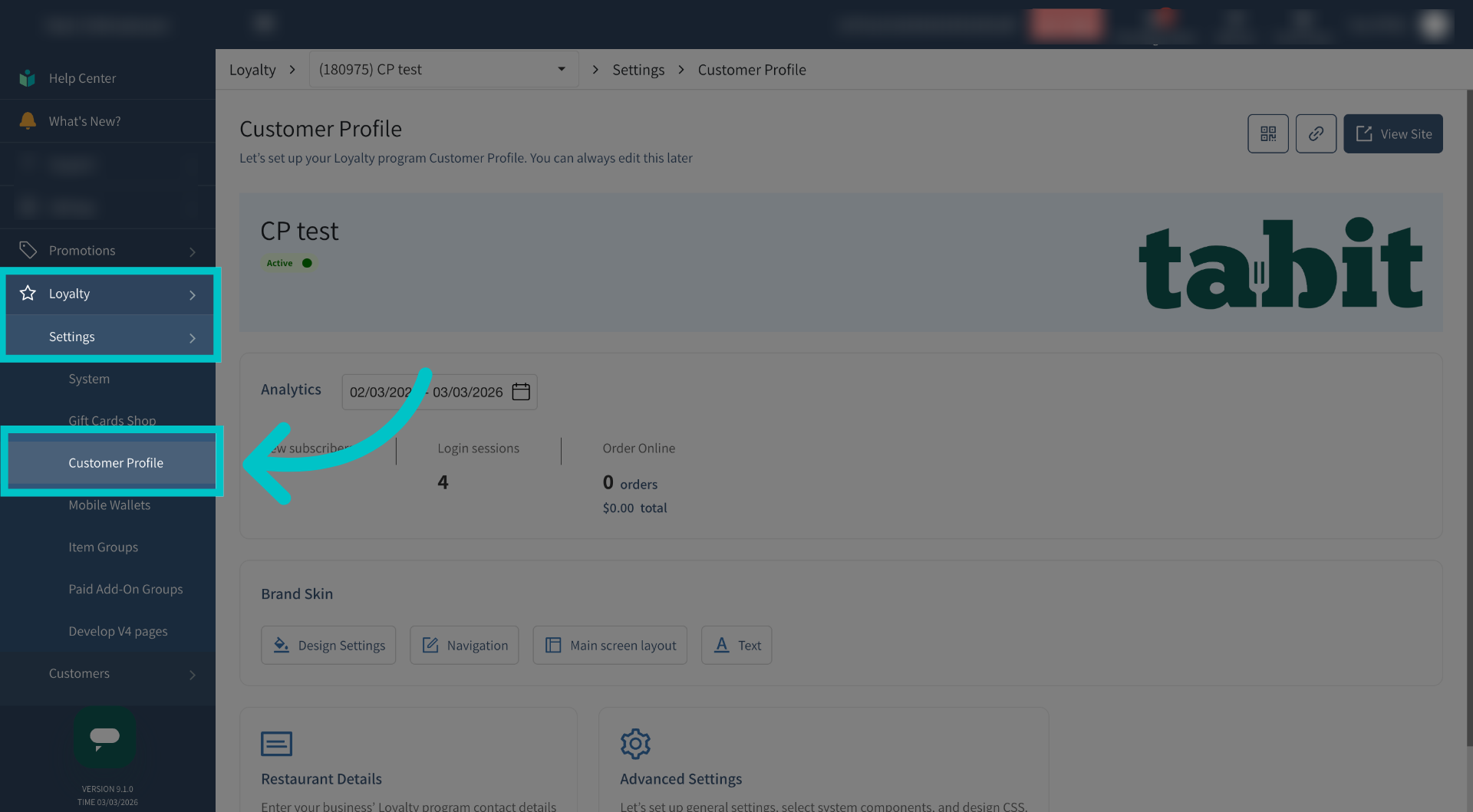
In Tabit Office, go to Loyalty > Settings > Customer Profile
-
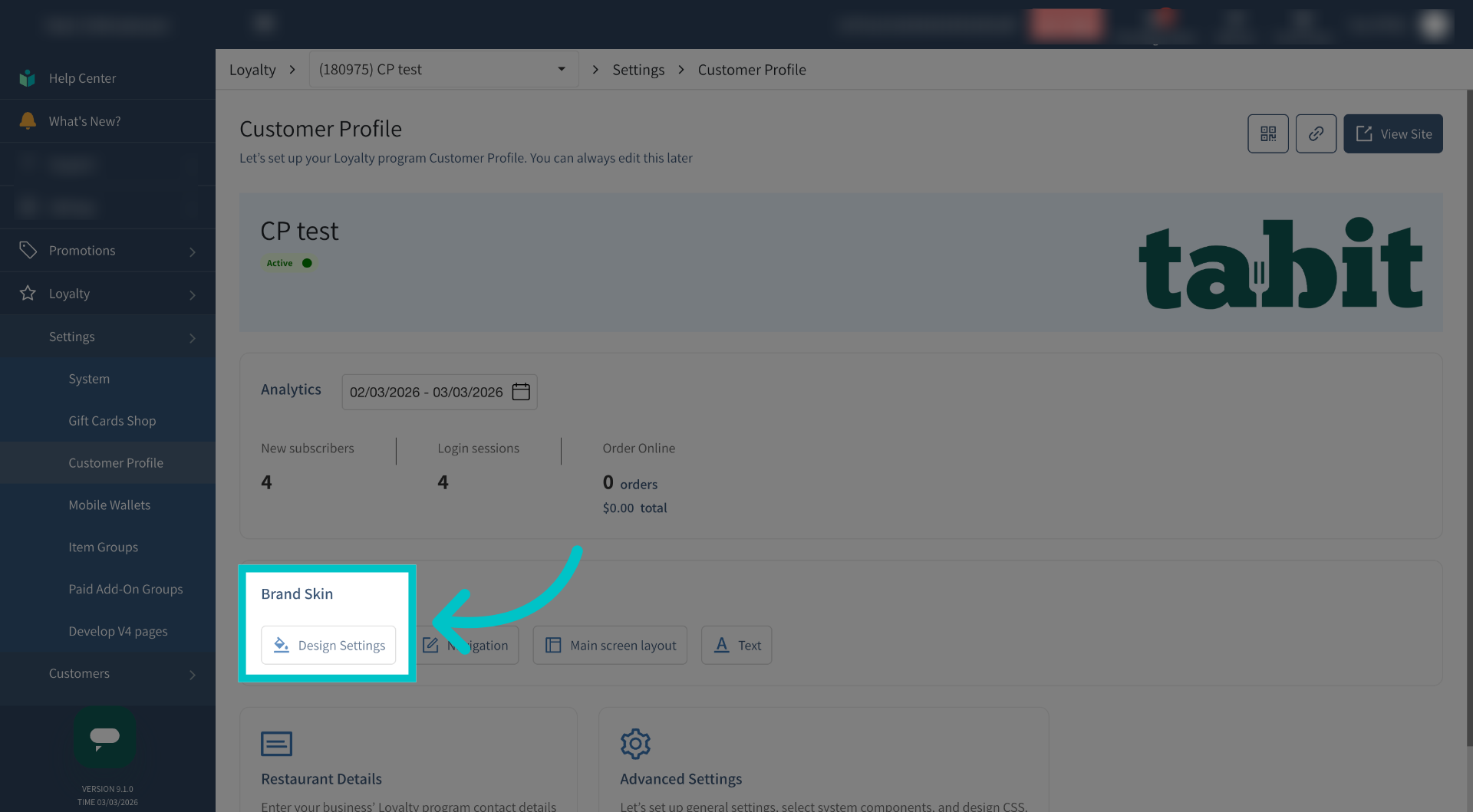
Select Design Settings under Brand Skin
-
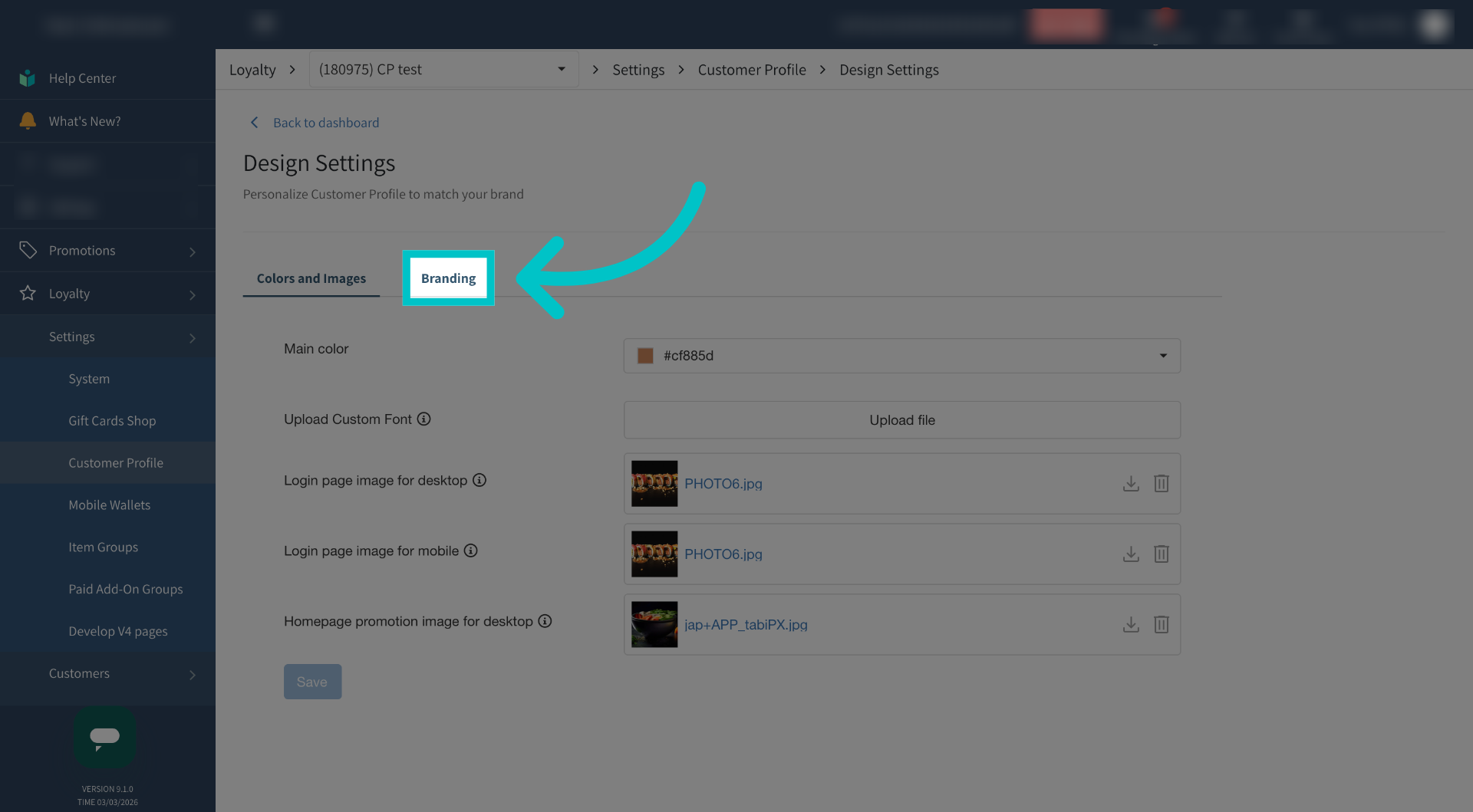
Select the Branding tab
-
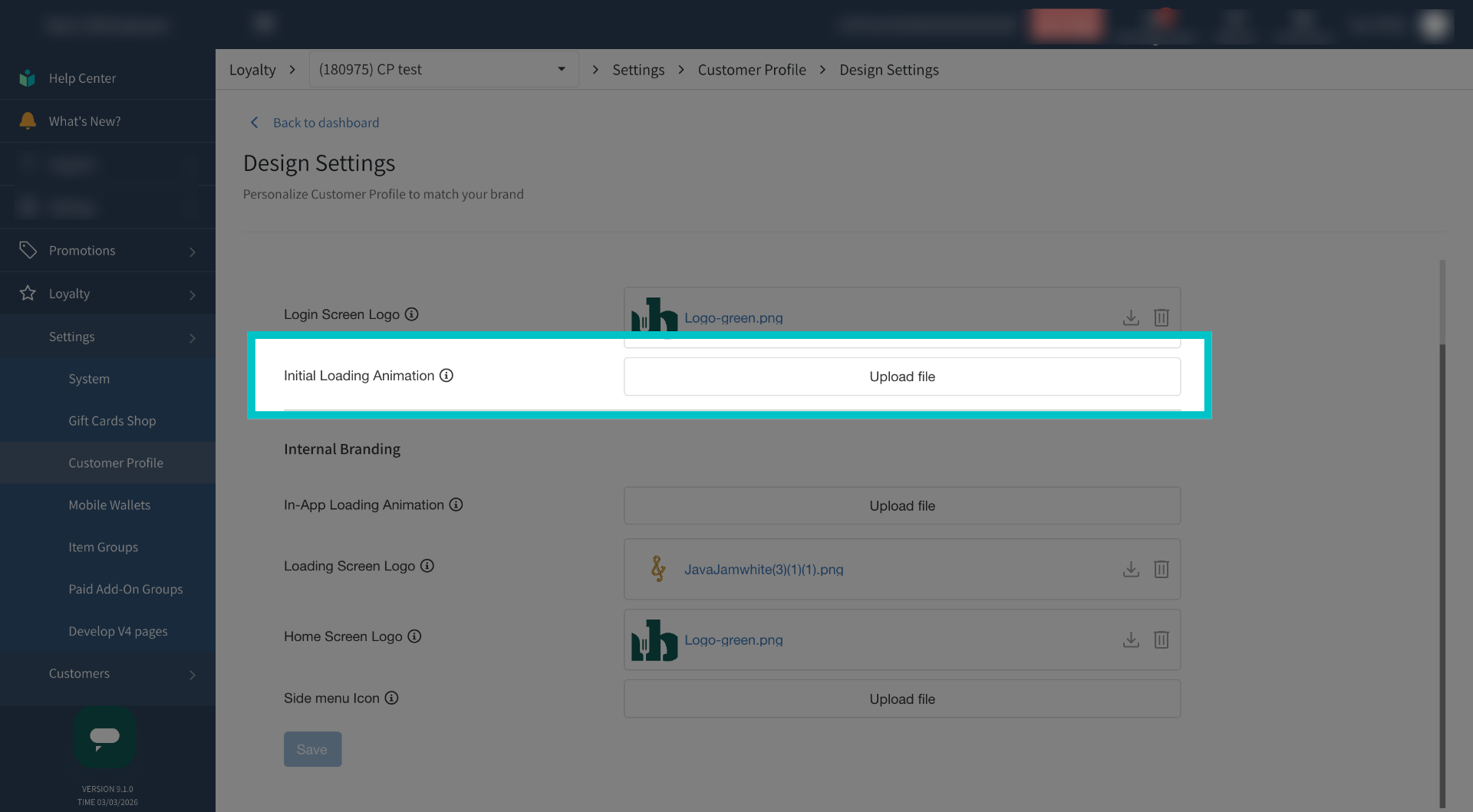
Here you can upload an animation for when the Customer Profile is initially loading
-
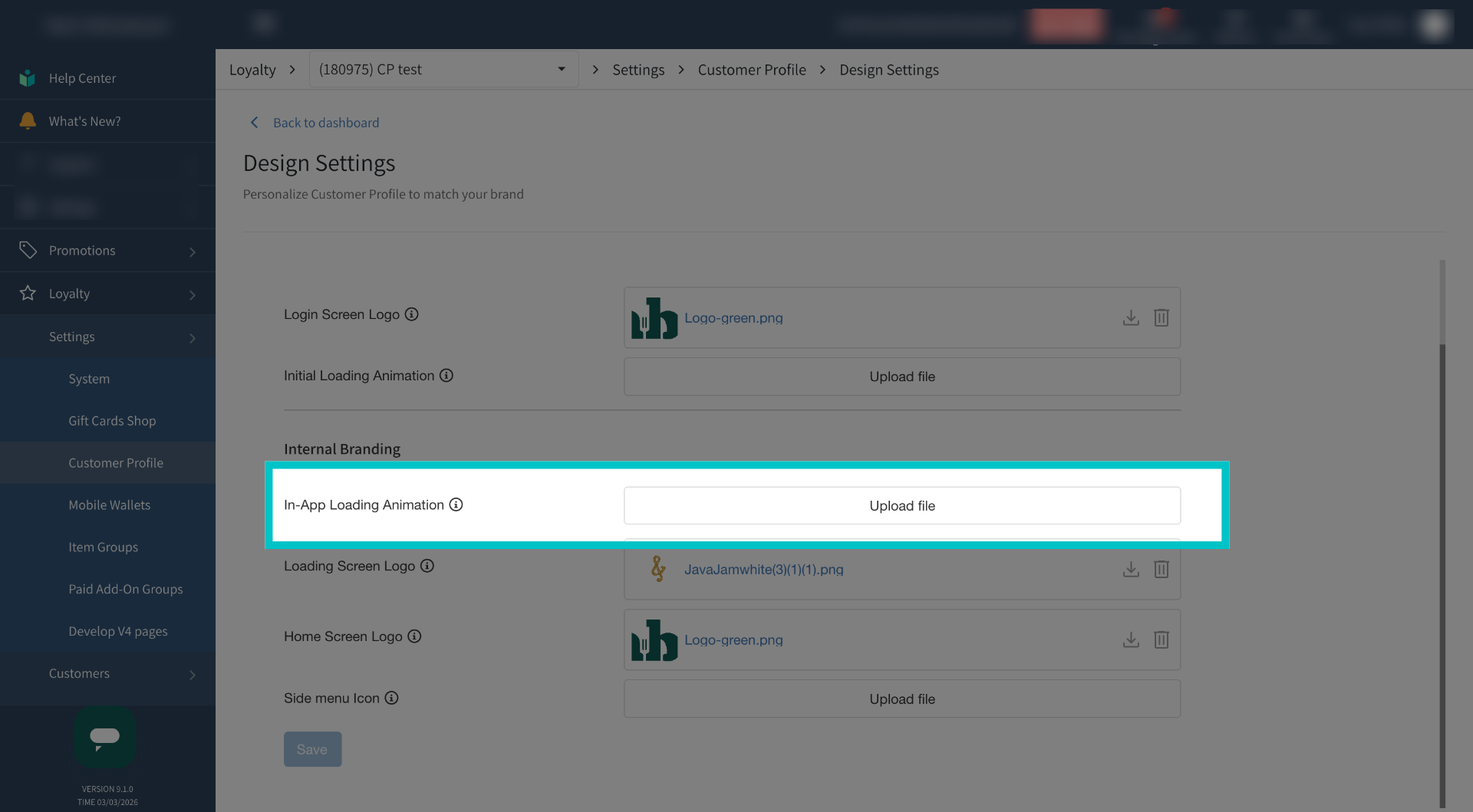
Or one for whenever something is loading once the customer has logged into the Customer Profile
-
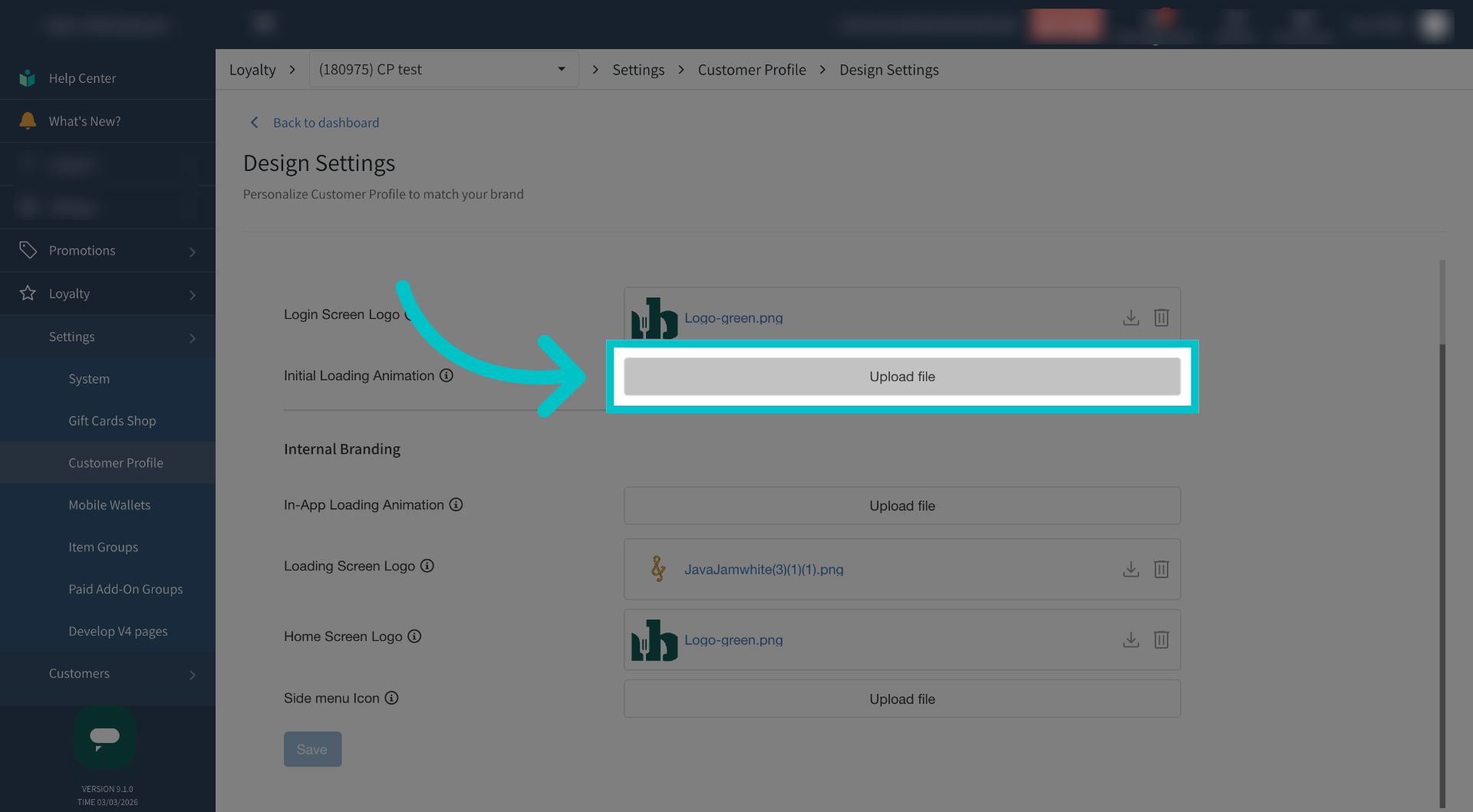
Select Upload File and upload a Lottie file that is no more than 0.5 megabytes
-
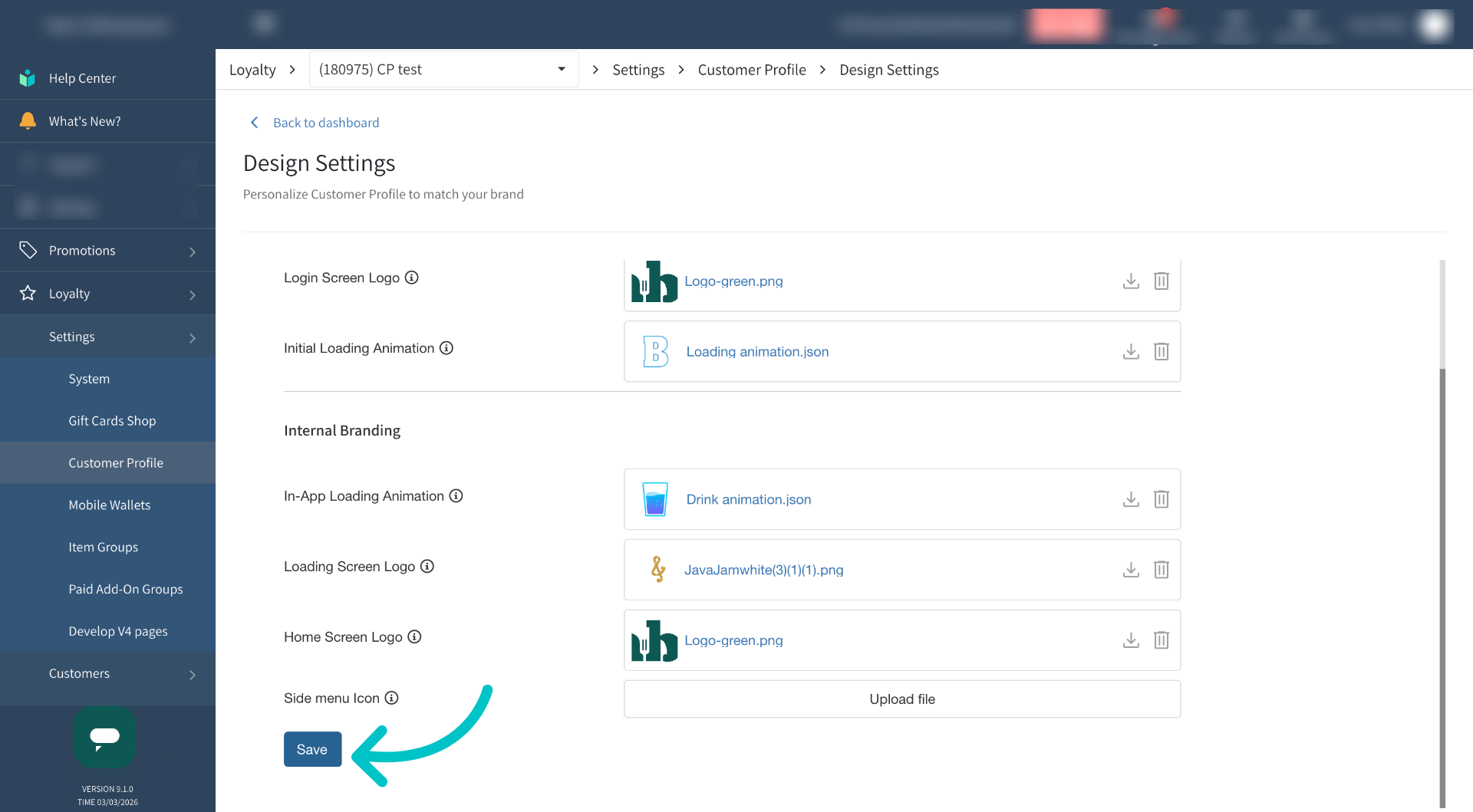
Then select Save
-
Now in the Customer Profile, we can see the uploaded initial loading animation and the new internal loading animation.